
Web Forms That Keep Work Moving.
Turn PDFs and agreement templates into self-serve web forms people can fill out and sign from virtually anywhere. Foxit eSign helps you publish forms on your website, in your app, or at a kiosk so you can collect signatures, capture form data, and reduce manual handoffs across high-volume workflows.

Everything You Need to Publish & Manage Web Forms
Foxit eSign helps teams turn documents into signing workflows with embedded forms, direct links, reusable templates, and workflow controls.
Self-Serve Signing Experiences
Move beyond emailed attachments and paper-heavy intake. Publish a signable experience that is easy to access, simple to complete, and faster to manage with direct links, embedded links, draft URLs, and dynamic prefills.
Built for Websites, Apps, and Kiosks
Designed for public-facing workflows—registrations, intake packets, waivers, service requests, onboarding forms, and other repeatable processes. Embed forms or share direct links.
Create Once, Reuse Often
Reusable templates, shared template libraries, field logic, validation, and structured data capture help teams standardize forms across departments without slowing down operations.
Track Every Submission
Real-time tracking, reminders, reports, and tamper-evident audit trails with signer metadata, timestamps, IP addresses, and full event logs keep teams organized and accountable.
Secure and Compliant
Audit trails, signature certificates, secure cloud storage, and support for compliance frameworks and authentication controls help keep web forms part of a controlled, auditable workflow.
Mobile-Ready Signing
A fully functional mobile app lets users prepare, send, sign, and manage documents from practically any device, while the signer experience is optimized for on-the-go completion.
Track Activity and Outcomes From One Dashboard
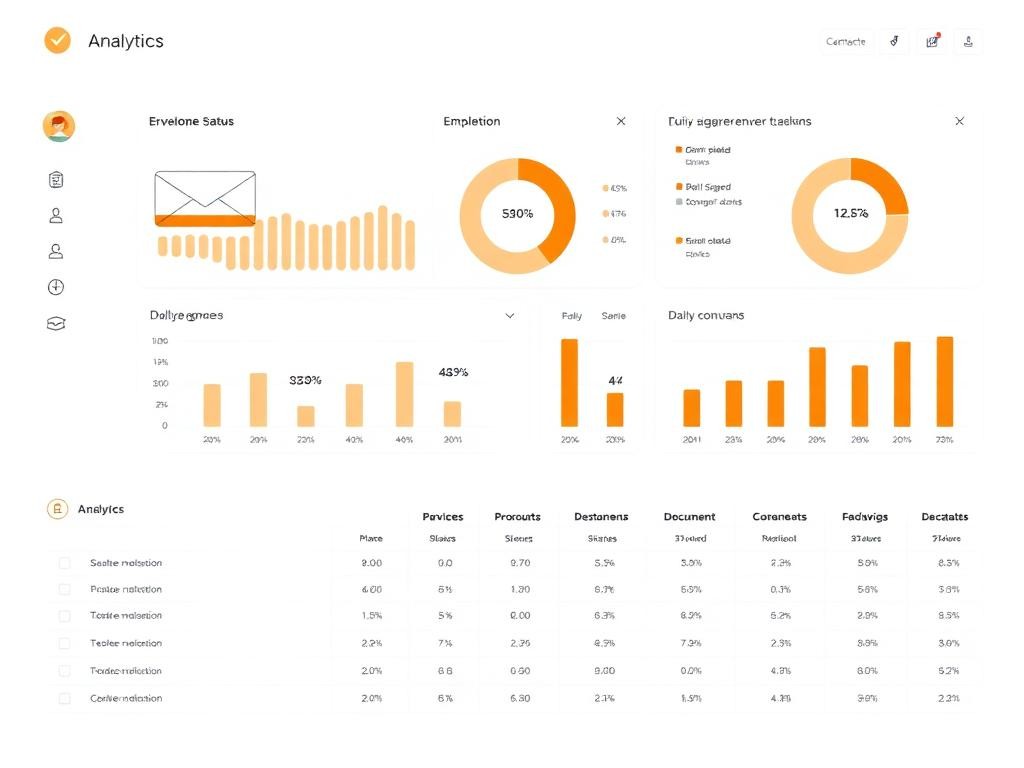
Once your web form is live, you need visibility into what was sent, who completed it, what is still pending, and when each action happened. The Online Form Dashboard surfaces envelope status trends and signer activity, and you can export reports when you need proof, progress, or field-level data. Manage workflows and reports from one place.
- Track document and signer status in real time
- Send reminders when completion stalls
- Download reports for form activity and field data
- Maintain audit trails and signature certificates
- Keep completed documents accessible and easier to manage
- Cancel non-executed envelopes when needed
How to Generate a Web Form in Foxit eSign
Foxit eSign Online Forms are created from saved templates, not from a standalone webform builder screen. To create one, you go to the Templates tab, select one or more templates, and click Create Online Form. Once submitted, you can send documents for signing instantly.
- 1Go to Templates and select one or more templates
- 2Click Create Online Form
- 3Review the selected templates and reorder them if needed
- 4Choose the Form Author, which determines who manages documents generated from the form
- 5Configure Display Features such as preview mode, double email verification, and prefill list
- 6Set signer and workflow options, including recipient setup and optional signing modes
- 7Add optional Instructions, a Form Success Message, and a Form Success URL
- 8Click Submit to generate the form outputs
- 9Copy and use the Distribution link, Embed code, and optional Draft URL
Bring Web Forms Into Your Document Workflow
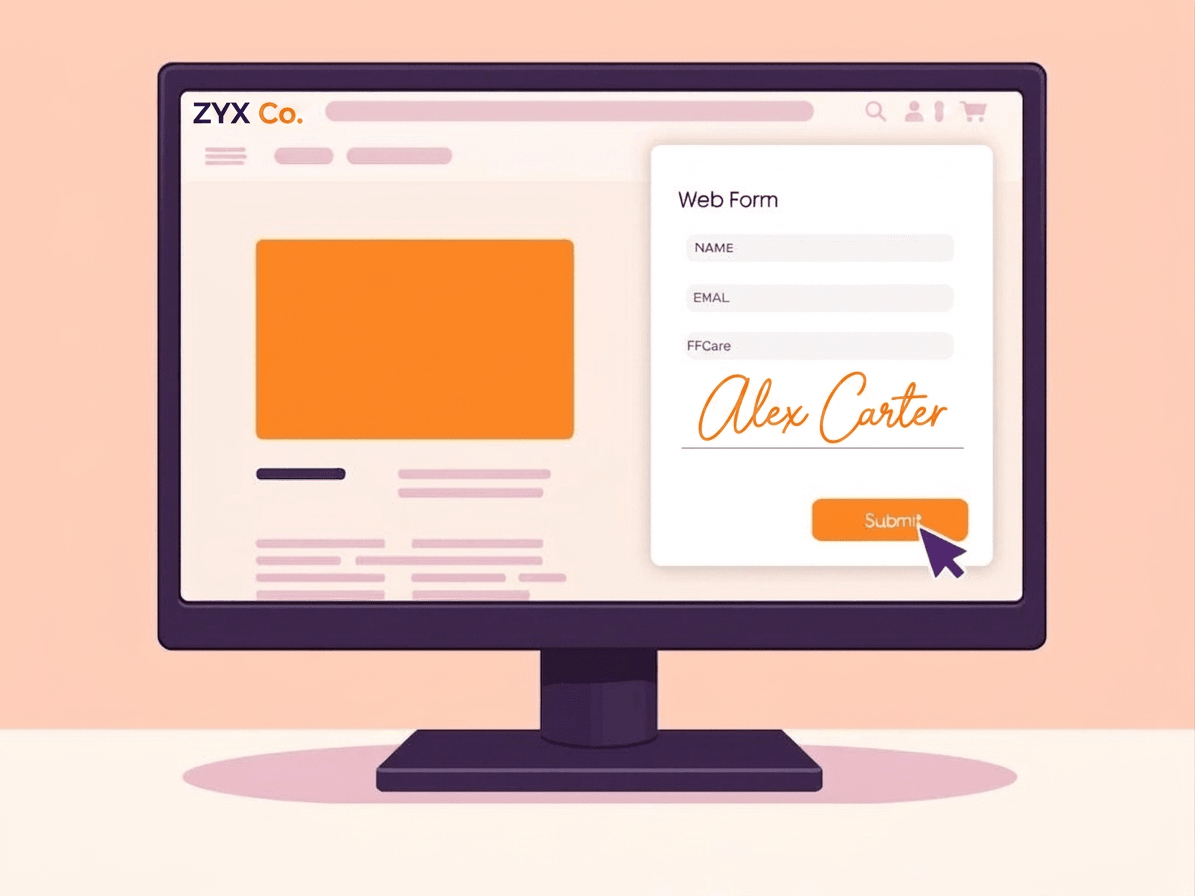
Whether you need a simple public link or a more controlled embedded flow, Foxit eSign helps you launch faster and manage volume with less manual work. Pair web forms with built-in security and compliance controls and extend into connected workflows with integrations and APIs.
- Publish forms on your website, app, or kiosk
- Share direct links by email or SMS
- Embed forms using an iframe experience
- Prefill data with dynamic links
- Connect to Google Workspace, Microsoft Teams, and more
- Store and manage completed signed documents
For Teams That Want More Automation
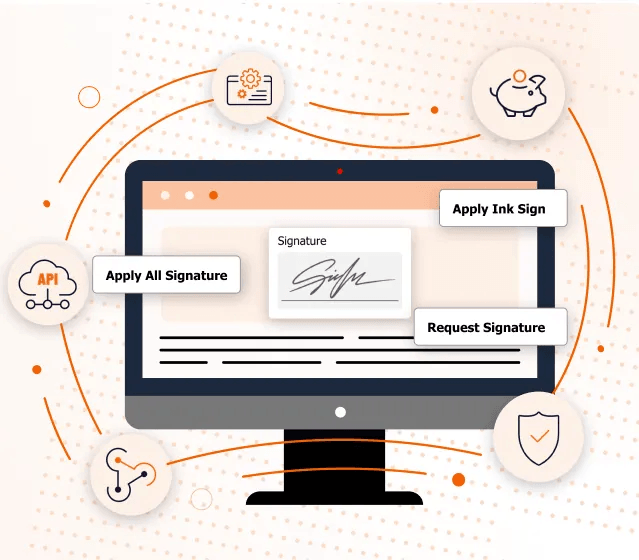
Web forms are often the front end of a broader document workflow. Foxit eSign supports integrations with Google Workspace, Microsoft Teams, Salesforce, SharePoint, OneDrive, HR, ATS systems, and APIs for embedding legally compliant eSignature workflows into apps and websites.
- Connect forms to the systems your team already uses
- Reduce manual updates across apps and workflows
- Support website, app, and CRM-driven processes
- Extend document workflows with APIs when needed
Generate Web Forms FAQ
Give Everyone a Faster Way to Sign
Publish, track, secure, and scale web forms without adding friction.