
eSignature Workflows That Keep Work Moving
Control signer routing with defined workflows, then automatically move documents through each step. Foxit eSign helps teams prepare documents once, guide recipients through the right sequence, reduce manual follow-up, and keep every agreement visible from send to signature.
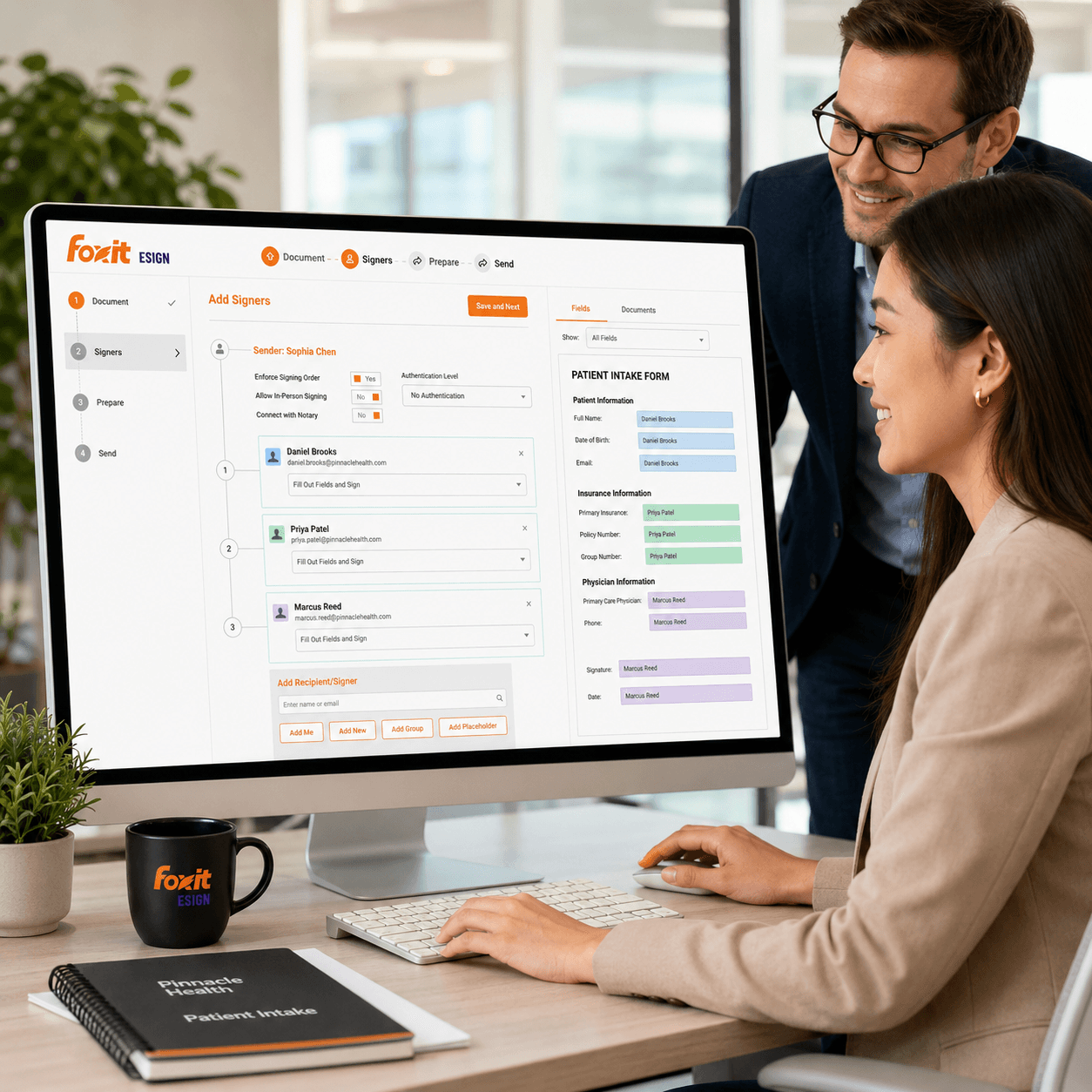
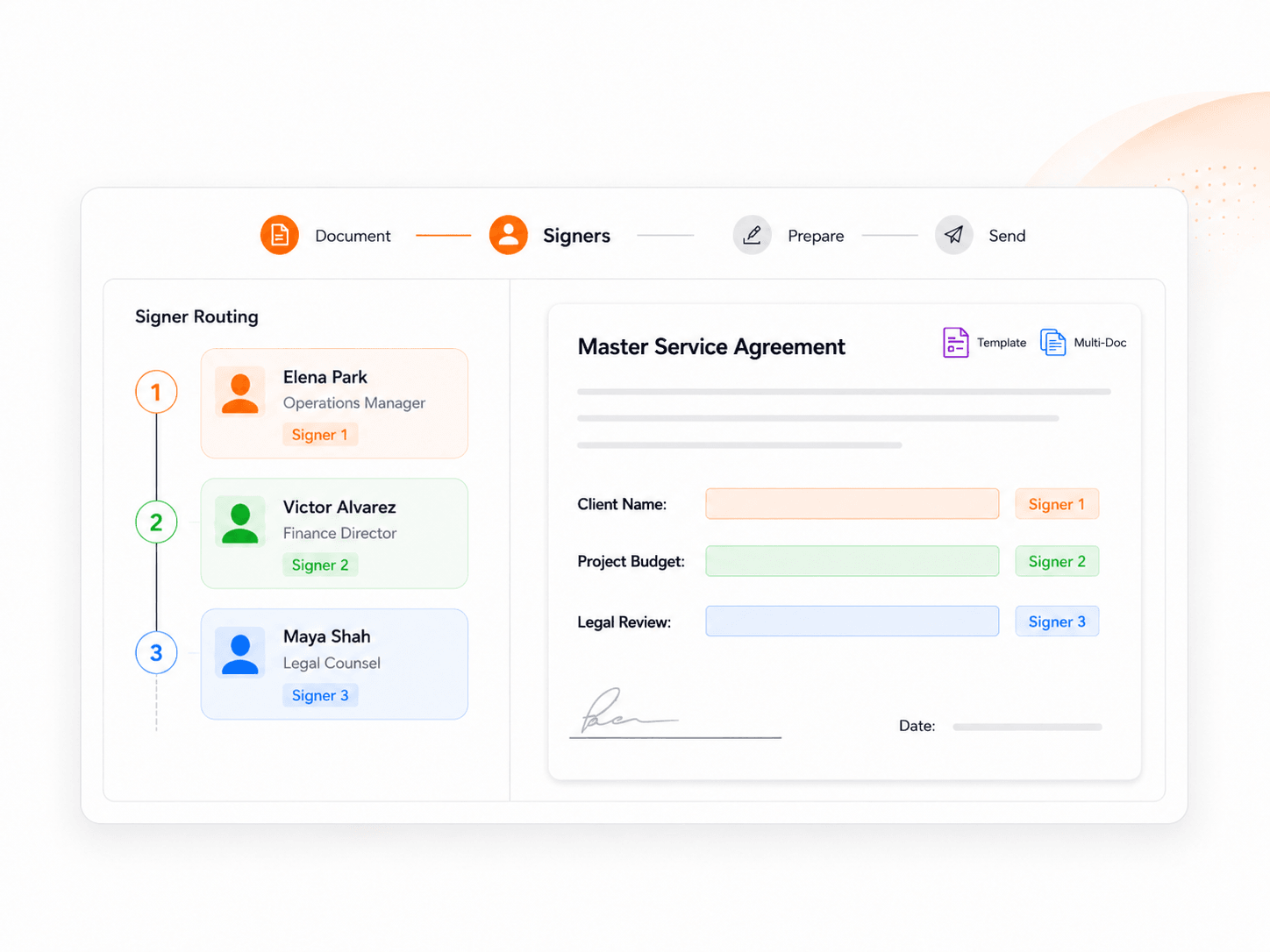
Route Every Signer in the Document Workflow
Manual routing creates delays, confusion, and missed steps. Foxit eSign supports eSignature workflow rules that control signer routing, while reusable templates, parties and roles, and multi-document envelopes help teams keep repeatable processes consistent from the start.
Set recipient order so documents reach the right person at the right step.
Map roles or specific signers to any stage of the workflow.
Standardize recurring agreements and forms with templates your team can run again.
Group multiple files into one envelope and move them through a single workflow.
How the Workflow Moves
A typical Foxit eSign workflow starts with document preparation, continues through recipient and field assignment, and finishes with certificates, audit history, and stored records—without asking recipients to create accounts or download software.
Prepare the document
Start fresh or from a saved template so recurring work stays consistent.
Add recipients and fields
Assign roles, routing order, and the fields each signer needs to complete.
Send the invitation
Recipients sign without creating an account or downloading software.
Track status in real time
See shared, partially signed, and executed documents in one place.
Store the signed record
Keep the completed document with its signature certificate and audit trail.
Reduce Manual Follow-Up
Workflow rules matter most when they remove work from your team. Standardize recurring processes, monitor progress in one place, and keep documents moving with automation built for esignature workflows. Explore how Foxit helps teams manage signed documents, workflows, and reports.
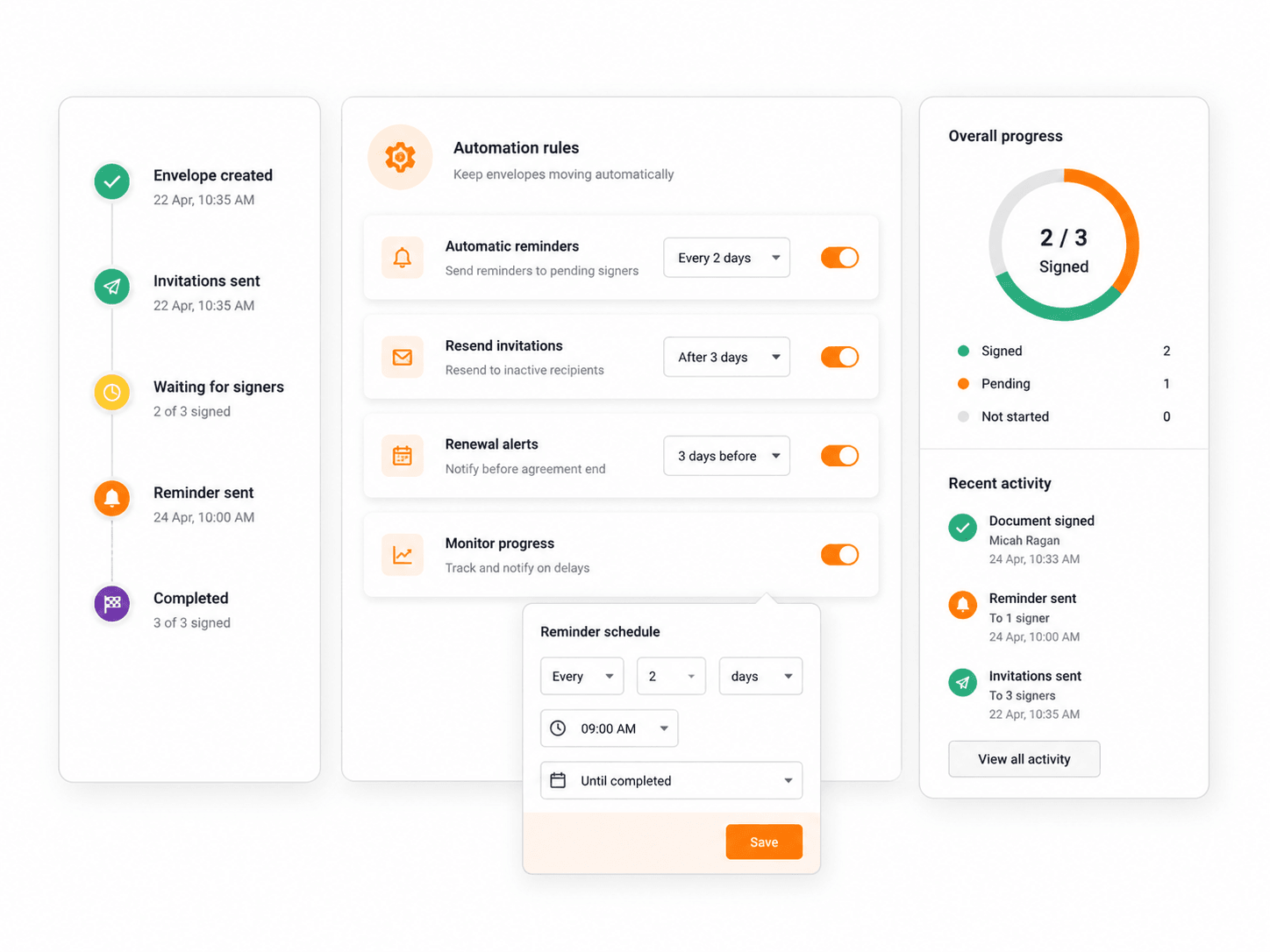
Automatic Reminders & Expirations
Keep documents moving without manual chasing or follow-up emails.
Template Rules for One-Time Docs
Apply template logic to similar agreements so setup stays fast.
Real-Time Tracking & Reporting
Monitor recipient activity and document status from a single dashboard.
Bulk Send to Large Lists
Send the same document to high-volume recipient lists in one action.
Forms via Direct or Embed Links
Launch forms through direct, embedded, or draft links to fit any workflow.
Audit Trails on Every Step
Capture signer metadata, timestamps, and event logs for full visibility.
Fit Repeatable Business Processes
The best esign workflow is the one your team can run again without rebuilding it every time. Reusable templates, optional roles in online forms, bulk sending, and signer sequencing support repeatable agreement flows across departments and use cases.
Run the same flow every cycle without rebuilding it.
Move new hires through paperwork in a defined sequence.
Coordinate two-party signing across families or representatives.
Send at scale and track completion in one view.
Let recipients start the workflow from where they already are.
Keep departments aligned on a single source of truth.
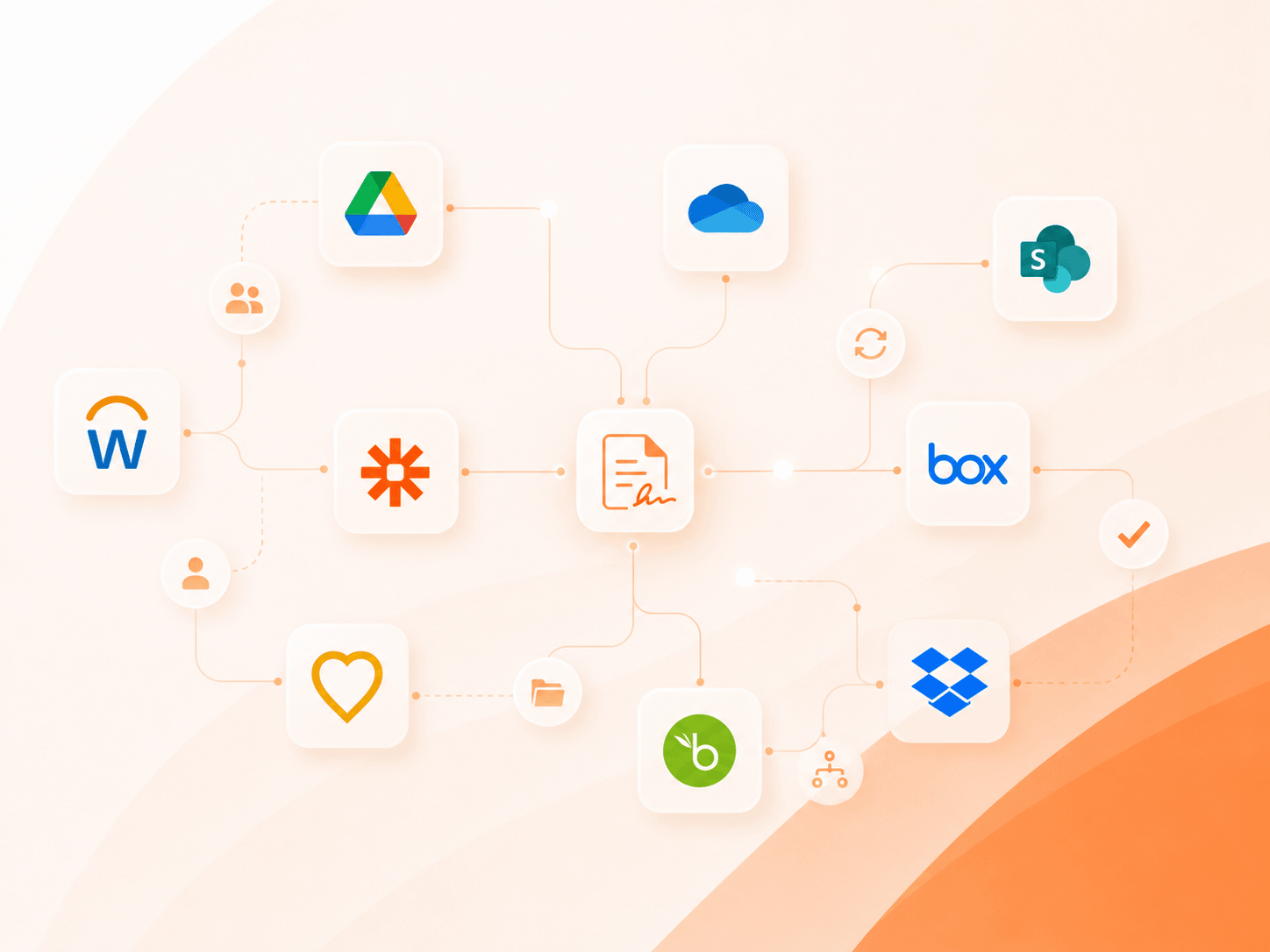
Connect Workflow Automation
Foxit eSign fits into the systems teams already use. Foxit Connectors cover 40+ HR, CRM, storage, and productivity platforms. Foxit also supports Zapier, Google Workspace, Microsoft tools, WordPress Forms, cloud storage sync, and an eSign API for embedded workflows with full audit trails and flexible identity controls.
- Trigger no-code automations through Zapier
- Sync completed files back to cloud storage
- Start signature requests from connected systems
- Extend workflows into your own product or app
Keep Every Step Auditable
Fast workflows still need strong control. Audit trails and certificates capture signer metadata, RFC 3161 timestamps, IP address, and full event logs. Authentication options—email, SMS, phone-based 2FA, access codes, and KBA—help control who can access each document. Learn more about security and compliance.
- Authenticate signers before document access
- Preserve tamper-evident signing records
- Control visibility across teams and managers
- Protect completed agreements in secure storage
- Capture RFC 3161 timestamps and event logs
- Apply admin roles and team document security
Keep Document Workflows Moving
Build repeatable, trackable esignature workflow automation. Route, send, sign, track, and extend the process without unnecessary complexity.