
Keep Every Document Moving
Foxit eSign gives you the tracking tools to see where every agreement stands, who still needs to act, and what's ready to move into the next step. Reduce manual follow-up, stay ahead of stalled agreements, and manage signed documents with confidence from send to signature and beyond.
See What Needs Action
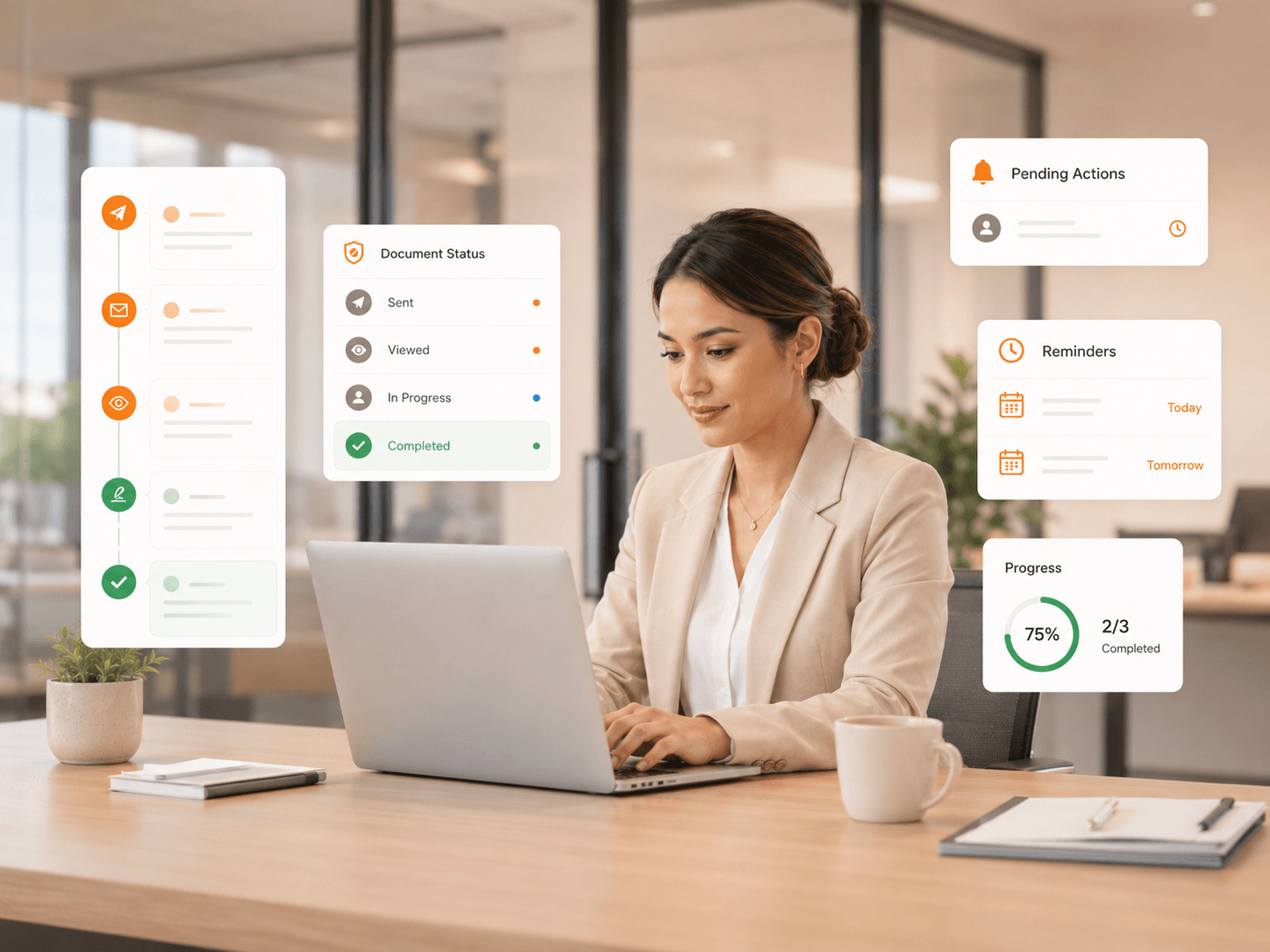
Instead of checking inboxes or asking colleagues for updates, get a clear view of document and envelope activity—what's been sent, what's waiting on a signer, what's partially signed, and what has been executed. Use it to manage signed document workflows and reports from one central experience.
Real-Time Status Updates
Track shared, partially signed, executed, canceled, and expired documents in one view.
Recipient Progress at a Glance
See who has acted and who still needs to before a document becomes a bottleneck.
Alerts & Reminders
Stay ahead of stalled agreements without manual inbox checking.
Prioritized Follow-Up
Use document status to focus on the next step that actually moves work forward.
Turn Visibility Into Follow-Up
Tracking should do more than show a status. Foxit eSign connects document visibility with practical follow-up tools, so users can remind signers, resend invitations, review activity, or cancel documents. Built for teams who send documents for signing across customers, employees, and vendors.
Know What Happened
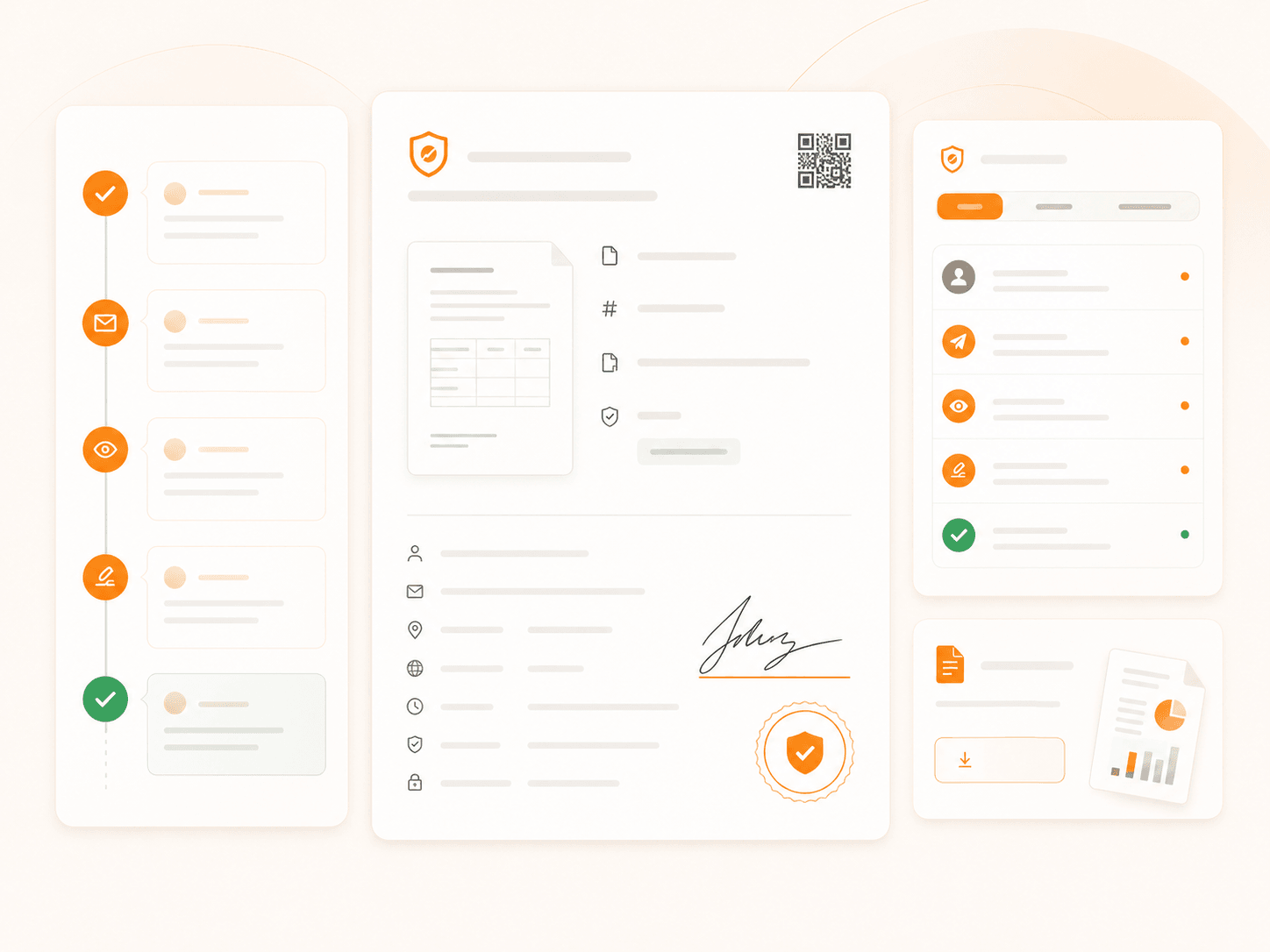
For business-critical agreements, "signed" is not the end of the story. Envelope timelines, activity history, signature certificates, and audit trails give teams a complete record of the signing process and support internal reviews, customer questions, and compliance. Learn more about Foxit security and compliance features.
- Envelope timeline activity for document-level visibility
- Detailed activity history for sent and completed documents
- Signature certificates for executed documents
- Audit trails that support transparency and accountability
- Downloadable reports for document and recipient status
Signed Today. Searchable, Secure, and Controlled Tomorrow.
Foxit eSign includes a built-in Document Management System (DMS), giving customers unlimited document storage and stronger organization-wide visibility into signed agreements. Once a document is completed, it moves into a centralized, secure workspace where teams can store, search, share, and manage every signed file with confidence. Metadata, folders, audit trails, retention rules, and role-based access help keep important records easy to find, properly controlled, and ready when the business needs them. Your team gets more than proof of signature — it gets a single source of truth for every agreement after it's signed.
Store signed agreements, supporting files, and business records in one centralized Foxit workspace.
Find documents using metadata, tags, OCR, filters, owner details, and document content.
Use role-based access, audit trails, version history, and retention rules to support compliance.
Move from signing to storage without disconnected tools, duplicate uploads, or version confusion.
Track More Than One Workflow
From a single agreement to hiring packets, customer onboarding, sales agreements, consent forms, renewals, and bulk requests across hundreds of recipients—Foxit eSign helps teams prepare documents for signing and monitor every flow with dashboards and reports.
Track each agreement from preparation through signature.
Monitor form activity and signer completion in one place.
View bulk send status by recipient, last action, and folder status.
Download reports with document statuses and field values.
Send reminders to recipients who have not completed their part.
Track every signer independently inside a high-volume workflow.
Track Documents On the Go
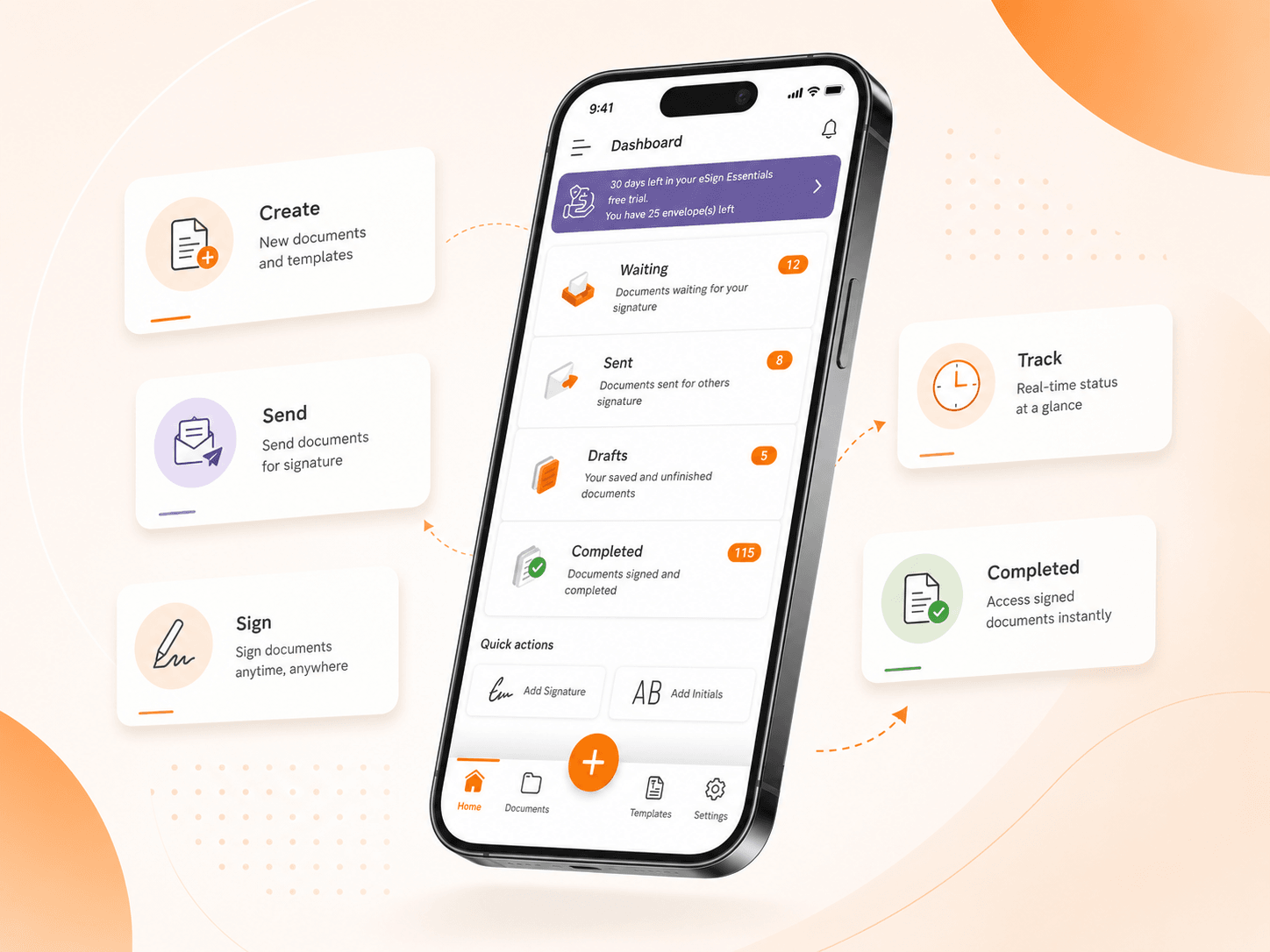
The Foxit eSign mobile app gives users mobile access to key signing workflows—document creation, sending, tracking, and signing—so teams can keep time-sensitive agreements moving from anywhere.
- Document creation and signature requests on the go
- Mobile signing and document management
- Access to document status from virtually anywhere
- Support for teams working across locations and devices
- A faster experience for recipients signing from mobile
Connect Tracking to the Tools Your Team Uses
Foxit eSign integrations reduce redundant updates and keep document activity connected to the rest of the business. Automate saving completed documents, updating records, sending notifications, or moving deals forward after signing—plus an API for custom systems. Explore Foxit eSign integrations.
- Import and export documents with cloud storage tools
- Save completed documents to Google Drive, Dropbox, Box, OneDrive
- Trigger notifications when documents are signed or completed
- Update CRM records after agreement completion
- Build custom eSignature workflows with API options
- Connect across HR, CRM, storage, and productivity platforms
Ready to Track, Sign, and Manage PDFs?
Give your team a clearer way to manage agreements from send to signature and beyond. Track status, follow up faster, organize completed records, and keep business moving.