
Sign Smarter. Sign with Confidence.
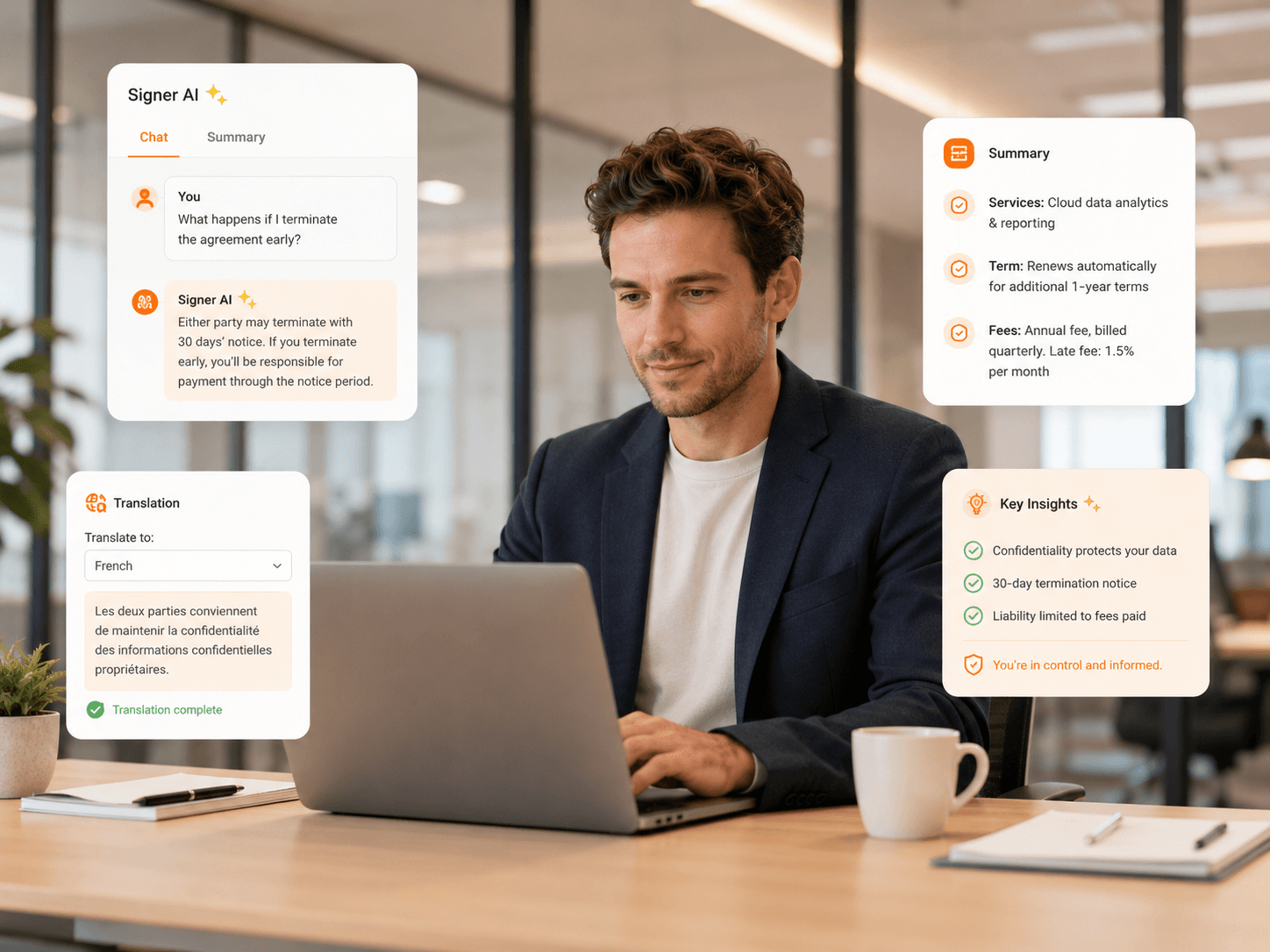
Signer AI is a client-facing AI assistant built directly into the Foxit eSign signing experience. It helps signers understand agreements, translate content, ask questions, and move through documents with greater confidence—without leaving the page.
Give Signers Clarity
Most eSignature tools assume people already understand what they're signing. Real workflows are not that simple. Customers, patients, employees, vendors, and clients may need help understanding terms, reviewing dense language, or working across languages before they feel ready to complete a document.
Signer AI brings that support into the signing flow. Instead of leaving the page to ask for help, search for definitions, or copy text into a translation tool, signers can use built-in Foxit AI assistance while reviewing the agreement. Pair it with tools that help you prepare documents for signing for an end-to-end experience.
- View plain-language summaries of agreement content
- Ask questions about the document before signing
- Use suggested questions to understand key terms faster
- Translate document content into supported languages
- Identify terms that may deserve closer attention
- Continue signing without leaving the Foxit eSign experience
Summaries That Save Time
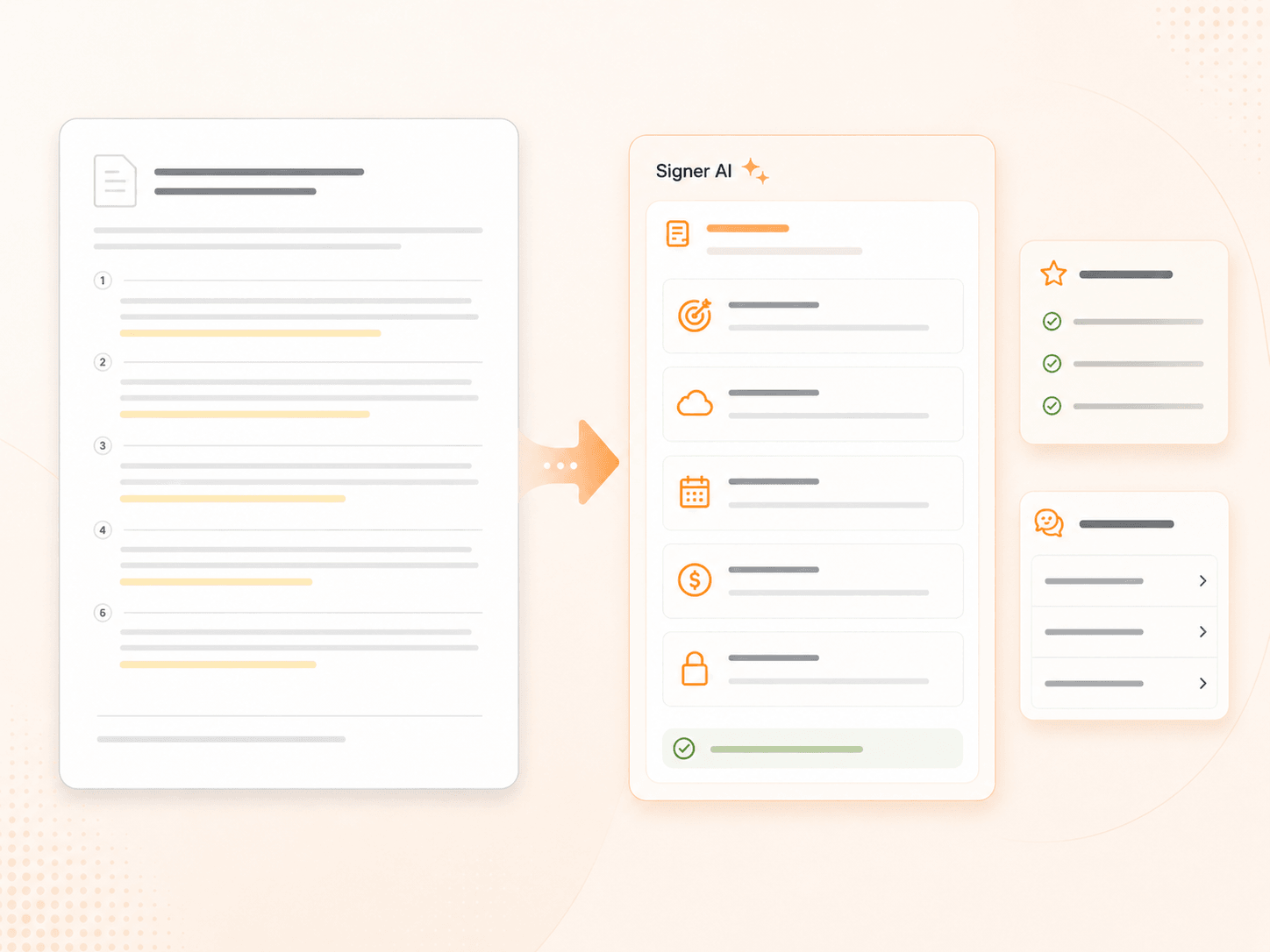
Long agreements can be difficult to review, especially when signers only need to understand the most important points before completing the workflow. Signer AI can generate summaries that help signers quickly orient themselves to the document. It doesn't replace the agreement or change its terms—it gives signers a clearer starting point. Powered by the same intelligence behind the Foxit PDF summarizer.
- Summarize agreement content in plain language
- Help signers understand the purpose of the document
- Surface key sections without forcing users to scan every page first
- Support faster review for recurring forms, contracts, and service agreements
- Reduce unnecessary support questions before completion
Answers in the Flow
Signer AI lets users ask questions about the document while they are reviewing it. The assistant can respond to custom questions and suggest helpful prompts based on the agreement content—a more guided way for signers to understand what's in front of them. For deeper review needs, see how Foxit AI supports contract review.
Signer AI responses are for reference only. Signers should review the document itself and consult the appropriate professional advisor when needed.
Translation Without Detours
Language barriers shouldn't force agreements out of the signing workflow. Signer AI helps signers translate agreement content on demand, making it easier for global customers, multilingual teams, and non-native speakers to review documents with greater confidence—without copying confidential language into an outside tool. Built on the same foundation as the Foxit PDF translator.
Support international signers
Reduce delays caused by language confusion
Improve accessibility for multilingual audiences
Help signers understand documents before completion
Keep the review and signing experience in one place
Review Key Terms More Easily
Some agreements include terms signers may want to review more carefully. Signer AI can help surface terms that may deserve closer attention—without changing the document or making decisions for them. It helps people know where to focus, which can reduce confusion and improve confidence before they complete the agreement.
Simple Admin Controls
Signer AI is designed to support organizations, not create another layer of administration. Admins can enable or disable Signer AI across the organization with a single setting—making rollout easier to manage. Review Foxit eSign security and compliance for more.
- Enable or disable Signer AI organization-wide
- Avoid user-by-user configuration
- Support consistent signing experiences across teams
- Give signers built-in help without adding extra workflow steps
- Align AI assistance with internal document policies
Privacy-Focused Sessions
Signer AI is built for the signing moment. Each session is temporary and isolated, with no saved history or carryover context after the session ends. Every signer starts fresh with the document they are reviewing.
- Temporary signer sessions
- Isolated document context
- No saved chat history
- No carryover from one signer session to another
- AI assistance that does not modify the source document
Built for Every Signing Moment
Enable Easier eSigning
Help clients understand, translate, and complete agreements without leaving the signing page.