
Signing That Feels Effortless on the Other Side
Foxit eSign gives recipients a clear, guided online agreement signing experience. They open a secure link, complete highlighted fields, confirm a signature, and get a signed copy — no account, no download, no friction.
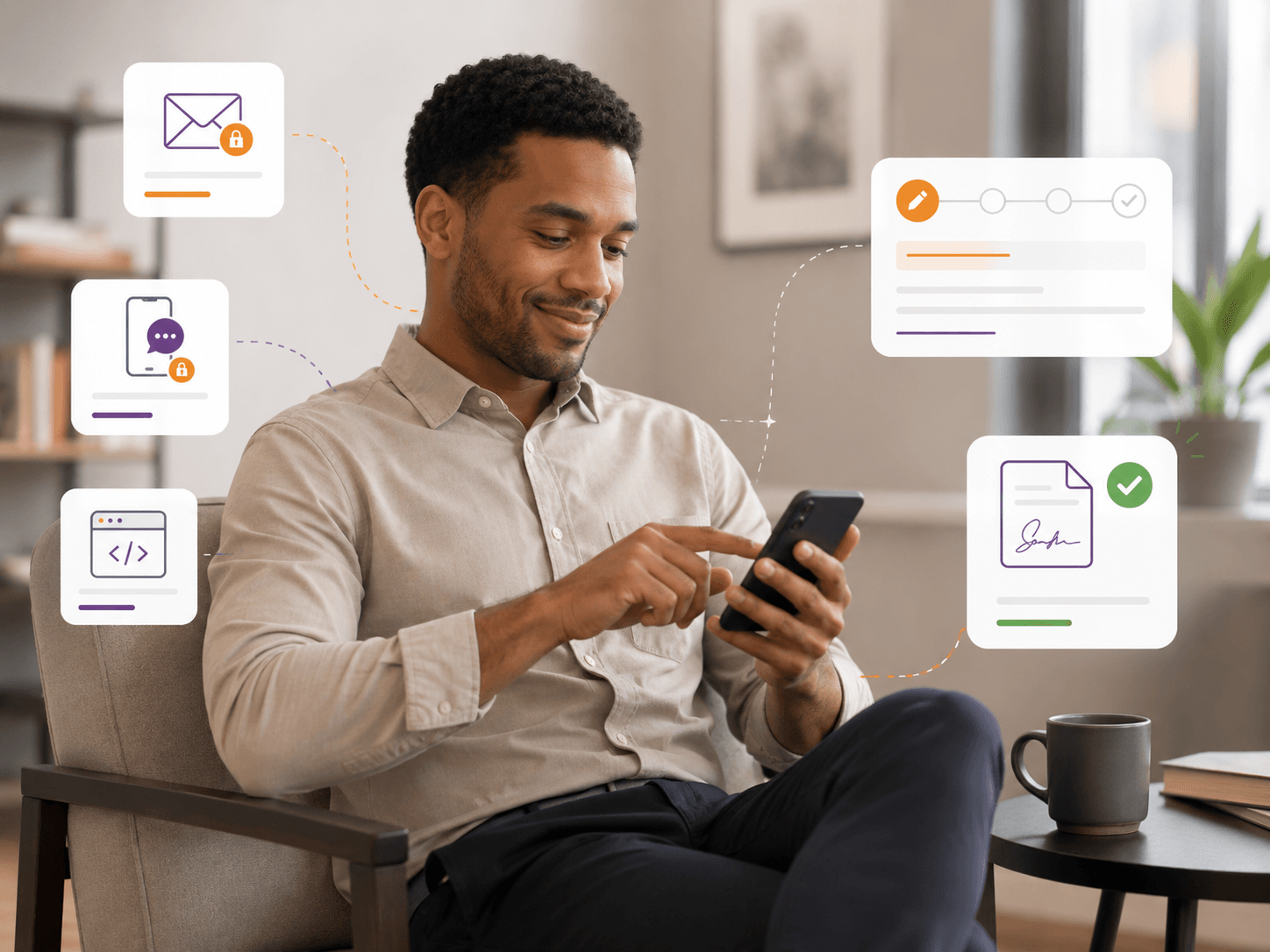
From Sent To Signed
Meet Recipients in the Channel They Already Use
A customer can sign a service agreement, a patient can complete a consent form, or a new hire can finish onboarding paperwork without first creating an account or installing software. Foxit eSign delivers secure links through channels recipients already trust — pair it with prepared workflows for repeat templates.
Secure link delivered straight to the inbox they already check.
SMS
Tap-to-open link on the phone, ideal for field, retail, and mobile signers.
In-App
Drop signing into your own product so recipients never leave the workflow.
Web Form
Embed signable forms on a website or share a public link for high-volume collection.
Show Signers What to Do Next
A good signing experience does more than display a document. Foxit eSign highlights required fields, walks recipients from one to the next, and confirms the signature before submission — so the agreement gets completed correctly the first time.
- Highlighted fields show what to complete
- Next-field navigation guides progress
- Required fields gate the final submit
- Signature confirmation before completion
One Signing Experience. Every Screen.
Recipients don't always sign from a desk. Foxit eSign supports signing across desktops, tablets, and smartphones — including a dedicated mobile app — so signers stay in the flow no matter where they are.
Desktop
Side-by-side review with full field map
Tablet
Touch-first signing during appointments
Mobile
Tap, swipe, sign — no app install
Help Recipients Understand What They're Signing
Recipients hesitate when a document feels long or unfamiliar. Signer AI is built into the Foxit eSign signing experience and gives recipients on-demand summaries, plain-language explanations, and translation — so they can move from review to signature with confidence, without leaving the document.
- Summarize long agreements in plain language
- Answer signer questions about specific clauses
- Translate documents into the recipient's language
- Reduce hesitation and abandonment during review
Signer AI
Service Agreement.pdf
Signer
What does section 3 mean?Signer AI
Section 3 outlines the 30-day cancellation terms and any fees that apply if you end the agreement early.Capture Signatures Without Chasing Paper
For repeatable forms and high-volume collection, Foxit eSign Online Forms give recipients a direct path to complete documents through shared links, embedded forms, or web-based experiences.
- Share agreements through direct links
- Embed signable forms on websites or apps
- Reduce paper handling and manual returns
Reduce Drop-Off
A difficult signing experience slows everything down. Missed fields, unclear next steps, account creation, and device friction all create moments for a recipient to abandon. Foxit eSign removes those moments.
A Signing Process Recipients Can Trust
Backed by full audit trails and signature certificates, plus the controls covered in security and compliance.
Every link is encrypted and tied to a single recipient, so only the intended signer can open and complete the agreement.
Foxit eSign supports ESIGN, UETA, and eIDAS-aligned signing so completed agreements stand up to scrutiny.
Each completed document is paired with a signature certificate that captures signer identity, timestamps, and verification details.
A complete record of every view, field entry, and signature event is preserved alongside the signed agreement.
The Outcome for Your Team
Faster completion
Recipients finish in the moment instead of putting it off.
Fewer support questions
Guided fields reduce confusion and back-and-forth.
Less manual follow-up
Status, reminders, and signed copies handled automatically.
Better recipient experience
No accounts, no downloads, no friction before the document.
Where Recipient Signing Helps
Customer Agreements
Service agreements, sales contracts, quotes, authorizations, and onboarding — signed in the moment a customer is ready to move forward.
Healthcare & Patient Forms
Consent forms, intake documents, privacy notices, and treatment acknowledgments completed from the device that works best for the patient.
HR & Employee Documents
Onboarding, policy acknowledgments, benefits forms, and internal approvals — open the link, follow the fields, receive a completed copy.
Vendor & Partner Workflows
Procurement forms, vendor agreements, NDAs, and partner documents completed securely without manual paperwork.
Make Every Agreement Easier to Complete
Send secure links, guide recipients through every required field, support signing from almost any device, and keep completed agreements connected to your workflow.