eSignature Meets Document Management
Foxit eSign and Foxit DMS connect signing, storage, organization, and governance in one continuous document workflow.

A Complete Document Workflow, Beyond Signing
Bi-Directional Workflows

Automatic Storage on Completion

Templates & Admin Control

Retention & Governance

Unified Document Visibility

Beyond Signature Lifecycle

Work From DMS or eSign Without Breaking the Workflow
- Start in DMS, send to eSign without exporting files
- Start in eSign, store in DMS automatically
- Consistent document lifecycle management across systems
- No workflow disruption, so users work in their preferred environment
- Unified visibility across DMS and eSign
- Reduced friction and improved adoption across teams
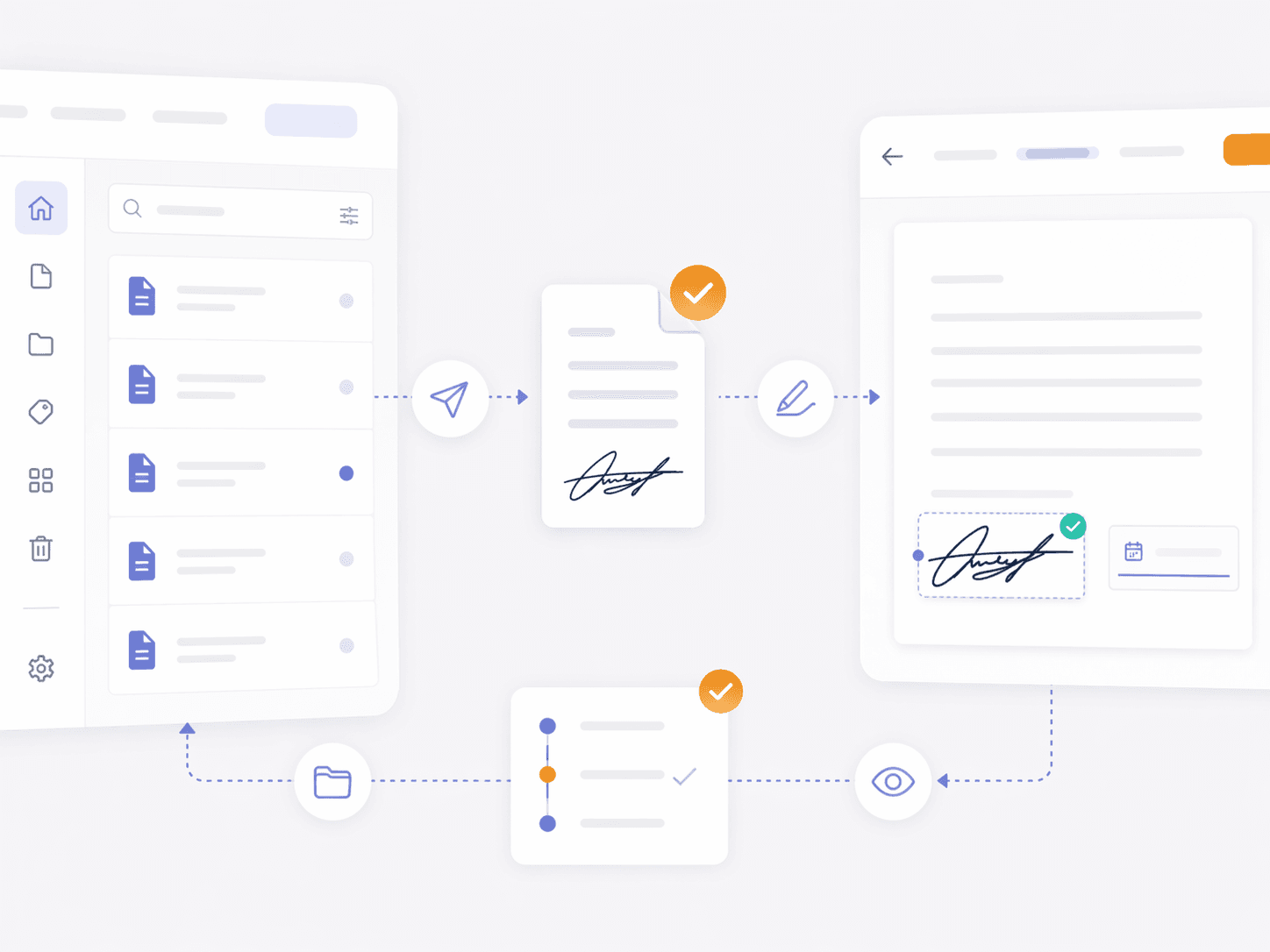
Send, Sign, and Automatically Store
- Direct send-to-sign workflows from DMS
- Automatic return of completed documents to a central repository
- Consistent organization based on policies and structures
- Immediate availability of signed documents
- No manual download, rename, or re-upload
- Reduced risk of lost or unmanaged documents
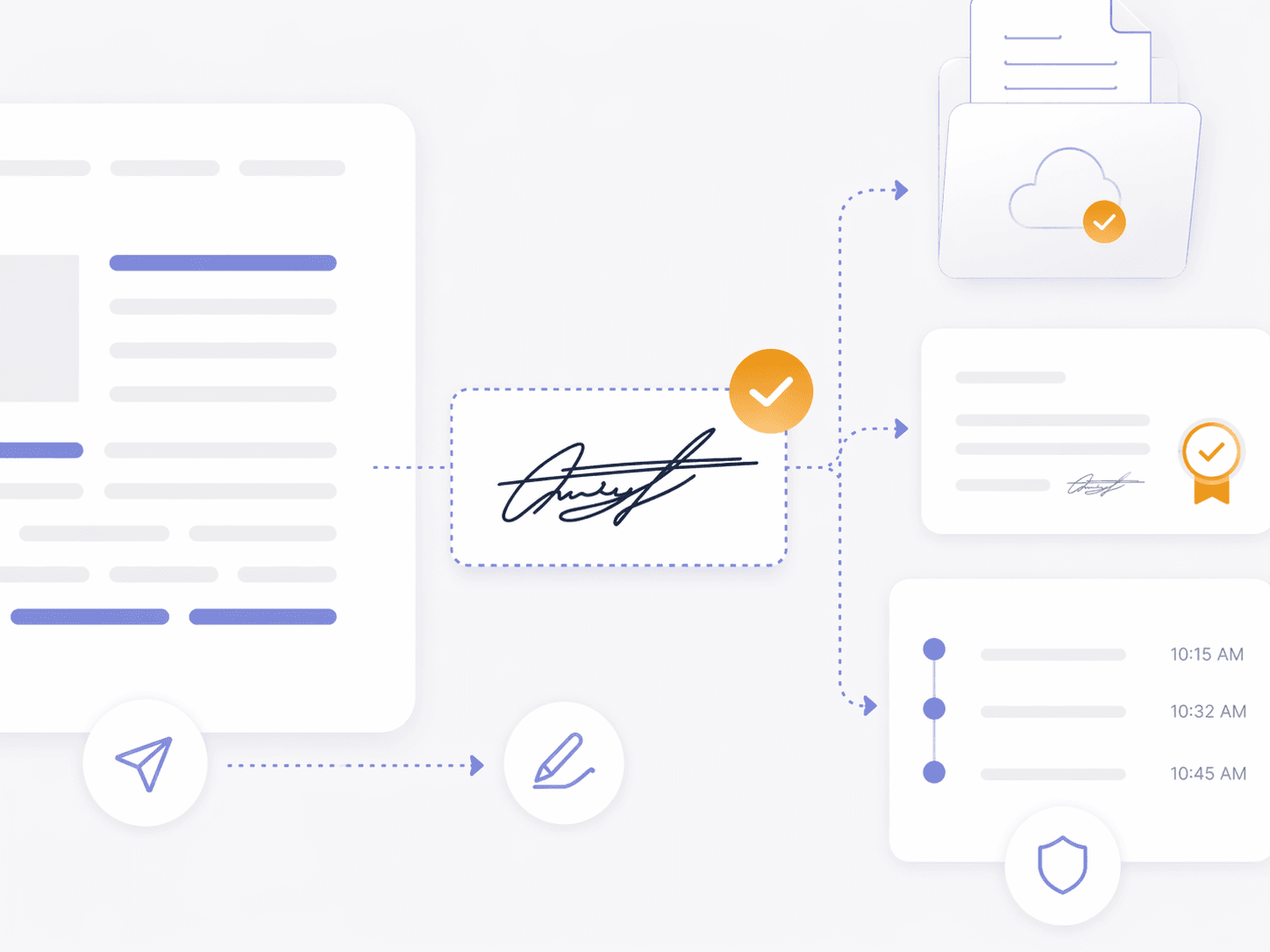
Govern Signed Documents With Retention & Compliance Support
- Lifecycle-based document management from execution to disposal
- Audit-ready tracking for compliance and reviews
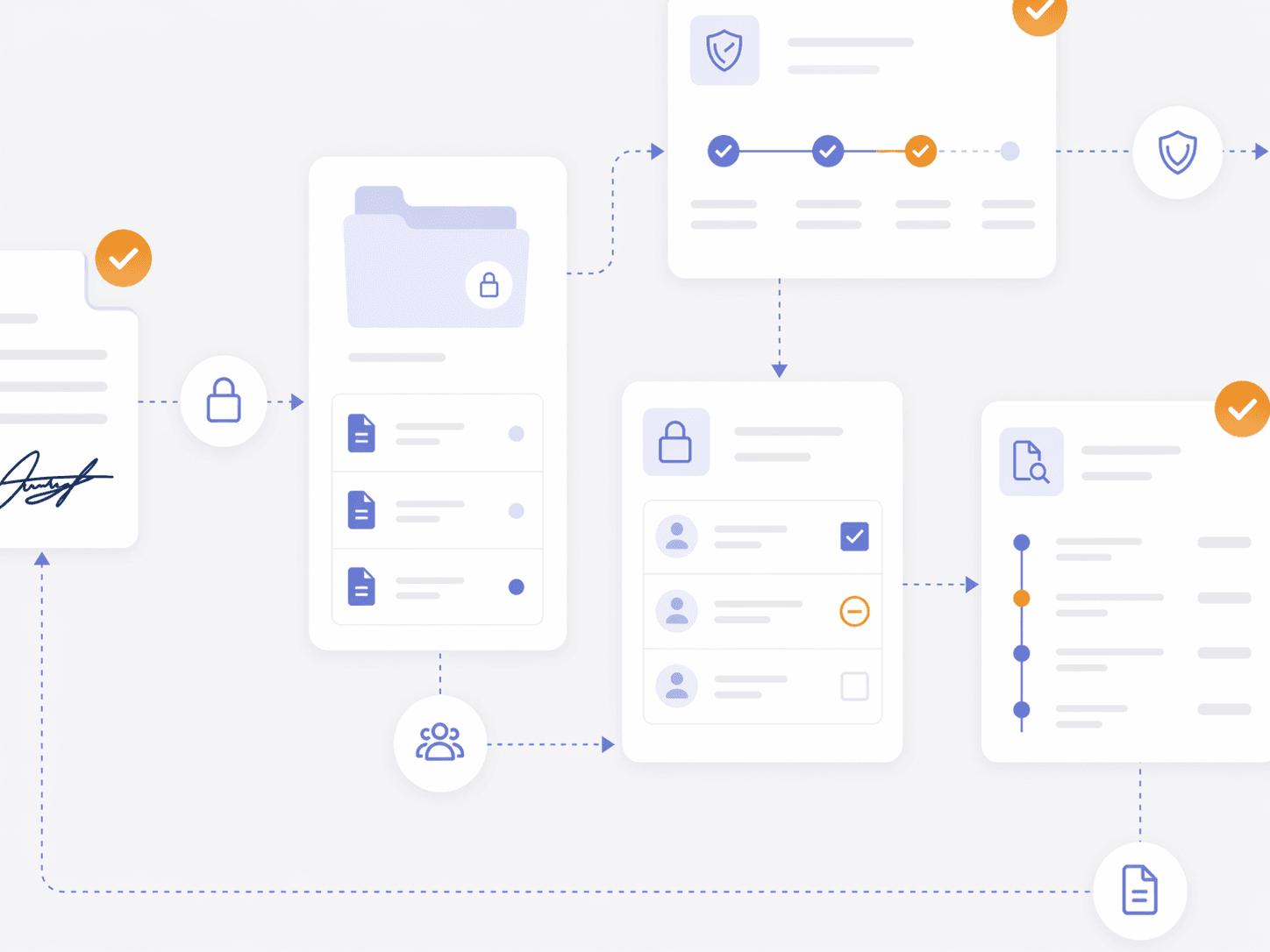
- Controlled access to signed documents
- Consistent policy enforcement across every signed file
- Support regulatory needs
- Integrated governance across signing and storage
Need Team Licenses or Custom Solutions?
Get volume pricing, enterprise security features, dedicated support, and custom deployment options for your organization.
Go Beyond eSignature
- Built-in document management with eSignature
- Post-signature storage, access, and governance
- Eliminate disconnected workflows between systems
- Centralized visibility for every signed document
- Supports stronger governance and lifecycle continuity
- Long-term searchable, governed document value
eSignature Integration FAQ
Foxit Document Management System, also called Foxit DMS, connects with Foxit eSign so teams can send documents for signature and manage completed records in a central repository with search, permissions, retention controls, and activity history.
Foxit Document Management System, also called Foxit DMS, connects managed documents to Foxit eSign workflows. Teams can initiate signature requests from DMS while keeping the source document tied to the central repository.
Foxit Document Management System, also called Foxit DMS, can return completed Foxit eSign documents automatically to a designated repository. This workflow reduces manual file handling and keeps signed records connected to document management controls.
Foxit Document Management System, also called Foxit DMS, gives authorized teams access to completed Foxit eSign agreements stored in the central repository. Permissions determine who can view, share, or manage each signed record.
Foxit Document Management System, also called Foxit DMS, supports Foxit eSign workflows with centralized storage, permissions, retention policies, and activity history. These controls help teams prepare for internal reviews and audits after signature.