
Capture Signatures In Person
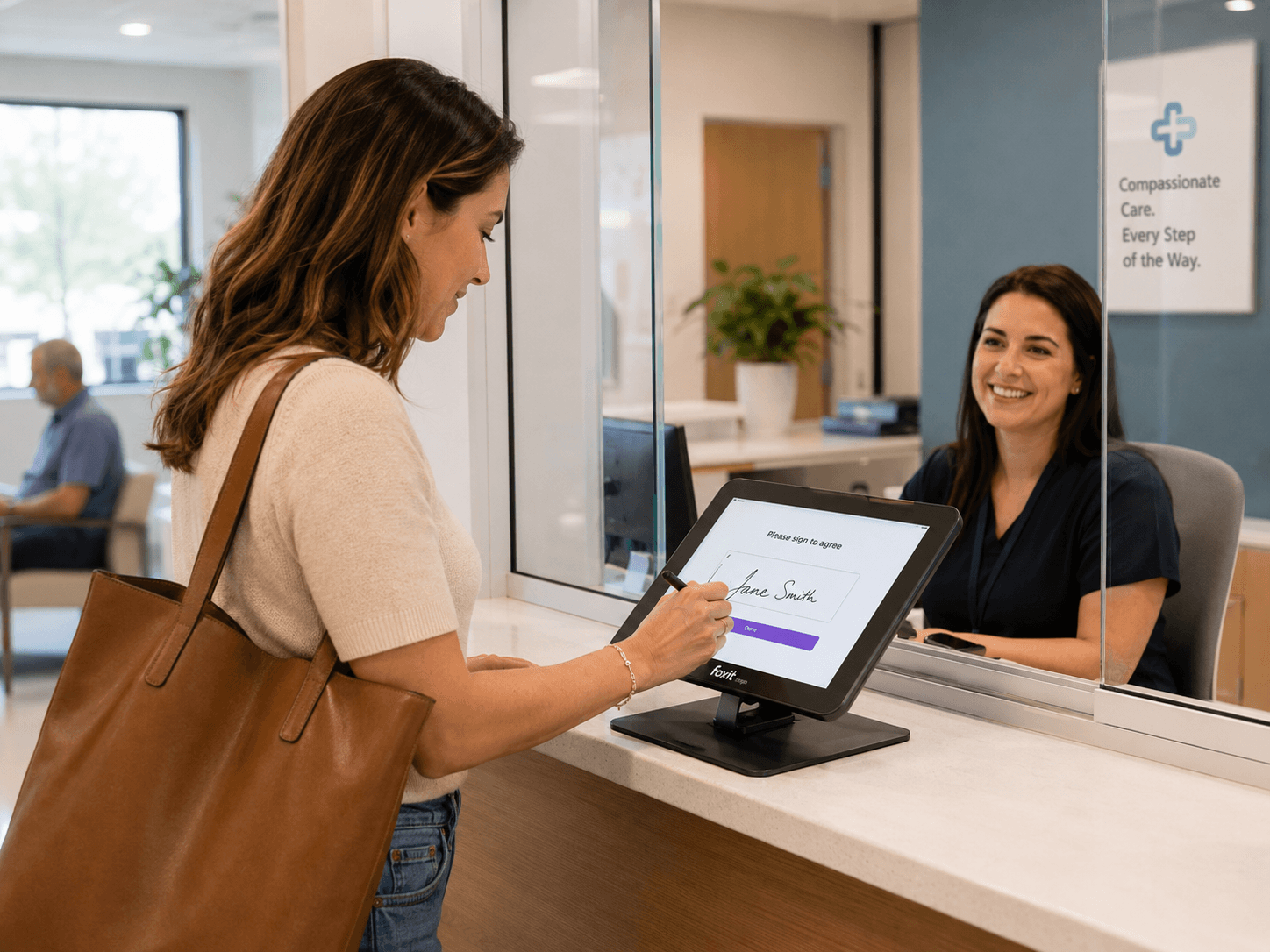
Some agreements still happen face to face. Foxit eSign helps teams collect in-person electronic signatures from customers, patients, employees, clients, and visitors without printing, scanning, or chasing paperwork later.
Make Face-to-Face Signing Easier
Not every signer starts from an email invitation. Some people walk into an office, meet with a representative, complete paperwork at a counter, or sign during an appointment. In those moments, teams need a signing experience that is fast, guided, and easy to manage in person. Foxit eSign helps your team complete the signing process electronically while the signer is physically present — see how to send documents for signing.
- Capture in-person digital signatures during appointments or walk-in interactions
- Support signers who may not have immediate access to email
- Guide customers, patients, employees, or clients through required documents
- Reduce paper handling, scanning, and manual filing
- Keep completed documents in the Foxit eSign workflow for tracking and storage
In-Person Session
Signer present, ready to sign
Email is optional
- Serve walk-in customers more efficiently
- Support signers who need assistance completing forms
- Avoid delays caused by missing or mistyped email addresses
- Complete documents during scheduled appointments
- Keep the signer experience simple while preserving a digital record
Sign Without Email-First Friction
Many eSignature workflows depend on a signer receiving an email link. That works well for remote agreements, but it can slow down in-person interactions where the signer is already there and ready to complete the document. Foxit eSign makes email optional for in-person signers and lets you still send completed documents to an email address after signing — pair it with prepared document workflows for repeat templates.
Built for Counters, Offices, and Service Locations
In-Person Signing is useful anywhere paperwork still shows up in a physical setting. From front desks and admissions offices to branch locations and HR appointments, Foxit eSign helps teams replace paper-based signing moments with a cleaner digital process.
Common In-Person Signing Use Cases
Use Online Forms for Self-Service Signing
In-person signing can also work alongside Foxit eSign Online Forms. Share reusable signing experiences through direct links, embedded forms, draft URLs, dynamic links, or kiosk-style stations that auto-reset for the next signer.
Kiosk-style signing is great for…
- Reception desks
- Clinic intake stations
- School or campus offices
- Event check-ins
- Visitor registration areas
- Retail or service counters
- Community program enrollment
- High-volume consent collection
Manage Multiple In-Person Signers
Some agreements need more than one person to sign while everyone is in the same room. Foxit eSign supports Boardroom Signing through Online Forms, allowing multiple in-person recipients to pass control to the next signer in order without returning control to the administrator between each signer.
Boardroom Signing helps when…
- Multiple people need to sign one document in person
- Signers are present in the same location
- The signing order matters
- A team wants to reduce handoffs back to the administrator
- A form includes roles such as patient and guardian, student and parent, or client and authorized representative
Built-in safeguards
- Legally binding electronic signature workflows
- Signature certificates for completed documents
- Audit trails that help document signing activity
- Secure signed document storage
- Optional authentication and compliance capabilities for advanced workflows
Keep Signing Secure and Accountable
Face-to-face signing can feel simple, but organizations still need records they can trust. Foxit eSign supports legally binding electronic signature workflows with security, compliance, audit trails, and signature certificates. Completed documents stay inside the broader workflow, where teams can track document status, access signed records, and manage agreements over time. Learn more about security and compliance.
- Track document status after signing
- Maintain signature certificates and audit trails
- Store completed signed documents securely
- Organize agreements for future review
- Reduce the need for printing, scanning, and physical storage
Where In-Person Signing Helps
Healthcare and Patient Intake
Patients often complete consent forms, intake paperwork, privacy notices, and treatment acknowledgments during appointments. Foxit eSign helps providers collect in-person electronic signatures while reducing paper handling and keeping signed records organized.
Education and Campus Services
Schools and universities may need signatures from students, parents, guardians, or visitors during in-office interactions. In-Person Signing and Online Forms help teams collect signatures for permissions, acknowledgments, enrollment documents, and program forms.
Financial and Professional Services
Financial firms, insurance offices, legal teams, and professional service providers often meet clients face to face. Foxit eSign helps teams complete agreements, authorizations, engagement letters, and intake forms during the appointment.
Front Desk and Field Operations
Service counters, retail locations, field teams, and administrative offices can use in-person signing to complete waivers, approvals, service documents, and acknowledgments while the customer is present.
In-Person Signing Connects to
The Systems You Use
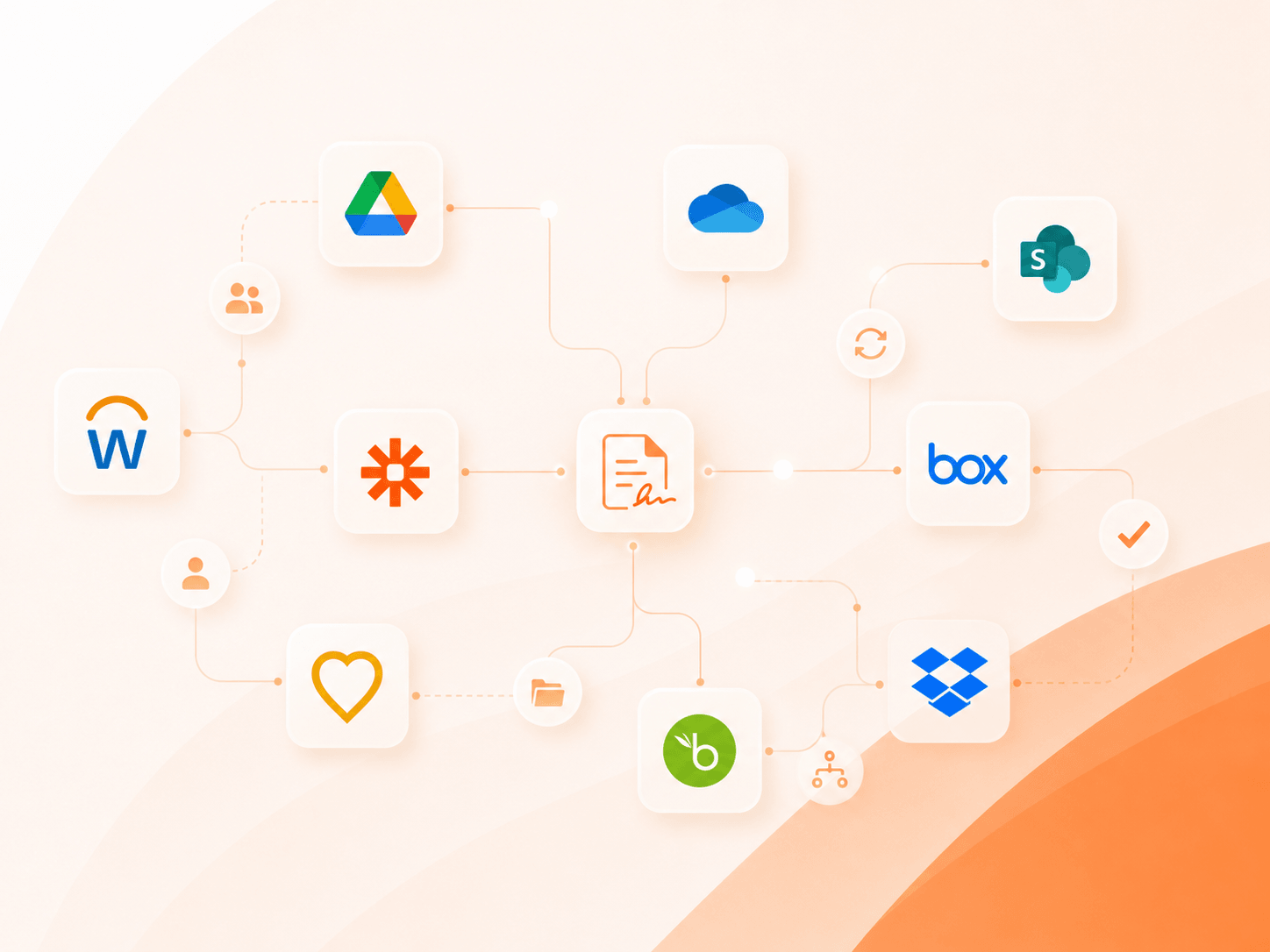
Documents signed in person don't have to live in a folder on someone's desk. Foxit Connectors cover 40+ HR, CRM, storage, and productivity platforms, plus Zapier, Google Workspace, Microsoft tools, WordPress Forms, cloud storage sync, and an eSign API — so face-to-face signatures flow back into the systems your team already runs on.
- Route completed in-person agreements to HR, CRM, or DMS
- Sync signed documents to cloud storage automatically
- Trigger no-code automations through Zapier
- Embed in-person signing into your own app or kiosk
Make Every Signing Moment Digital
Capture signatures at the counter, during an appointment, through a kiosk-style form, or with multiple people in the same room — without creating more paperwork for your team.