How to eSign a Word Document
Electronic signatures on Word documents are legally binding, accepted by courts and regulators across most of the world, and faster for everyone involved. This guide covers how to sign correctly, on desktop and mobile.
What Is an eSignature?
Any electronic mark that shows intent, identity, and consent.
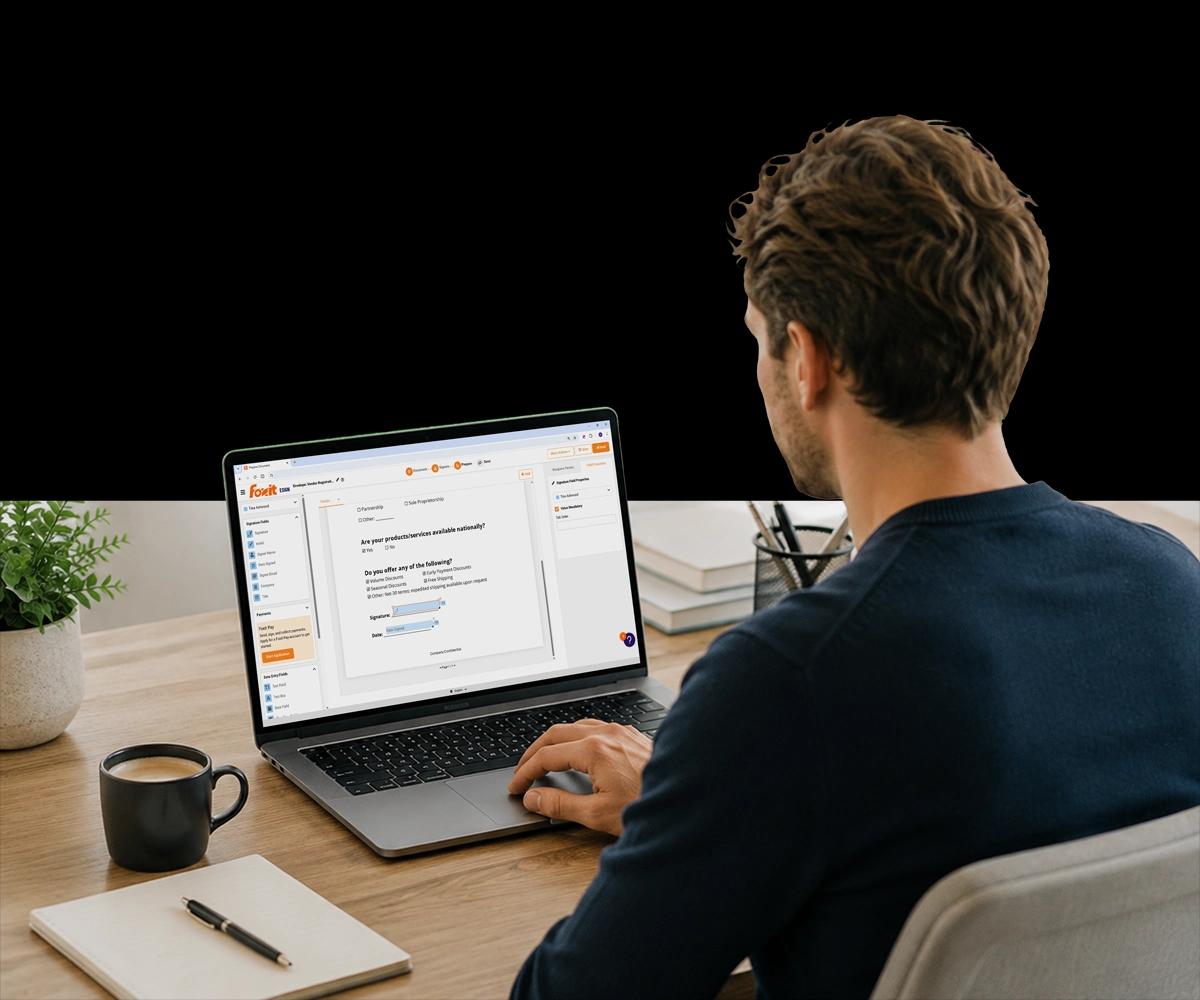
An electronic signature (eSignature) is any electronic mark, process, or symbol that a person applies to a document to indicate their intent to sign. It doesn't need to look like a handwritten signature — it needs to demonstrate intent, identity, and consent.
Common forms include a typed name, a drawn signature, a clicked checkbox confirming agreement, or a cryptographically secured digital certificate. A digital signature is a specific type of eSignature that uses a certificate to verify identity, offering a higher level of authentication for regulated contexts.
For most business contracts, HR documents, and commercial agreements, a standard eSignature is sufficient — and inserting an image of your signature into Word is not the same thing, since it lacks the audit trail and identity verification that make an eSignature enforceable.
What Actually Makes a Word Signature Legally Binding
Not every way of putting a signature on a Word document counts.
Are eSignatures on Word Documents Legally Binding?
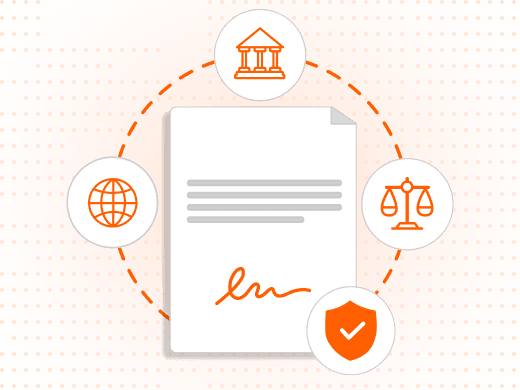
Yes — in most jurisdictions, electronic signatures carry the same legal weight as handwritten signatures when applied through a compliant eSigning process, under frameworks like the US ESIGN Act and UETA, and the EU's eIDAS regulation.
To be enforceable, an eSignature typically needs to demonstrate the signer's intent, be tied to a specific document, allow the signer to be identified, and be created under circumstances where the signer had the ability to sign.
Why Isn't Inserting an Image of Your Signature Enough?
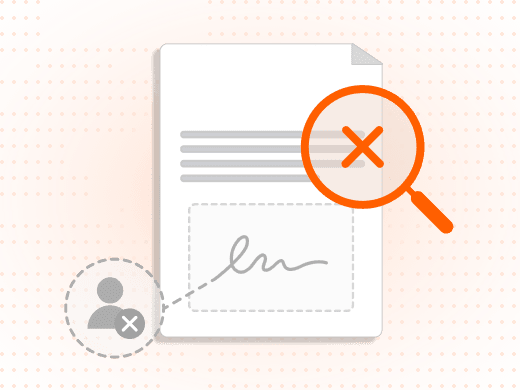
Inserting an image of your signature into Word, drawing with a mouse, or using Word's built-in signature line does not automatically create a legally binding eSignature.
These methods typically lack an audit trail, tamper detection, and identity verification — the elements that make an eSignature enforceable for contracts and legal agreements.
What's the Difference Between Word's Signature Line and a Dedicated eSign Platform?
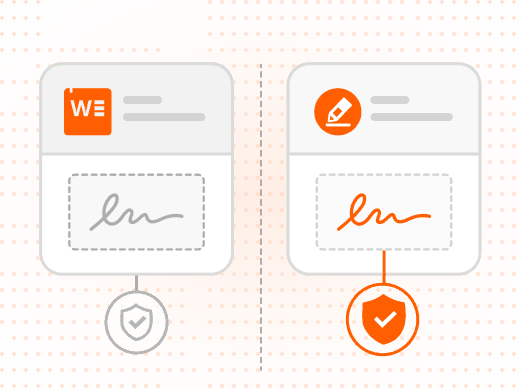
Word's Insert → Signature Line feature creates a visible placeholder that a signer can type or draw into. It uses Microsoft's signature framework, which has limited audit trail capabilities.
A dedicated eSign platform like Foxit eSign links the signature to identity and document record, and is far more widely accepted for high-stakes legal documents.
How Does Foxit eSign Create a Legally Binding Signature?
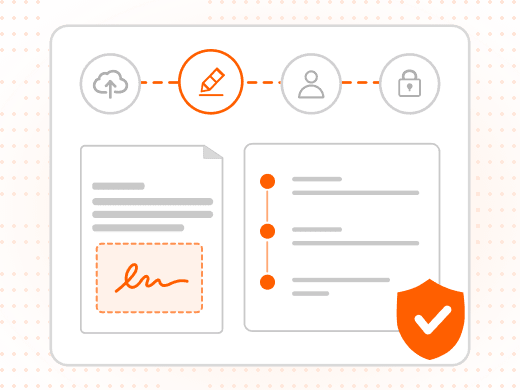
Upload your Word document to Foxit eSign, place a signature field, and apply your signature by typing, drawing, or uploading an image — the signature is linked to your identity and the document record.
The completed document is stored with a full audit trail recording who signed, when, and from what location.
Can You Sign Directly in Microsoft Word?
| Method | Legally Binding | Audit Trail | Secure | No Printing |
|---|---|---|---|---|
| Foxit eSign | Yes | Yes | Yes | Yes |
| eSign platform (general) | Yes | Yes | Yes | Yes |
| Word signature line | Limited | No | Weak | Yes |
| Insert image signature | No | No | No | Yes |
| Draw with stylus (Word) | Varies | No | Weak | Yes |
| Print, sign, scan | Yes | No | Low | No |
Method
Foxit eSign
- Legally Binding
- Yes
- Audit Trail
- Yes
- Secure
- Yes
- No Printing
- Yes
Method
eSign platform (general)
- Legally Binding
- Yes
- Audit Trail
- Yes
- Secure
- Yes
- No Printing
- Yes
Method
Word signature line
- Legally Binding
- Limited
- Audit Trail
- No
- Secure
- Weak
- No Printing
- Yes
Method
Insert image signature
- Legally Binding
- No
- Audit Trail
- No
- Secure
- No
- No Printing
- Yes
Method
Draw with stylus (Word)
- Legally Binding
- Varies
- Audit Trail
- No
- Secure
- Weak
- No Printing
- Yes
Method
Print, sign, scan
- Legally Binding
- Yes
- Audit Trail
- No
- Secure
- Low
- No Printing
- No
Why eSigning Word Documents Is Better Than Printing
Speed, security, and a record you can actually stand behind.
eSigning is faster for everyone — signing takes minutes instead of the hours or days consumed by print-sign-scan-email cycles, and recipients can sign from any device with a browser, no printer or scanner required.
eSigning creates a complete audit trail — who signed, when, from where, and what the document contained at signing — and signed documents are tamper-evident, meaning they cannot be altered without invalidating the signature.
The result is legal validity in most jurisdictions, the same weight as a wet signature for most commercial and employment documents, with reduced version confusion since there's one final signed document instead of scanned copies emailed back and forth.
What You Can Do with Foxit eSign
A complete signing workflow for Word and PDF documents.
Sign Word Files Directly
Upload a .docx or .doc file straight to Foxit eSign without converting to PDF first, though converting gives you more formatting control.
Apply Your Signature Your Way
Type, draw, upload an image, or reuse a saved signature — each linked to your identity and the document record.
Collect Signatures from Others
Add recipient fields, assign signers, and set a sequential or parallel signing order for multi-party documents.
Get a Complete Audit Trail
Every signed document is stored with signer identity, timestamp, IP address, and a cryptographic hash confirming it wasn't altered.
Convert Word to PDF First
Preserve formatting exactly and unlock the full eSign feature set by converting with Foxit PDF Editor before uploading.
Sign from Any Device
Recipients sign from a mobile browser on iOS or Android without creating an account or downloading an app.
Who Signs Word Documents Electronically, and Why
eSigning is used everywhere agreements, approvals, or authorizations happen.
Electronic signatures on Word documents are used across every industry that involves agreements, approvals, or authorizations — the details differ by function, but the need for speed and a reliable audit trail is universal.
- Legal teams: Legal teams use eSigning for contracts, NDAs, amendments, and settlement agreements, removing the need for in-person signing meetings and creating a reliable audit trail for every executed document.
- HR departments: HR teams eSign offer letters, employment agreements, and policy acknowledgments, accelerating onboarding for remote and distributed teams while ensuring every document is filed automatically.
- Procurement and vendor management: Procurement teams route vendor agreements and purchase orders through multi-party signing workflows that send documents to the right approvers in sequence, with status tracking at every stage.
- Freelancers and independent contractors: Freelancers use eSigning for client contracts and scope-of-work documents, giving them a professional signing experience without the overhead of enterprise software.