How to Email Large PDF Files
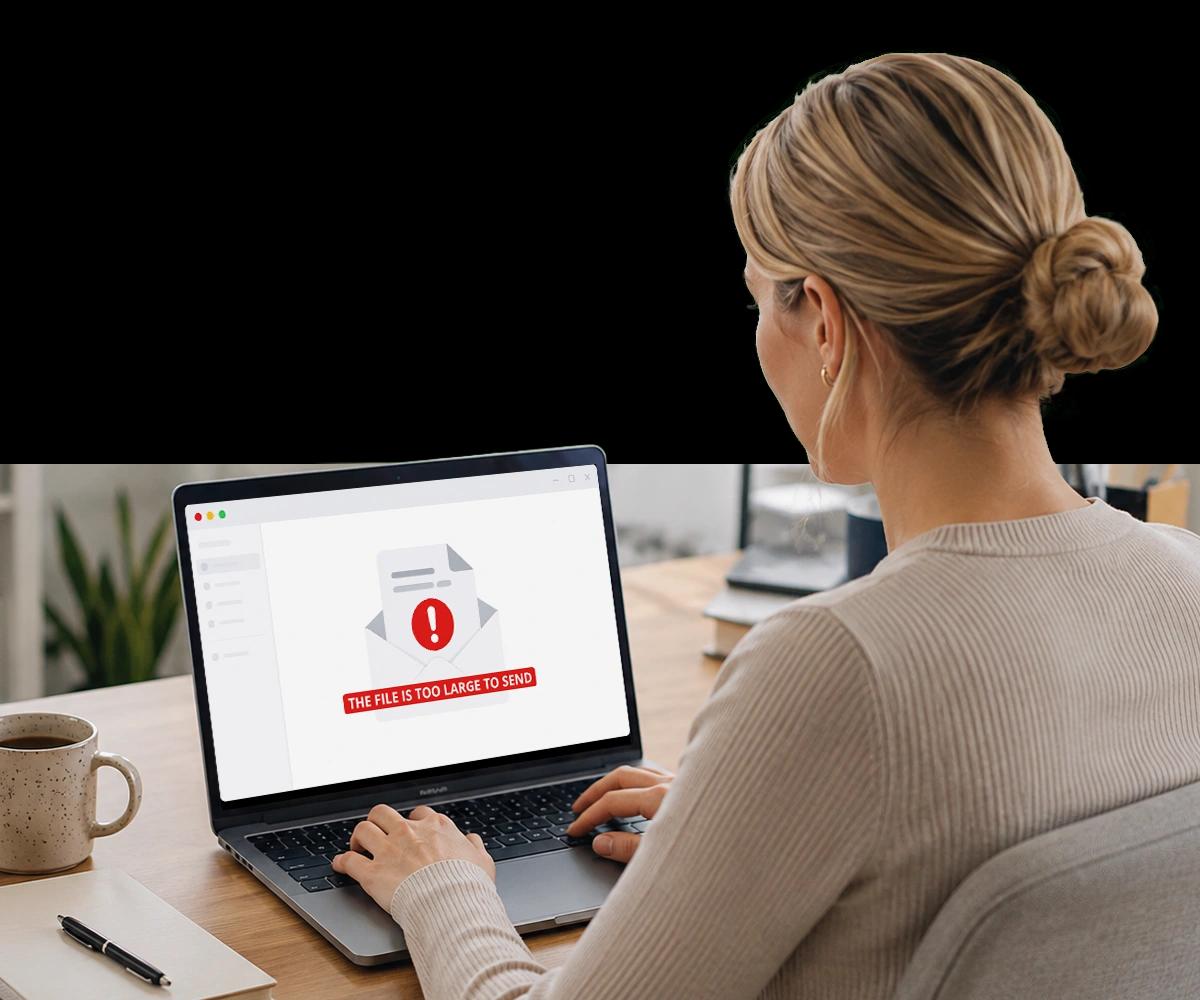
You attached the file, hit send, and got the bounce: attachment too large. This guide covers three ways to send a large PDF, the size limits you're working around, and the security question most guides skip.
Why Large PDFs Can't Always Be Sent by Email
The limit you hit isn't always the one you expect.
Email attachment size limits are set by email providers, corporate IT policies, and receiving mail servers — your organization's mail server may impose a lower cap than the provider default, and the recipient's server may reject files your server would accept.
Gmail enforces a 25MB limit, Outlook personal accounts around 20MB, and corporate Exchange configurations often set limits as low as 10MB. If a large PDF bounces to a corporate recipient, the issue may be on their server, not yours.
This guide covers three methods for sending large PDFs, explains the limits you're working around, and addresses the security tradeoffs that most guides skip entirely.
Three Methods for Sending Large PDFs
Which one is right depends on your file, your recipient, and how sensitive the content is.
How Do You Compress a PDF for Email?
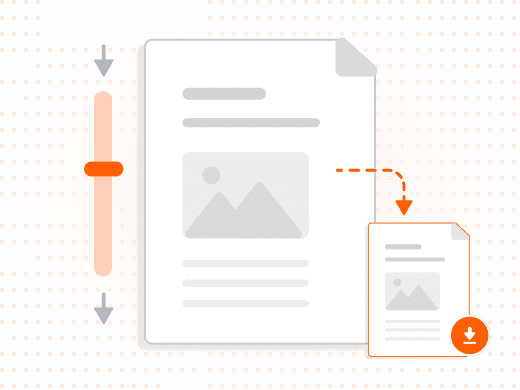
Compression reduces file size by downsampling images, optimizing embedded fonts, and removing metadata and redundant objects — for most business documents, it can reduce size by 20 to 70 percent without meaningful quality loss.
In Foxit PDF Editor, go to File → PDF Optimizer, select your compression level, and save the optimized file. Medium compression works well for most business documents.
How Does Secure Link Sharing Work Instead of an Attachment?
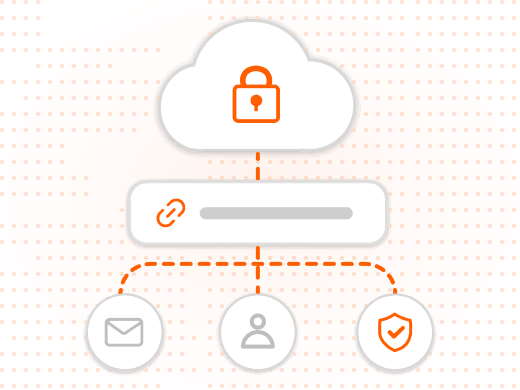
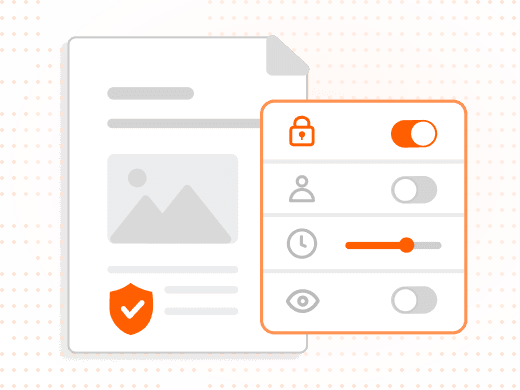
Instead of attaching the PDF, upload it to a secure document platform and send a sharing link. The recipient clicks through in their browser — no attachment, no size limit, no server-to-server transfer.
This is the recommended method for any document containing sensitive, confidential, or regulated information, since it adds access control, expiration dates, and tracking that attachments can't provide.
When Should You Split a PDF Instead of Compressing It?
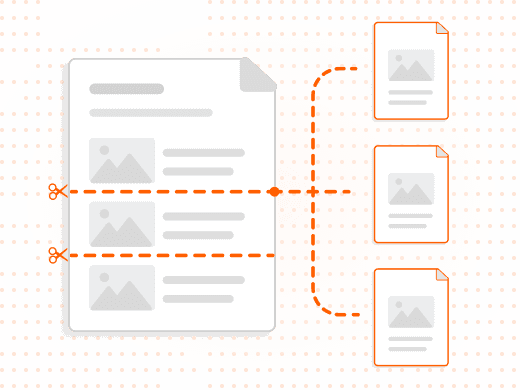
If the content can be logically divided — by chapter, section, exhibit, or date range — splitting it into smaller files lets each part come in under the attachment limit.
Open the PDF in Foxit PDF Editor, use Organize → Split to divide by page count, or Extract Pages to pull specific ranges, then send each part separately.
Why Are Corporate Email Limits Often Lower Than You Expect?
Exchange and enterprise email servers are frequently configured with attachment limits well below Gmail's 25MB default, set by IT policy rather than the email client itself.
If a large PDF bounces to a corporate recipient, secure link sharing bypasses server-to-server limits entirely, sidestepping the problem without needing IT to change a policy.
Three Methods for Sending Large PDFs
| Feature | Compress | Secure Link | Split |
|---|---|---|---|
| Speed | Fastest | One upload step | Multiple sends |
| Preserves full quality | Reduced | Full quality | Full quality |
| Works past all email limits | If small enough | Always | Mostly |
| Access control / expiry | No | Yes | No |
| Compliance-friendly | Limited | Best option | Limited |
| Best for sensitive docs | No | Yes | No |
Feature
Speed
- Compress
- Fastest
- Secure Link
- One upload step
- Split
- Multiple sends
Feature
Preserves full quality
- Compress
- Reduced
- Secure Link
- Full quality
- Split
- Full quality
Feature
Works past all email limits
- Compress
- If small enough
- Secure Link
- Always
- Split
- Mostly
Feature
Access control / expiry
- Compress
- No
- Secure Link
- Yes
- Split
- No
Feature
Compliance-friendly
- Compress
- Limited
- Secure Link
- Best option
- Split
- Limited
Feature
Best for sensitive docs
- Compress
- No
- Secure Link
- Yes
- Split
- No
Why the Delivery Method Matters as Much as the File Size
For business documents, security is not a separate conversation from convenience.
For routine internal documents, compression is the fastest fix. For client-facing, legal, financial, or confidential documents, secure link sharing is the right choice, and splitting works when content can be logically divided.
Email attachment security gaps are real: no access control once delivered, no expiration, no tracking of whether the recipient opened it, and standard email is not end-to-end encrypted, sitting unprotected at rest on mail servers.
For healthcare, finance, and legal workflows, uncontrolled document distribution via email may constitute a compliance exposure — a secure document platform addresses that risk directly, with access control, expiry, and a full audit trail.
What You Can Do with Foxit
Compress, share securely, or split — all in one toolkit.
Compress Without Destroying Quality
Reduce file size 20 to 70 percent using PDF Optimizer's screen, print, or custom compression levels.
Share a Secure, Trackable Link
Send documents through a platform with access control, expiry dates, and view-only permissions instead of an attachment.
Split Large Files by Section
Divide a PDF by page count or extract specific ranges so each part comes in under the size limit.
Route Contracts Through eSign
Replace the email attachment entirely for signature-required documents with a tracked, audit-trailed workflow.
Password-Protect Sensitive Files
Apply a document open password before sending, and share the password through a separate channel.
Process Files Locally
Compress and split documents on your own machine rather than uploading them to an unknown third-party service.
Who Hits This Problem, and How They Solve It
Large-file bottlenecks show up in nearly every document-heavy role.
High-intent moments like this tend to happen mid-task — a deadline is close, and the fastest correct method matters more than a deep dive into file compression theory.
- Sales and business development: Sales teams sending image-heavy proposals or decks compress routine files, but switch to secure link sharing for anything containing pricing or contract terms.
- Legal and compliance teams: Legal teams split multi-exhibit filings by section and use secure link sharing for privileged or regulated content rather than risking an uncontrolled attachment.
- Finance and accounting: Finance teams sending large batches of scanned invoices or statements compress routine internal files and use secure sharing for anything tied to client financial data.
- IT and operations: IT teams troubleshooting a bounced email for a corporate recipient use secure link sharing to bypass Exchange server limits without waiting on a policy exception.