Home Document Management Software
Paper piles up, digital files scatter across devices, and the one document you need right now is never where you expect. A home document management system gives every file one organized, secure, searchable home.
What Is a Home Document Management System?
A structured digital home for every file that matters.
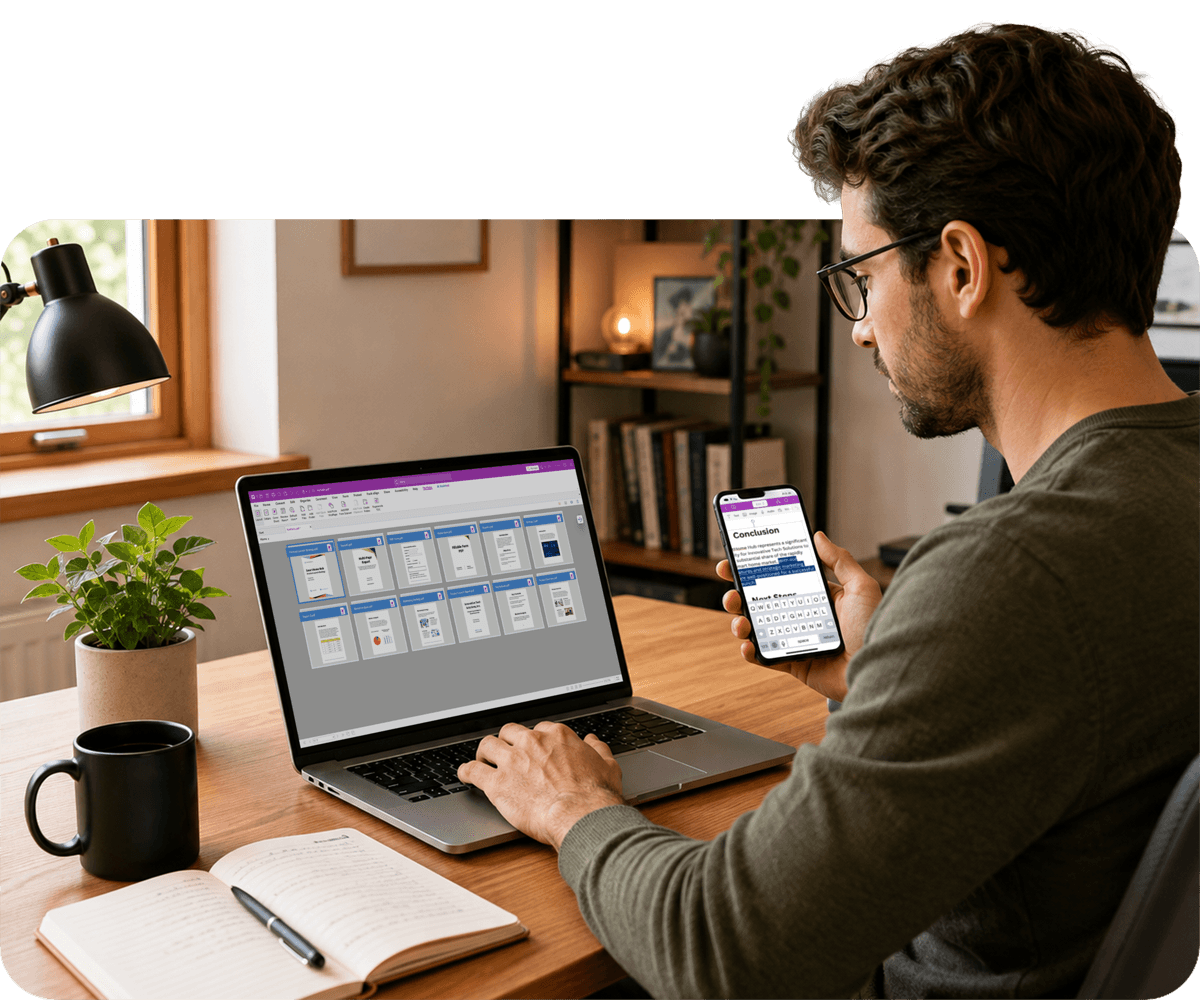
A home document management system is a structured, digital approach to organizing, storing, and accessing important files. Instead of physical filing cabinets — or a desktop full of folders named "New Folder (3)" — your documents live in one searchable, secure digital location.
This approach works for remote professionals, freelancers, small business owners, and anyone managing a household's worth of paperwork, without requiring a complicated IT setup or enterprise infrastructure.
With the right document organization software, you gain instant search, access from any device, secure sharing, password protection for sensitive files, and backups so nothing is ever truly lost.
The Core Capabilities to Look For
Not all document tools offer the same level of control.
What Makes a Document Library Actually Searchable?
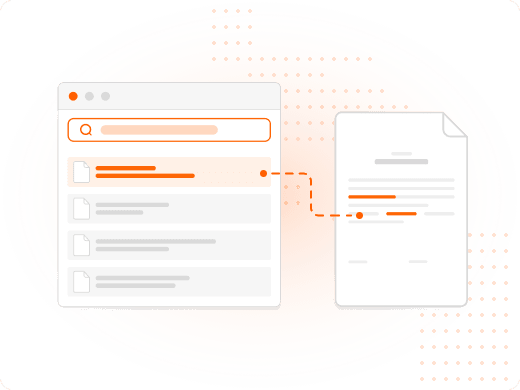
Full-text search lets you find files based on what's inside them, not just their file names — especially useful once your document library grows beyond a few dozen files.
Metadata and tagging, like category and creation date, turn a messy folder structure into a functional filing system you can actually navigate.
Why Does OCR Matter for Home Scanning?
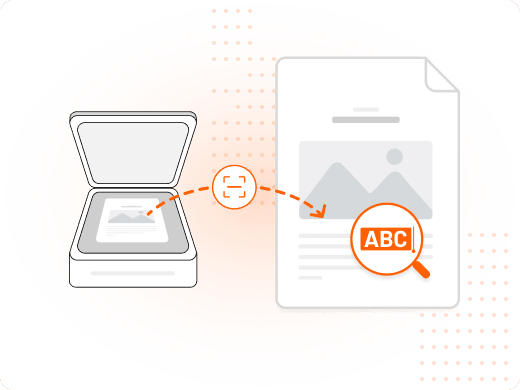
When you scan a paper document, OCR (Optical Character Recognition) converts the image into searchable, editable text. That scanned tax form becomes a fully searchable PDF, not just a picture of paper.
Without OCR, a scan is only useful for storage. With it, the same file becomes something you can search, copy from, and edit.
How Do Security Controls Protect Personal Files?
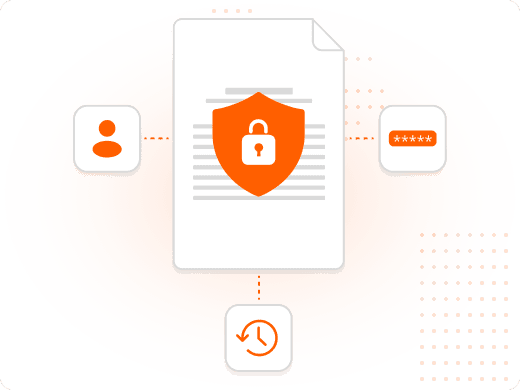
Encryption, password protection, and permission settings ensure sensitive documents can only be accessed by the right people — critical for legal documents, financial records, and identification files.
Version control adds another layer of safety: if you edit a contract or update a form, the previous version stays accessible, so nothing is accidentally overwritten for good.
Why Does File Format Consistency Matter?
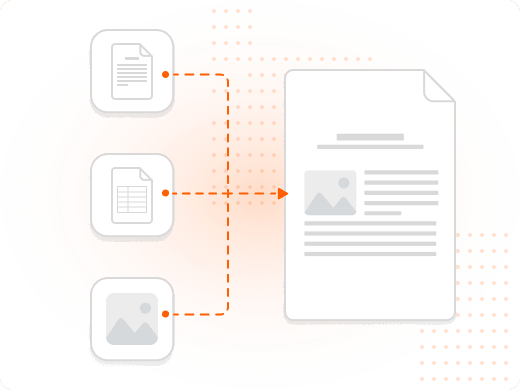
A PDF conversion tool standardizes your file formats. Converting Word documents, Excel spreadsheets, or scanned images into PDFs ensures every file looks and behaves the same on every device.
That consistency is what makes a home archive actually reliable — a file opened five years from now looks exactly like it does today.
Why Switching to a Digital System Pays Off
The benefits show up the first time you actually need a document in a hurry.
Digitizing your important documents eliminates unnecessary physical storage and gives you a single source of truth for every file — no more filing cabinets, no more searching through stacks of paper.
Searchable PDFs let you locate files by content, not just file name. Search for "car insurance" and your policy surfaces immediately, no manual folder-diving required, and cloud-ready documents travel with you to a coffee shop, a client site, or your phone.
Password protection, permissions, and encryption keep personal financial records, legal documents, and private correspondence private, while Foxit eSign lets you send documents for review or approval in seconds — no printing, no scanning, no chasing signatures.
What You Can Do with Foxit PDF Editor
Everything a home document system needs, in one tool.
Scan Straight to PDF
Convert physical documents into digital files using a scanner, printer, or the Foxit PDF Editor Mobile App, ready for your document workflow.
Search by Content, Not Just Name
Run OCR on scanned documents so every file becomes fully searchable and editable, not just a stored image.
Protect What Matters
Apply password protection and permissions to financial records, legal documents, and identification files.
Standardize Every Format
Convert Word documents, spreadsheets, and images into consistent, universally readable PDFs with Foxit PDF Converter.
Manage Documents from Your Phone
Scan, edit, sign, and share files directly from your smartphone with the Foxit PDF Editor Mobile App.
Send Documents for Signature
Use Foxit eSign to send and receive legally binding signatures without printing, scanning, or chasing anyone down.
Who Needs a Home Document System, and Why
Not just for businesses — anyone managing a household's paperwork benefits.
Home document management isn't an enterprise concept scaled down. It solves the same everyday problem for very different people: knowing exactly where an important file is when you need it.
- Remote professionals: Remote workers keep client files, contracts, and work documents accessible and secure across the laptop, tablet, and phone they use throughout the day.
- Freelancers and small business owners: Freelancers manage invoices, signed agreements, and tax records in one searchable system instead of scattered downloads folders and email attachments.
- Households managing family paperwork: Families organize insurance policies, medical records, and property documents so any family member can find what's needed during an emergency.
- Anyone preparing for tax season or an audit: A well-organized digital archive turns a stressful search for years-old receipts and statements into a quick keyword search.