Create and Edit Office Files in Foxit DMS
Create and edit Word, Excel, and PowerPoint files through Microsoft Online in Foxit DMS, with no separate Microsoft subscription. Files stay centralized, versioned, and ready for PDF or eSignature workflows.
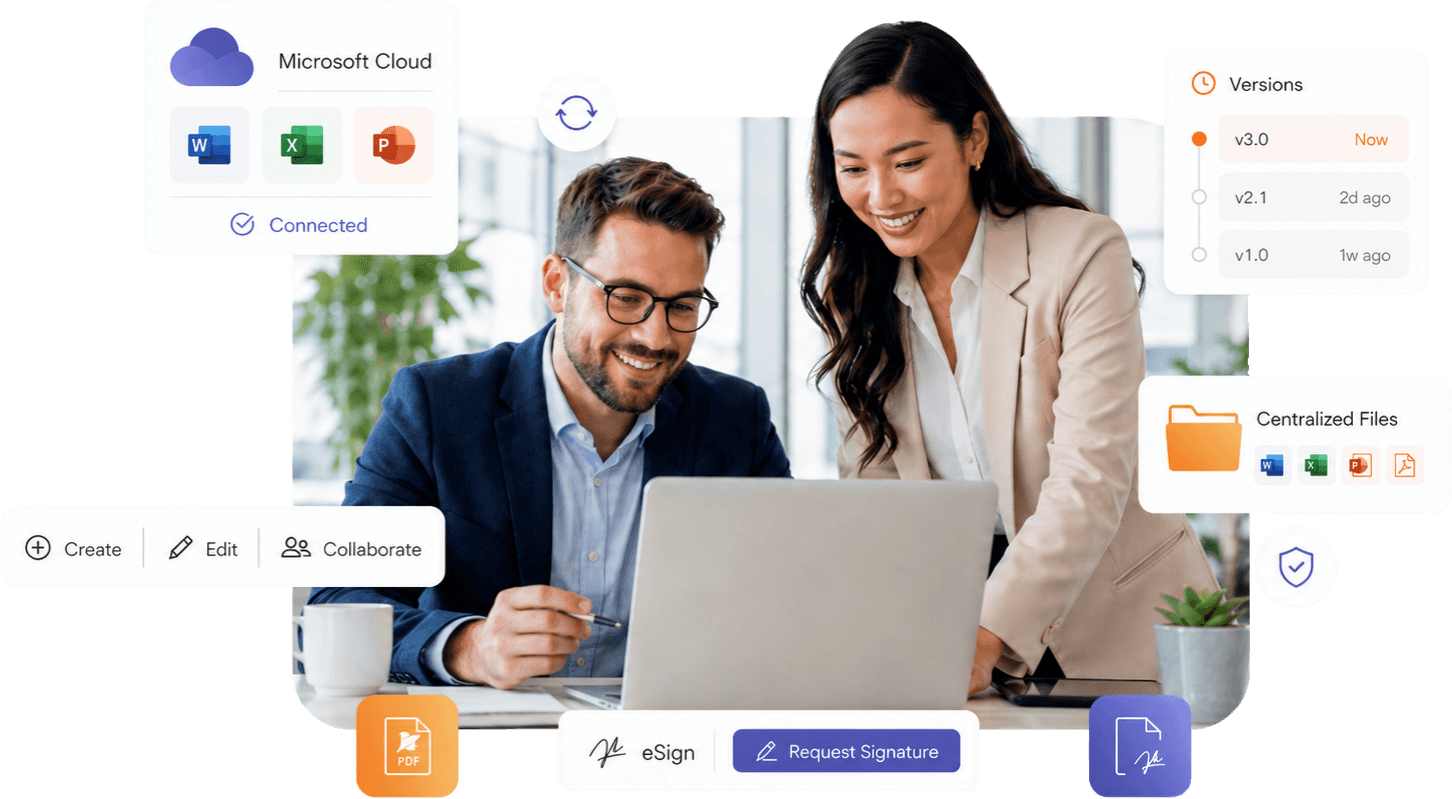
Familiar Office Tools, Centrally Managed

Create Office Files In DMS
Edit In Microsoft Online

Automatic Save & Sync
Version Control & History

Send To eSign & PDF
No Microsoft License Needed

Create Office Files Without Leaving DMS
- Create Word, Excel, and PowerPoint files
- Open in Microsoft Online
- No local file dependency
- Centralized document storage
- Immediate file availability
- Files saved directly to DMS
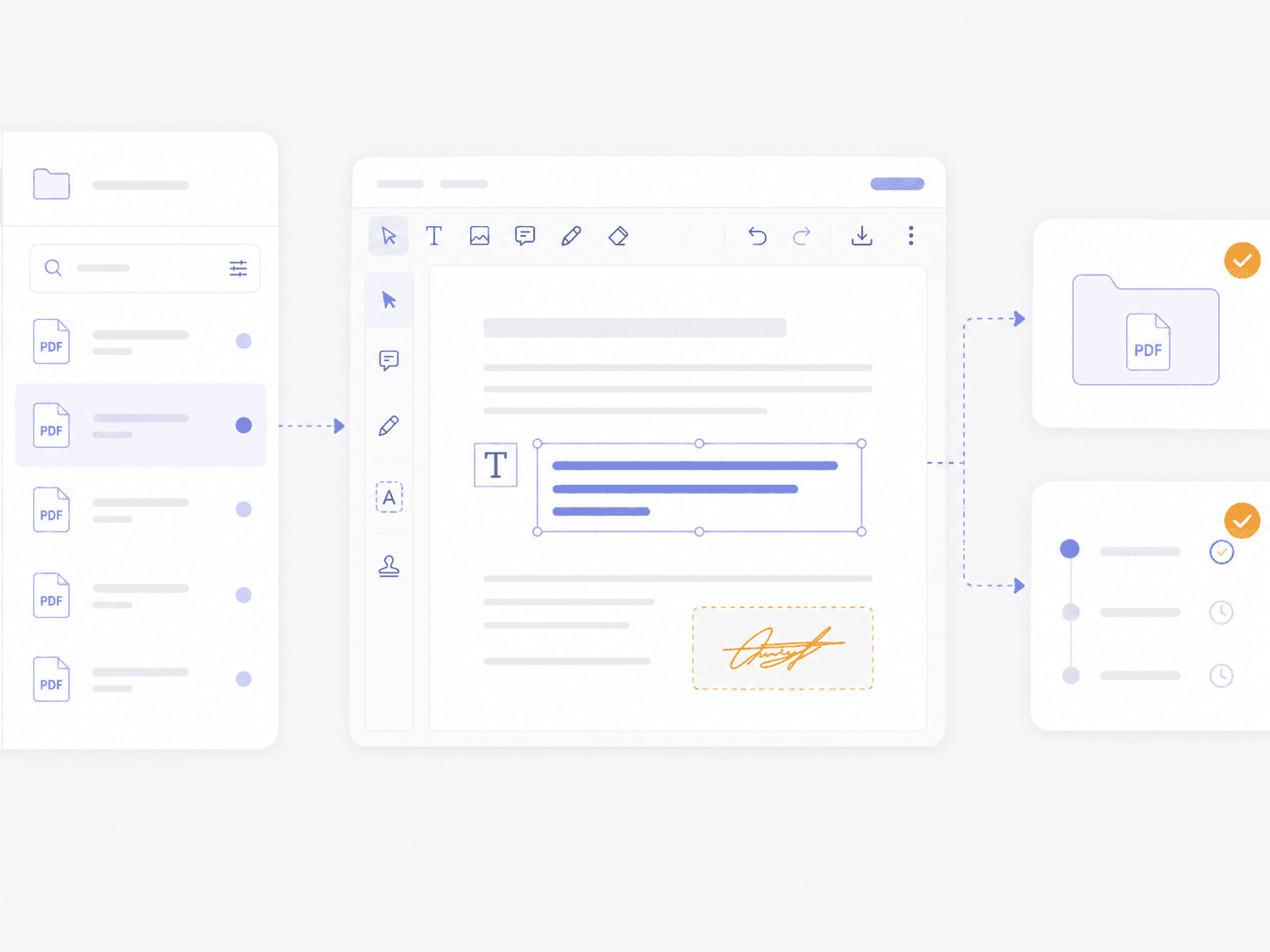
Edit Existing Office Files in One Place
- Edit existing Office files in DMS
- Automatic save and sync
- Version-controlled editing
- Eliminate duplicate copies
- Single source of truth
- Faster document updates
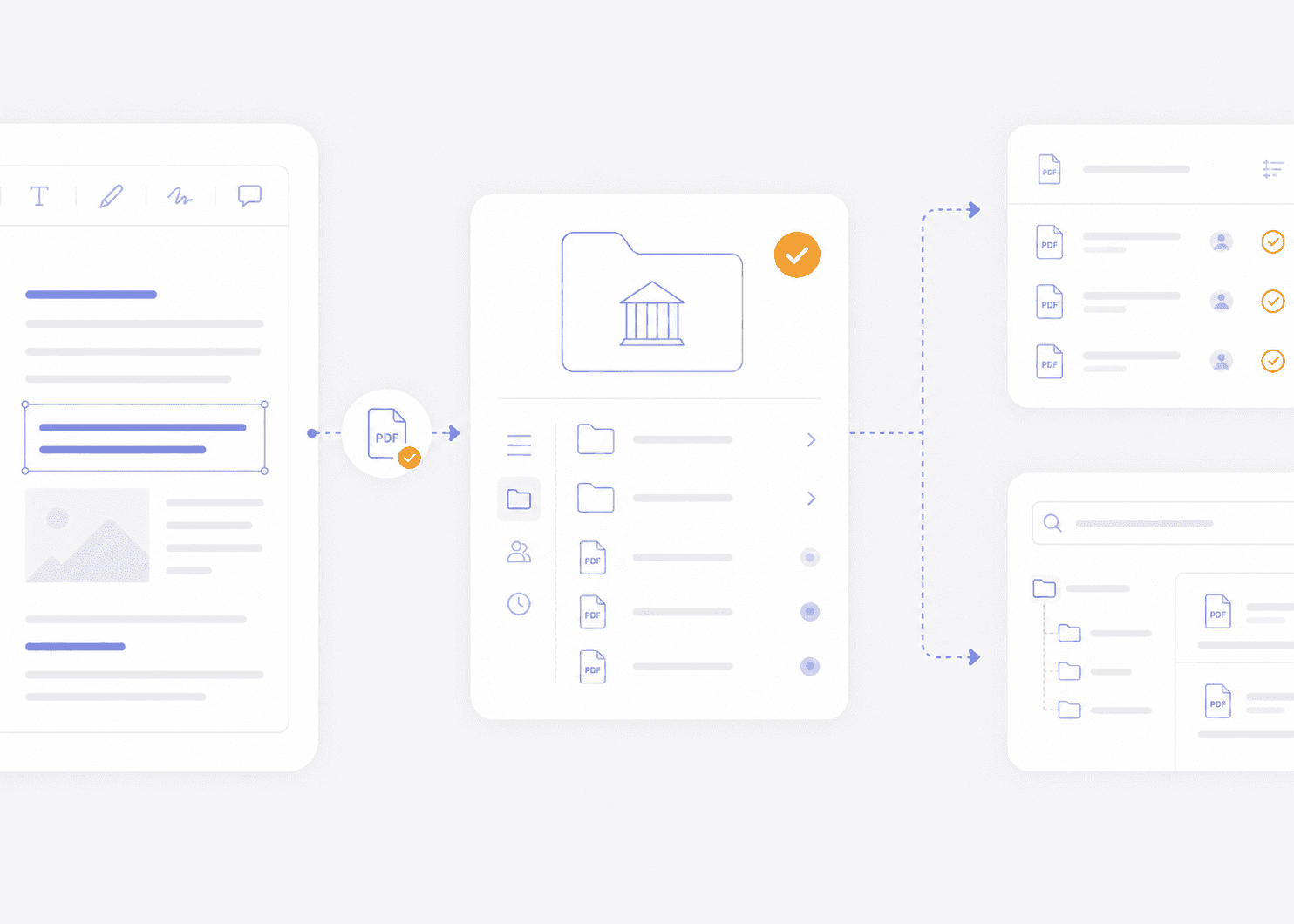
Collaborate Without Losing Control
- Collaborative editing in Microsoft Online
- Version tracking and history
- Role-based access controls
- Reduced version conflicts
- Centralized visibility
- Improved team alignment
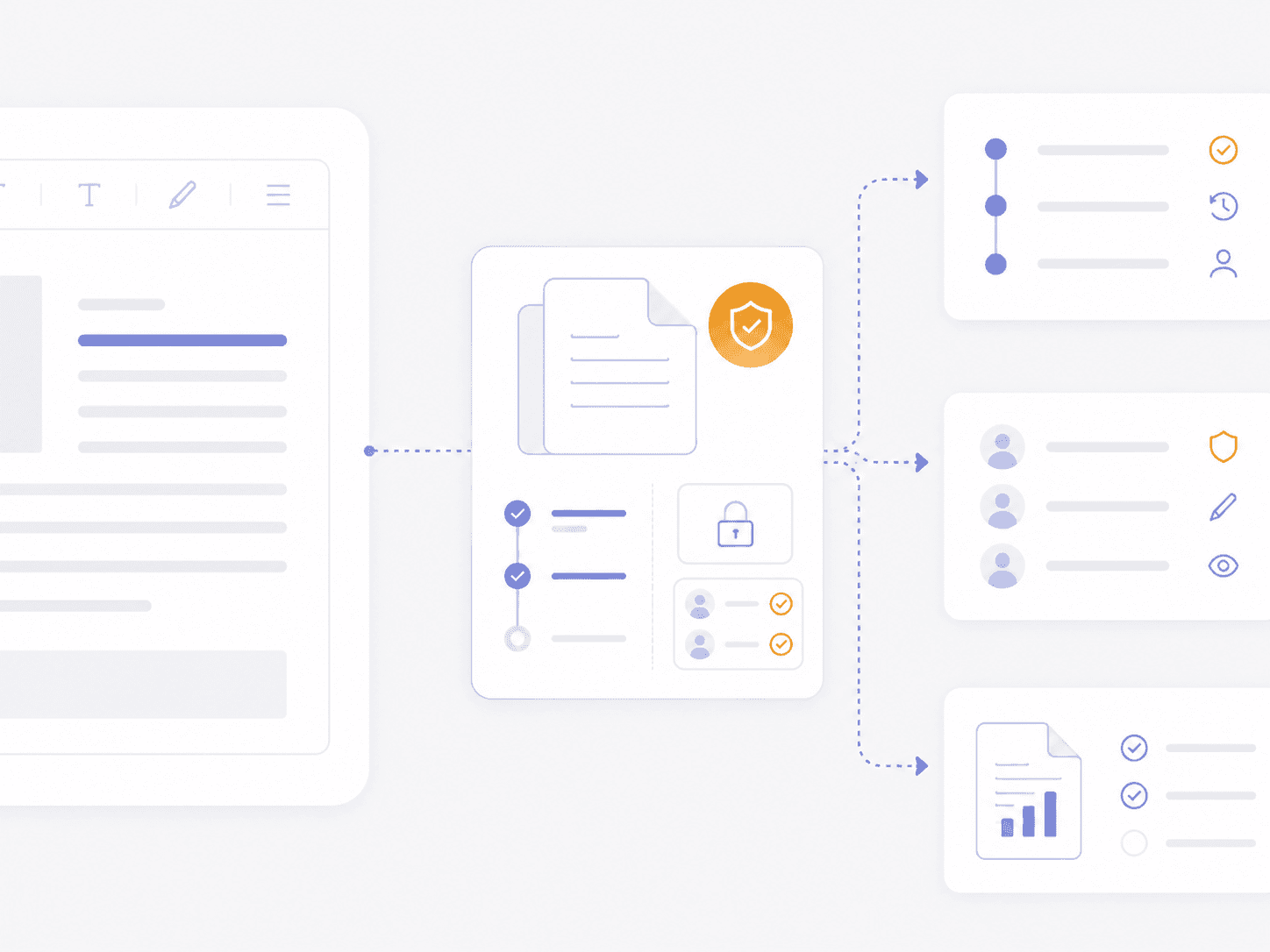
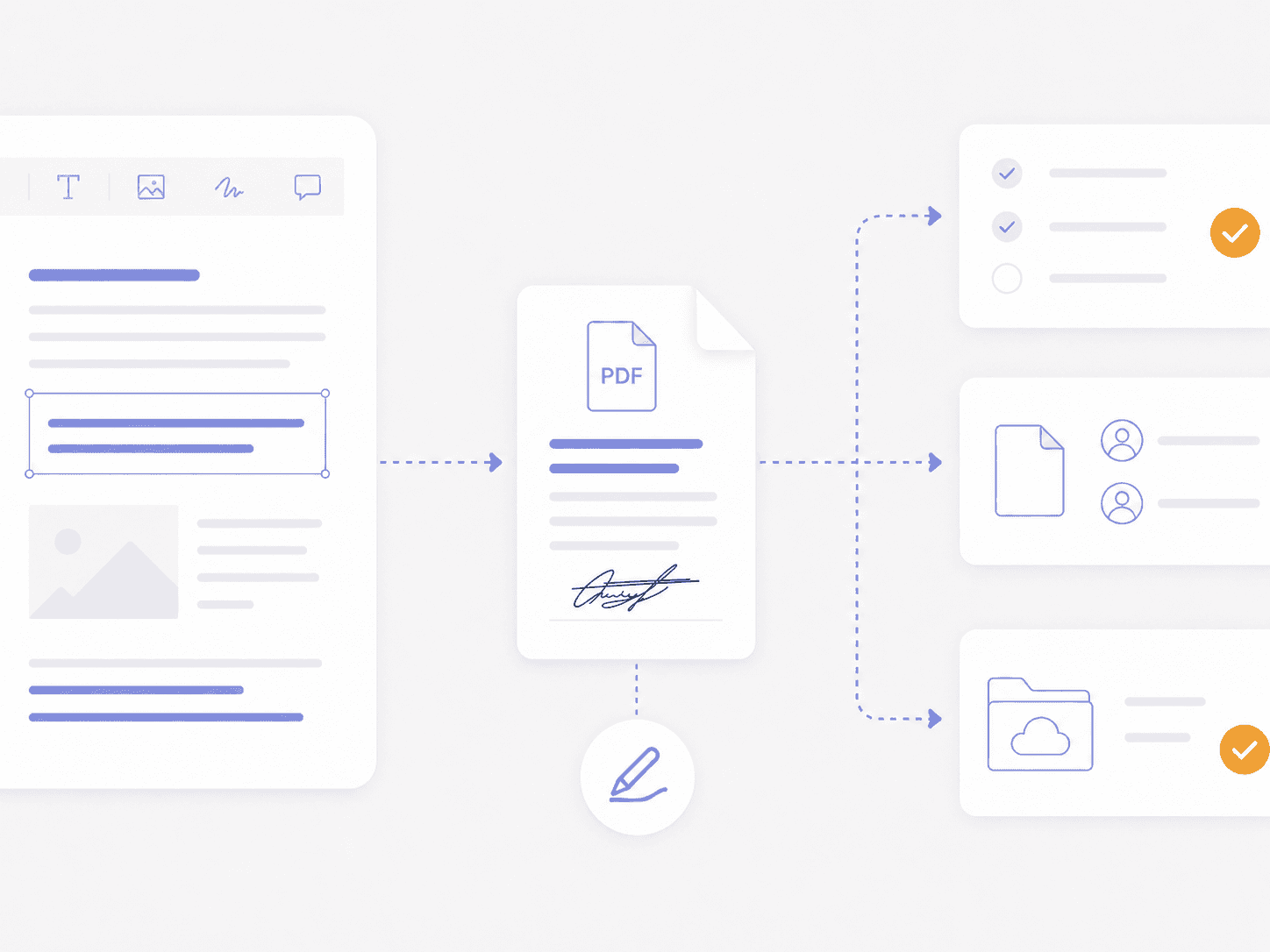
Move From Office Files To PDF and eSignature
- Send Office files to Foxit eSign
- Automatic post-signature storage
- Convert Word, Excel, and PowerPoint to PDF
- Open files in Foxit PDF Editor
- Unified document lifecycle
- Reduced workflow friction
Need Team Licenses or Custom Solutions?
Get volume pricing, enterprise security features, dedicated support, and custom deployment options for your organization.

Create and Manage Office Files in Foxit DMS
- Word, Excel, and PowerPoint built in
- No separate Microsoft subscription required
- Centralized storage for every Office file
- Built-in versioning and collaboration
- Connected eSign and PDF workflows
- Lower licensing and IT overhead
Microsoft Integration FAQ
Foxit Document Management System, also called Foxit DMS, connects Microsoft Online with the DMS dashboard so users can create, open, and edit supported Word, Excel, and PowerPoint files in the browser.
Foxit Document Management System, also called Foxit DMS, provides Microsoft Online editing for supported Word, Excel, and PowerPoint files without requiring a separate Microsoft 365 subscription.
Foxit Document Management System, also called Foxit DMS, lets users create and edit supported Word, Excel, and PowerPoint files through Microsoft Online. The files remain in the central repository for organization, search, sharing, and governance.
Foxit Document Management System, also called Foxit DMS, saves Microsoft Online edits back to the managed file automatically and preserves version history in the central repository.
Foxit Document Management System, also called Foxit DMS, connects supported Office files to Foxit PDF Editor and Foxit eSign for PDF and signature workflows.