PDF Editing Meets Document Management
Foxit PDF Editor and Foxit DMS connect editing with secure storage, organization, and governance in one document workflow.
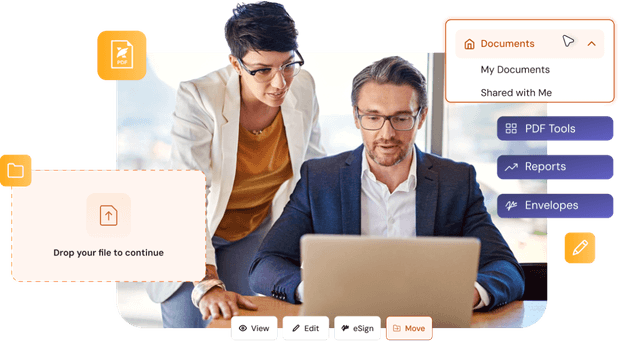
Connect PDF Editing with Document Management
Open DMS Files In Editor
Save To Central Repository

Version Control & Check-Out
Permissioned File Sharing
Searchable File Organization
Connected Document Workflows

Access and Edit DMS Documents Directly in PDF Editor
- Browse DMS files within PDF Editor
- Open DMS documents directly in PDF Editor
- Edit documents in place
- Save changes back to DMS
- Reduce version conflicts
- Maintain workflow continuity
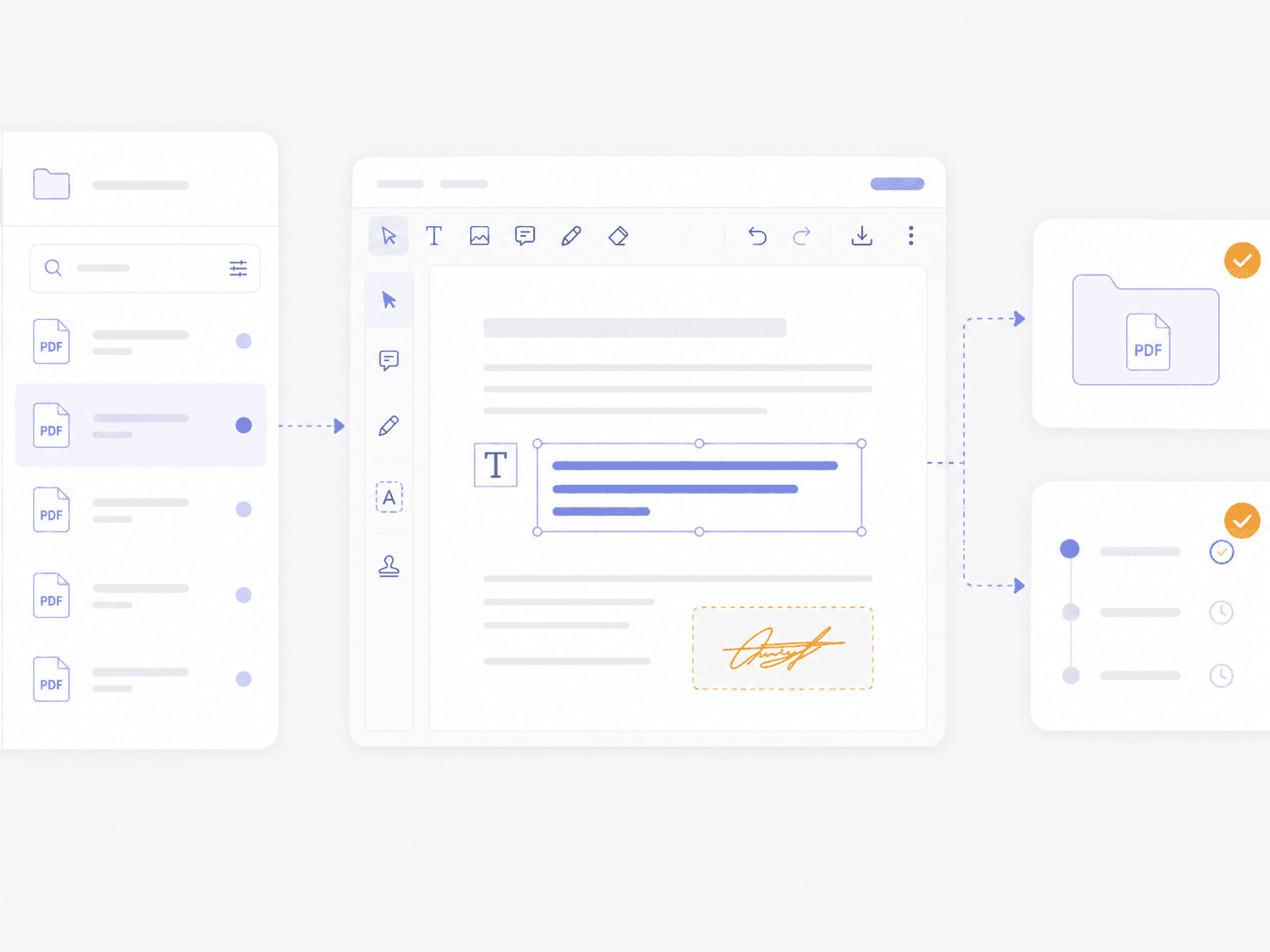
Manage Edited Documents in a Central DMS Repository
- Save edited files to DMS
- Centralized document repository
- Consistent file organization
- Fewer scattered local copies
- Improved document visibility
- Reduced risk of lost files
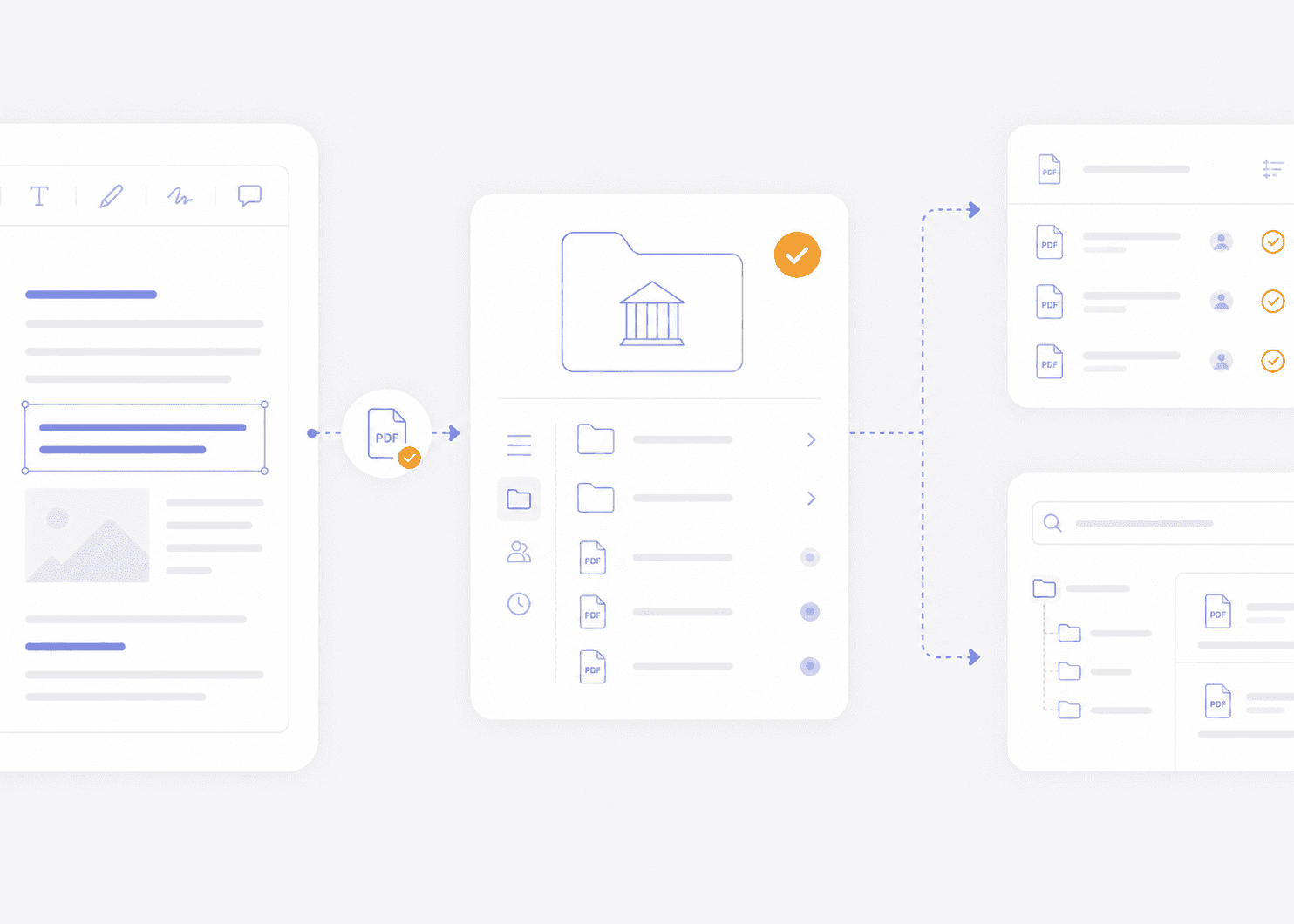
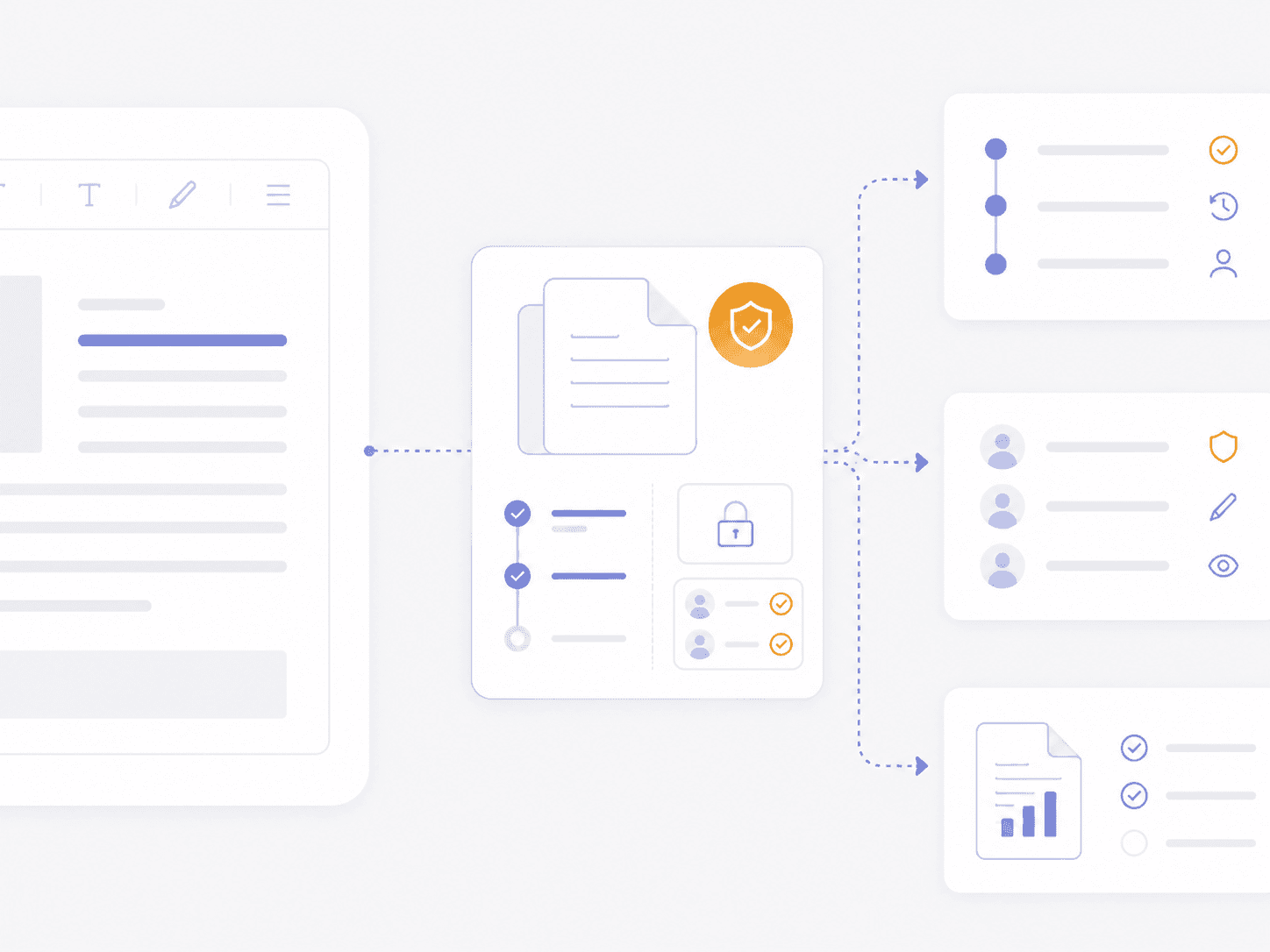
Maintain Control with Versioning, Access, and Governance
- Version control and history tracking
- Controlled document access
- Audit visibility for compliance
- Check-in and check-out workflows
- Policy-based document management
- Improved compliance readiness
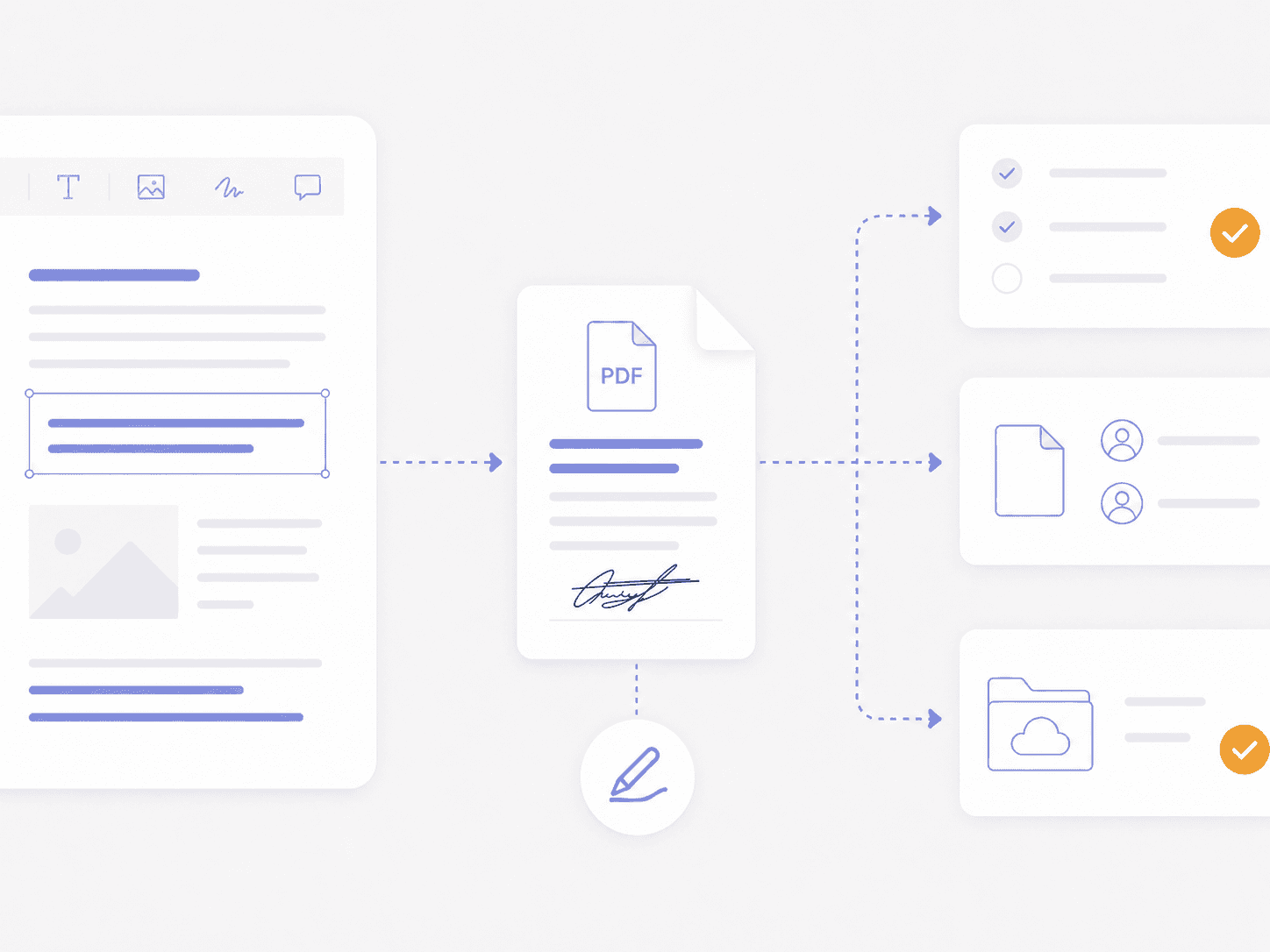
Move Edited PDFs Through Review, Sharing, Signing, and Storage
- Move edited documents onward
- Maintain document continuity
- Automatic final-file storage
- Reduce document handoff friction
- Faster editing-to-final workflows
- Unified editing, sharing, and storage
Need Team Licenses or Custom Solutions?
Get volume pricing, enterprise security features, dedicated support, and custom deployment options for your organization.

Go Beyond PDF Editing With Built-In Document Management
- Built-in document management with PDF editing
- Unlimited storage included with your Foxit PDF Editor subscription
- Eliminate reliance on multiple tools
- Centralized visibility for every document
- Stronger governance across edited files
- A differentiated platform beyond traditional editors
PDF Editor Integration FAQ
Foxit PDF Editor subscriptions include Foxit Document Management System, also called Foxit DMS, with unlimited storage. A PDF Editor perpetual license does not include Foxit DMS.
Foxit PDF Editor connects with Foxit Document Management System, also called Foxit DMS, so teams can open managed PDFs directly in PDF Editor and save changes back to the central repository.
Foxit Document Management System, also called Foxit DMS, maintains version history and supports check-in/check-out controls for managed PDF files. These controls help teams track revisions and identify the current version.
Foxit PDF Editor subscriptions include Foxit Document Management System, also called Foxit DMS, with unlimited storage pooled across the account. Teams can use the shared storage for managed documents and connected workflows.
Foxit PDF Editor subscriptions include Foxit Document Management System, also called Foxit DMS, which adds centralized storage, metadata, search, version history, permissions, and retention controls to PDF editing workflows. Teams comparing Foxit with Adobe Acrobat should evaluate the document-management capabilities and licensing included in each plan. Compare Foxit PDF Editor and Adobe Acrobat.