Never Lose Another Document.
Foxit unifies document management with centralized storage, security, and governance in a single hub. Foxit DMS is included with Foxit PDF Editor and eSign subscriptions, with free, unlimited cloud storage.
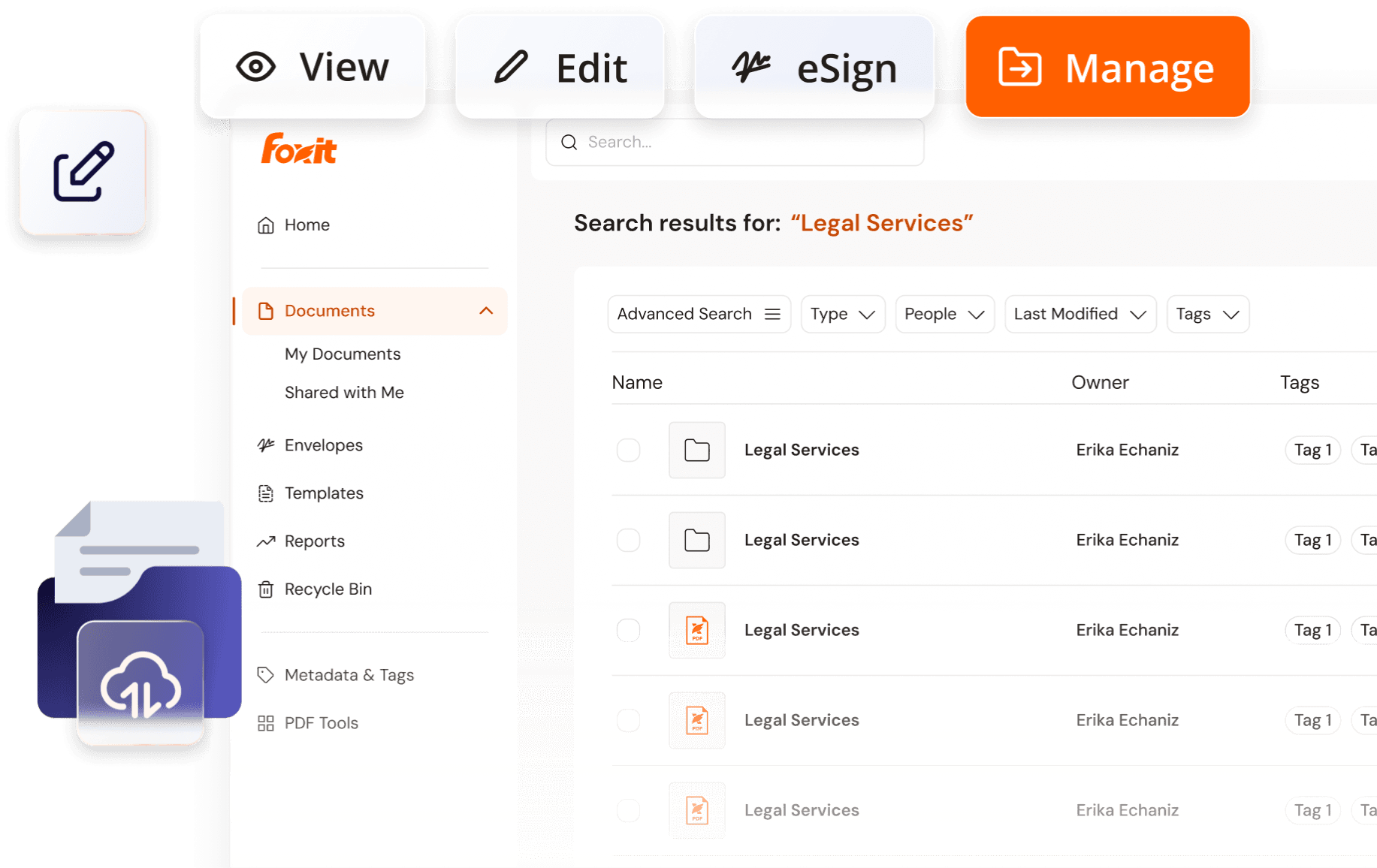
Foxit DMS is Your Document Control Center

Smarter Document Management
Foxit organizes your files in a centralized, cloud-based repository so documents are always stored, structured, and searchable.
- OCR makes it easy to import existing files or images and convert them into editable, searchable text.
- Custom Metadata with tagging makes it easy to index and classify documents.
- Advanced Search locates files by name, content, metadata or with filters.
- Folders and File Hierarchy simplifies navigation by providing structure to your library.
- Template libraries ensure document consistency with pre-approved designs and branding.
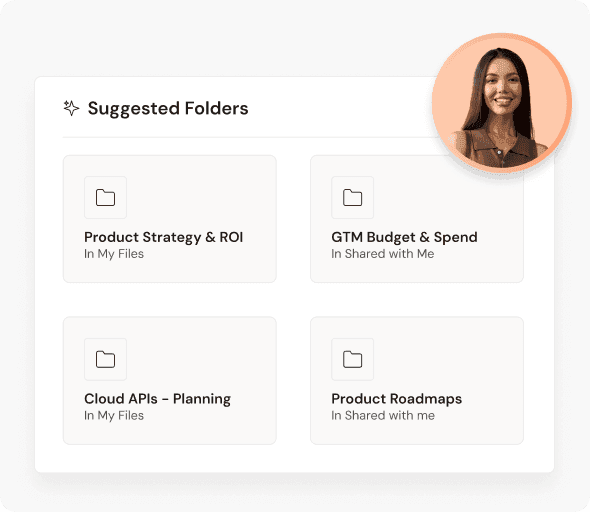
Better Document Workflows
Foxit makes it easy to access files anytime, anywhere — across applications, devices, and teams.
- Native integration with Foxit PDF Editor and eSign keeps document workflows in one ecosystem.
- Frictionless Sharing between cloud and desktop apps enables seamless collaboration.
- Live File Syncing ensures the latest updates are always saved.
- Check In / Check Out Controls prevent overwrites and duplicate versions during collaboration.
- Version History eliminates version chaos and keeps collaborators on the same page.
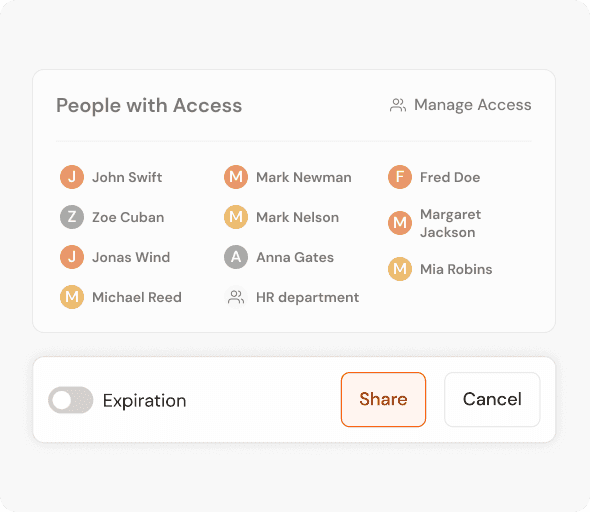
Stronger Data Protection
Foxit delivers advanced security and compliance that protects sensitive data and reduces business risk.
- Encryption & Role-Based Permissions keep sensitive files visible only to authorized users.
- Authentication Controls (SSO & MFA) protect access across teams and devices.
- Audit Trails & Version Logs provide complete visibility into document activity.
- Automated Retention Rules enforce proper archiving and deletion.
- Compliance-Friendly Reports generate detailed logs for regulatory needs.
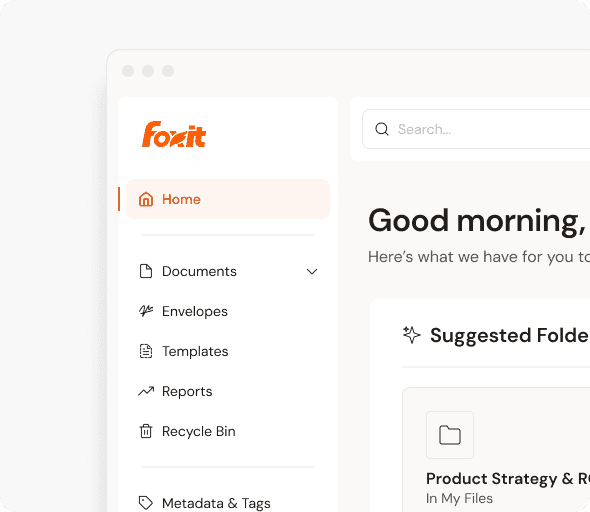
Edit, Sign, and Store in One Connected Document Workspace
Edit PDFs from your managed workspace
Give PDF workflows a managed workspace to organize files, track versions, and control access as documents move through editing and review.
- Centralized file organization
- Version history and check-out
- Govern team access
Keep signed documents connected
Keep signed documents connected to a central repository, where completed files can be shared, searched, managed, and retained with greater control.
- Centralized signed-document storage
- Shared access to completed files
- Searchable document records
Foxit DMS Solves Critical Document Management Challenges
The Complete Buyer’s Guide to Document Management Services
- Enterprise DMS implementation roadmap
- Security and compliance frameworks
- Cost savings and efficiency metrics
- Real-world case studies and examples

Store, Search, Share, and Protect
Store, organize, and manage all your documents with advanced metadata and search capabilities.
Enterprise-grade document control with version management and collaboration features.
Enterprise-level security with comprehensive audit trails and compliance features.
Advanced governance features that support compliance requirements and document lifecycle management.
Need Team Licenses or Custom Solutions?
Get volume pricing, enterprise security features, dedicated support, and custom deployment options for your organization.

Ready to Experience the Power of Foxit?
From digital signatures to automated compliance, Foxit unifies how businesses edit, engage, and manage documents in a single productivity suite.
- Centralized, cloud-based document repository
- Free, unlimited storage pooled across your account
- Native integration with Foxit PDF Editor and eSign
- Enterprise-grade security, audit, and compliance
- Bi-directional workflows across desktop, cloud, and mobile
- One platform to edit, sign, store, and govern
Foxit DMS FAQ
Foxit Document Management System, also called Foxit DMS, is a centralized cloud-based repository for storing, organizing, searching, sharing, and managing business documents. It gives teams a structured workspace with metadata, version history, access controls, and governance tools built into the Foxit document ecosystem.
Foxit Document Management System goes beyond basic file storage by adding document management features like metadata tagging, advanced search, version history, check-in/check-out, role-based access, retention rules, and audit trails. Instead of simply storing files, Foxit DMS helps teams manage documents across their full working lifecycle.
Foxit Document Management System helps teams reduce scattered files, find documents faster, manage versions more clearly, and keep sensitive content easier to control. It gives organizations a shared document workspace that supports stronger organization, better collaboration, and more consistent document governance.
Yes. Teams can use Foxit Document Management System to share files, manage access, track versions, and keep documents organized in a central workspace. Features like permissions, version history, and check-in/check-out help reduce duplicate copies and conflicting edits.
Yes. Foxit Document Management System connects with Foxit PDF Editor and Foxit eSign so teams can manage documents before, during, and after editing or signing workflows. This helps keep files centralized, searchable, and easier to control across Foxit products.
Yes. Foxit Document Management System includes unlimited cloud storage across users, giving teams a shared place to store and manage documents without separate individual storage limits. This helps teams centralize files, reduce scattered storage, and support collaborative document workflows.
Businesses can start with Foxit Document Management System by organizing documents into folders, adding metadata and tags, setting user permissions, and connecting DMS workflows to Foxit PDF Editor, Foxit eSign, or Foxit Agreements. Teams can then expand usage with version control, retention rules, audit trails, and advanced search.
A document management system focuses on storing, organizing, securing, tracking, and governing business documents such as PDFs, contracts, forms, reports, and records. Digital asset management is typically built for creative and marketing assets like images, videos, brand files, and media libraries.
Foxit Document Management System can be a strong Adobe Document Cloud alternative for teams that want centralized document storage, governance, search, version control, and integrated workflows with Foxit PDF Editor and Foxit eSign. It is designed to help organizations manage documents in one connected Foxit workspace rather than relying on disconnected tools.