eSignature Meets Document Management.
Most eSignature tools stop at the signature. Foxit DMS and Foxit eSign work as one, signing, storing, organizing, and governing every document in a single connected workflow.

A Complete Document Workflow, Beyond Signing
Bi-Directional Workflows
Automatic Storage on Completion
Templates & Admin Control
Retention & Governance

Unified Document Visibility
Beyond Signature Lifecycle

Work From DMS or eSign Without Breaking the Workflow
- Start in DMS, send to eSign without exporting files
- Start in eSign, store in DMS automatically
- Consistent document lifecycle management across systems
- No workflow disruption, so users work in their preferred environment
- Unified visibility across DMS and eSign
- Reduced friction and improved adoption across teams
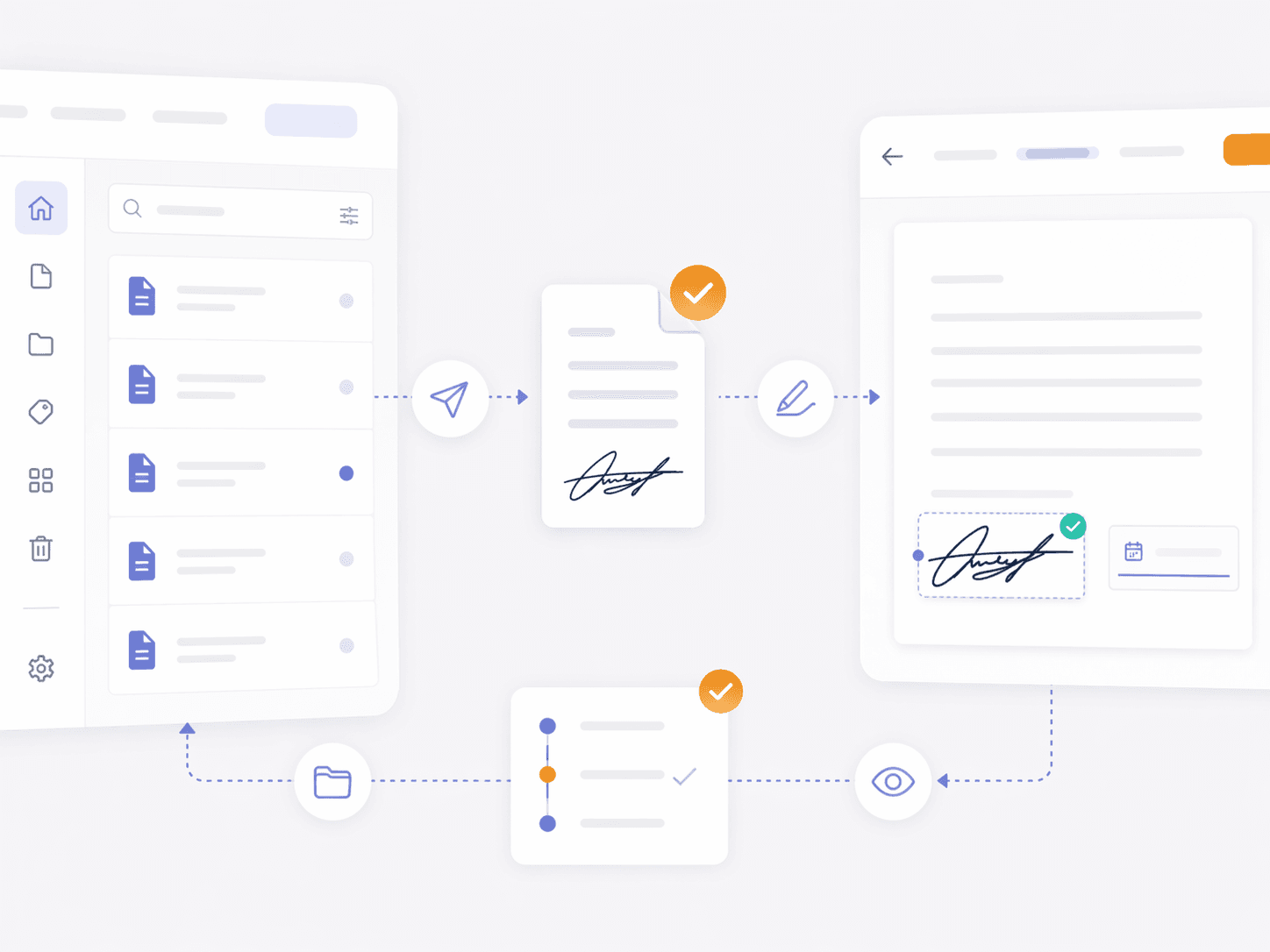
Send, Sign, and Automatically Store
- Direct send-to-sign workflows from DMS
- Automatic return of completed documents to a central repository
- Consistent organization based on policies and structures
- Immediate availability of signed documents
- No manual download, rename, or re-upload
- Reduced risk of lost or unmanaged documents
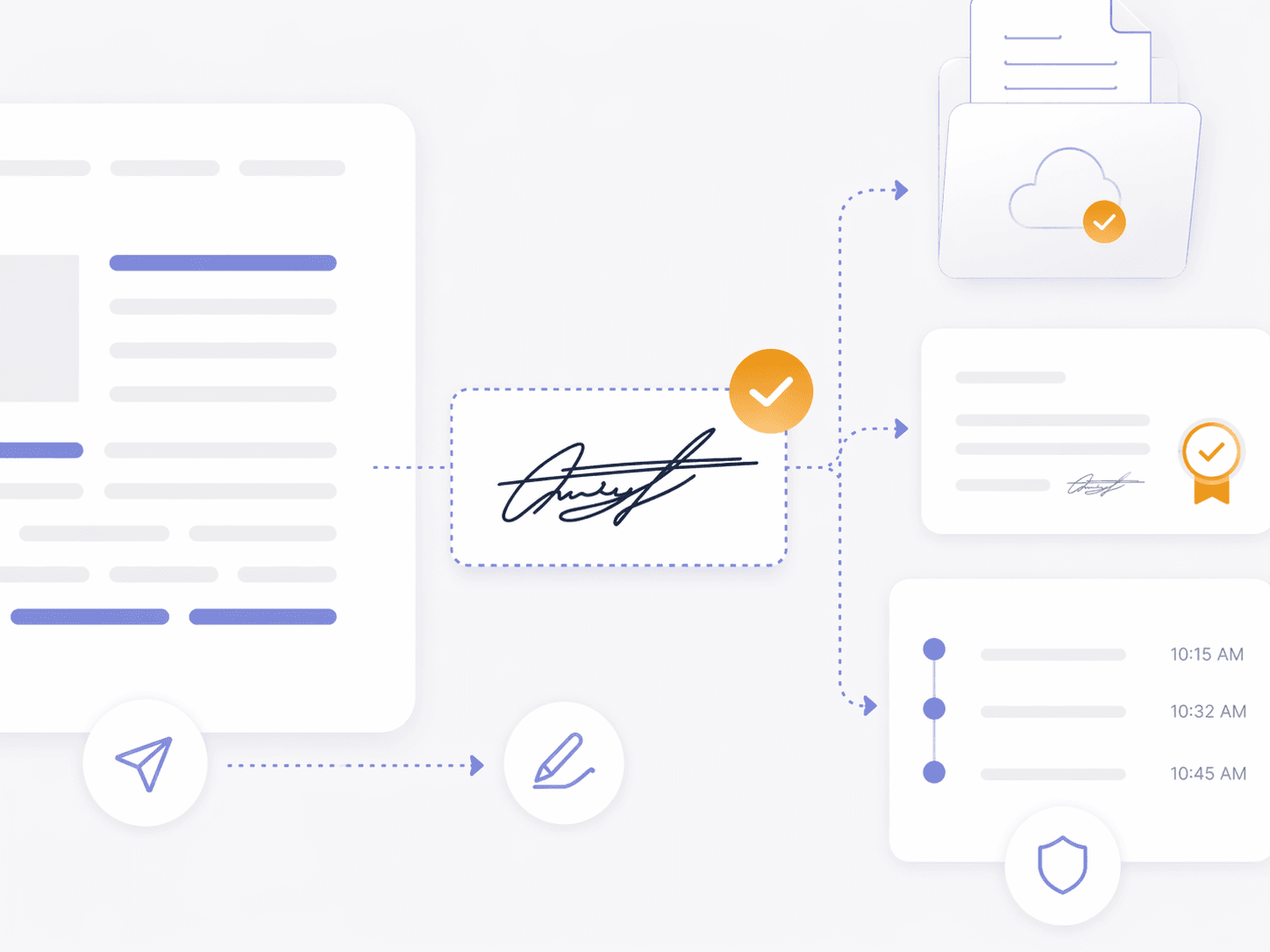
Govern Signed Documents With Retention & Compliance Support
- Lifecycle-based document management from execution to disposal
- Audit-ready tracking for compliance and reviews
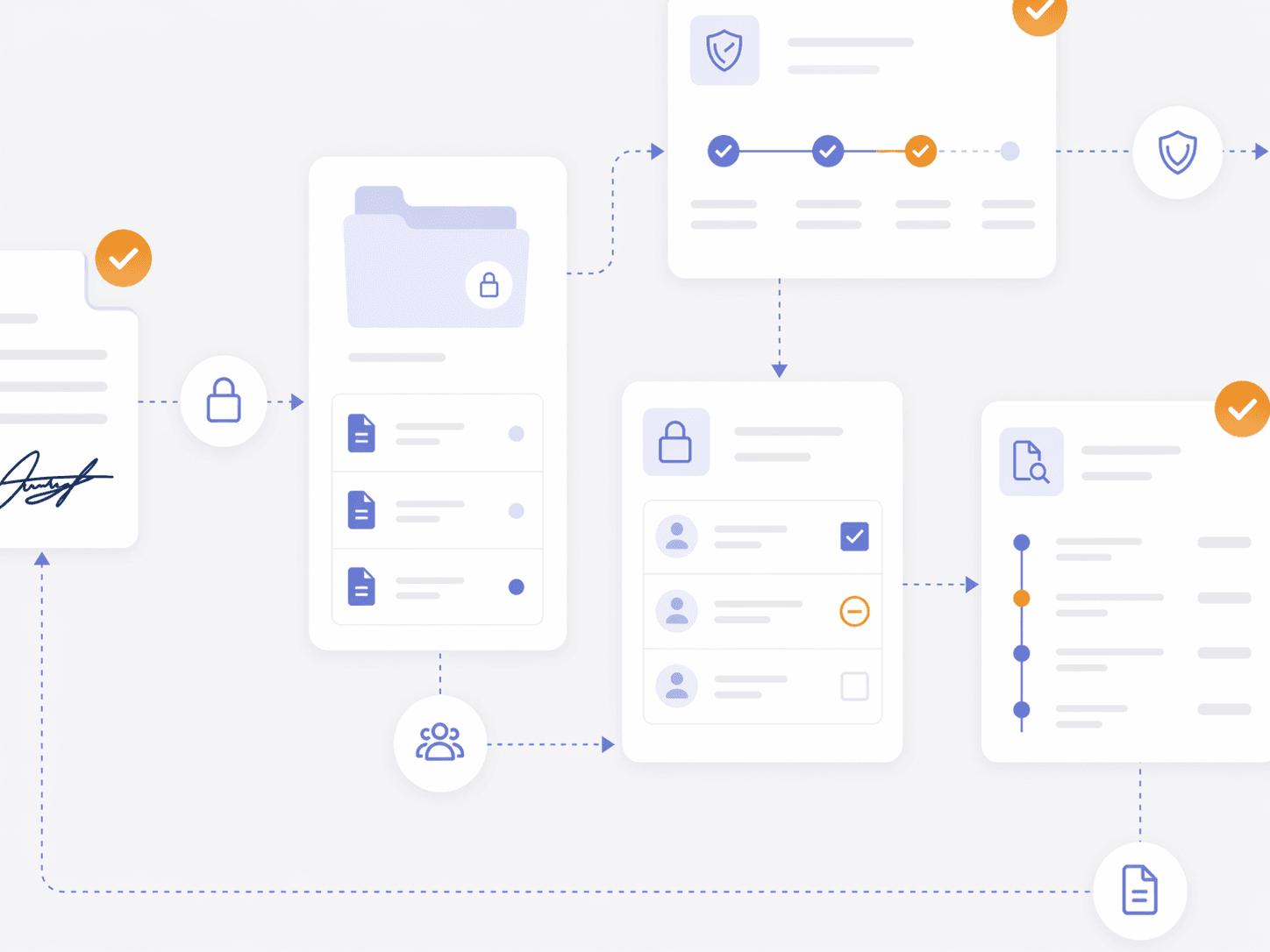
- Controlled access to signed documents
- Consistent policy enforcement across every signed file
- Support regulatory needs
- Integrated governance across signing and storage
Need Team Licenses or Custom Solutions?
Get volume pricing, enterprise security features, dedicated support, and custom deployment options for your organization.
Go Beyond eSignature
- Built-in document management with eSignature
- Post-signature storage, access, and governance
- Eliminate disconnected workflows between systems
- Centralized visibility for every signed document
- Supports stronger governance and lifecycle continuity
- Long-term searchable, governed document value
eSignature Integration FAQ
Foxit eSign helps teams prepare, send, sign, track, and manage documents through a secure electronic signature workflow. When connected with Foxit Document Management System, also called Foxit DMS, teams can keep signed-document records organized in a centralized workspace instead of managing completed files across disconnected tools.
Foxit eSign and Foxit Document Management System work together to connect signature workflows with centralized document management. Teams can send files for signature, track signing activity, and keep completed documents easier to find, share, and manage in one Foxit workspace.
Yes. Files stored in Foxit Document Management System can be sent for signature through Foxit eSign, helping teams move documents from managed storage to signature workflows without unnecessary downloads, uploads, or file handoffs.
Foxit Document Management System gives teams a central place to store, organize, search, and manage documents after they are signed with Foxit eSign. This helps reduce scattered files and gives teams clearer access to completed records.
Foxit Document Management System helps teams share access to completed agreements from a centralized workspace. Teams can use permissions, search, and organized document records to help the right people find signed files without relying on inboxes or local folders.
After a document is sent through Foxit eSign, teams can track envelope details, participants, signing status, and timeline activity. With Foxit Document Management System, completed documents can remain connected to a managed workspace for easier review and long-term document control.
Yes. Foxit eSign supports reusable templates for frequently used documents, helping teams standardize electronic signature workflows and reduce repetitive setup. Foxit eSign Business also supports advanced workflow needs such as template sharing, signing order, bulk sending, and user management.
Foxit eSign includes security and tracking features such as encryption, signature certificates, signer verification options, and audit trails. These features help teams document signing activity and maintain clearer records for internal review and audit readiness.