PDF Editing With Built-In Document Management.
Most editing tools focus only on creating and modifying documents, leaving storage, organization, and control to other systems. Foxit PDF Editor integrates directly with Foxit DMS, so every document is securely stored, organized, governed, and connected from the moment it's edited.

A Unified Document Experience, Beyond Editing
Open DMS Files In Editor
Save To Central Workspace

Version Control & Check-Out
Permissioned File Sharing
Searchable File Organization
Connected Document Workflows

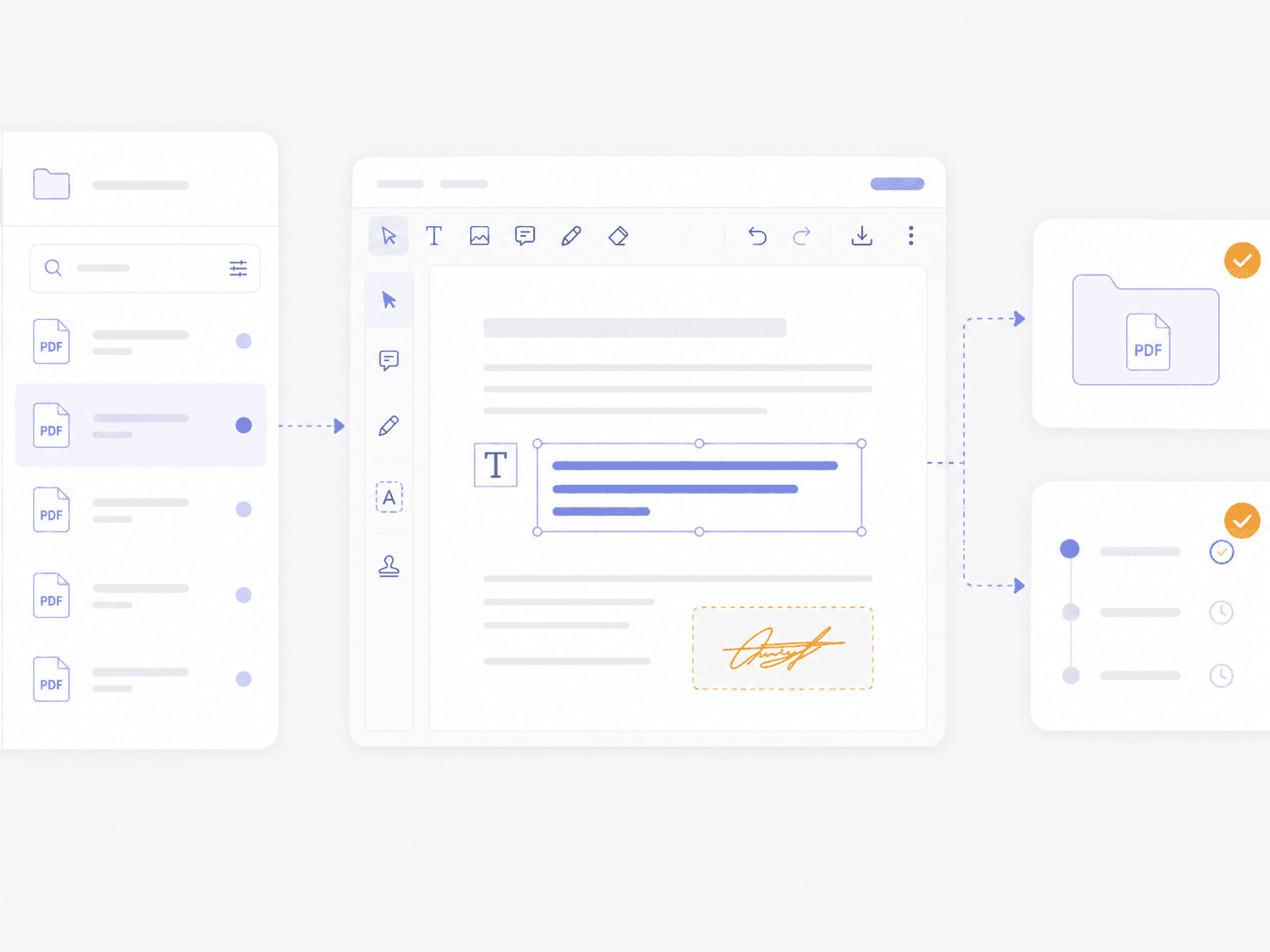
Access and Edit DMS Documents Directly in PDF Editor
- Browse DMS files within PDF Editor
- Open documents without downloading
- Edit documents in place
- Seamless save back to DMS
- Reduce version conflicts
- Maintain workflow continuity
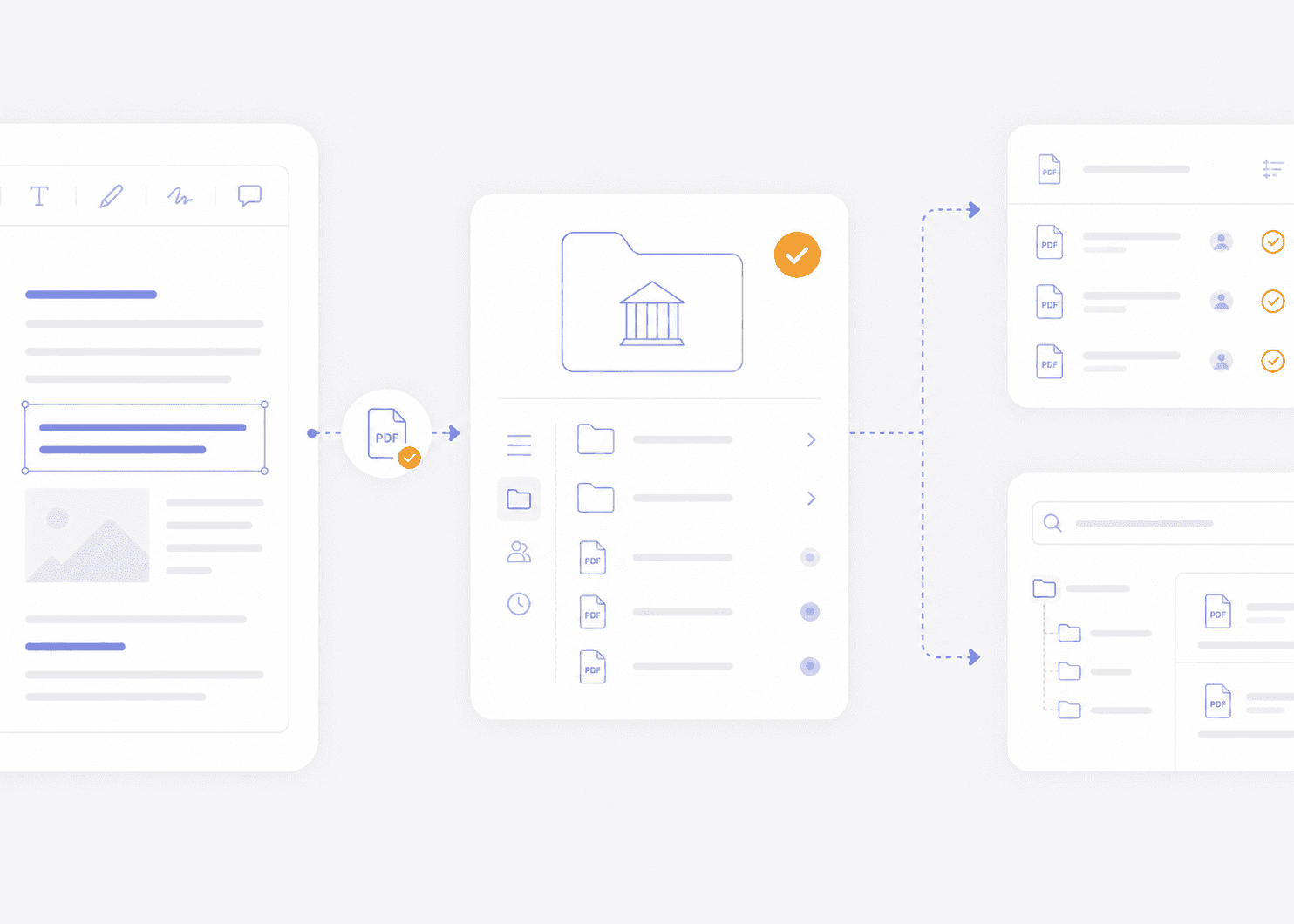
Manage Edited Documents in a Central DMS Workspace
- Save edited files to DMS
- Centralized document repository
- Consistent file organization
- Fewer scattered local copies
- Improved document visibility
- Reduced risk of lost files
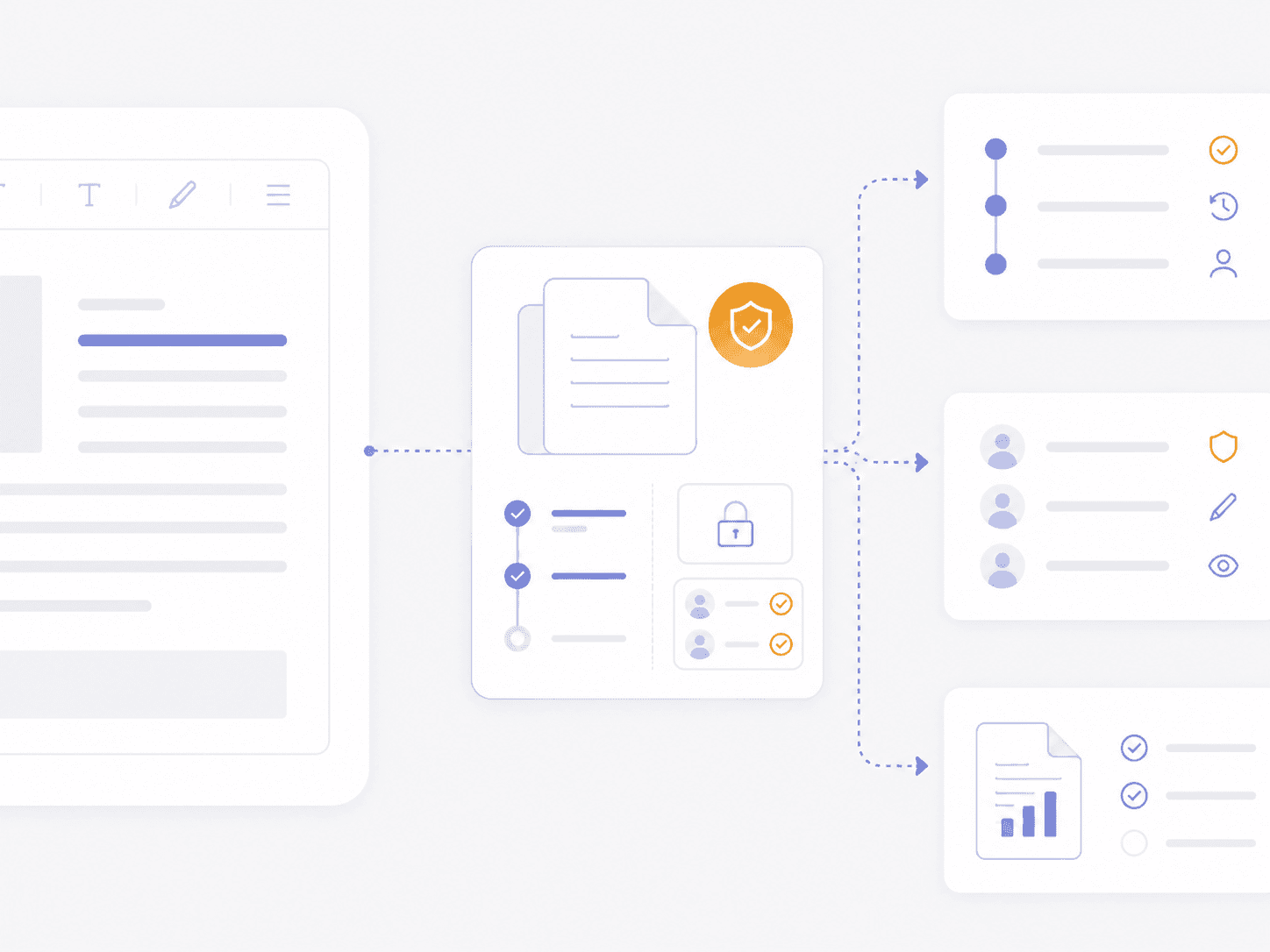
Maintain Control with Versioning, Access, and Governance
- Version control and history tracking
- Controlled document access
- Audit visibility for compliance
- Check-in and check-out workflows
- Policy-based document management
- Improved compliance readiness
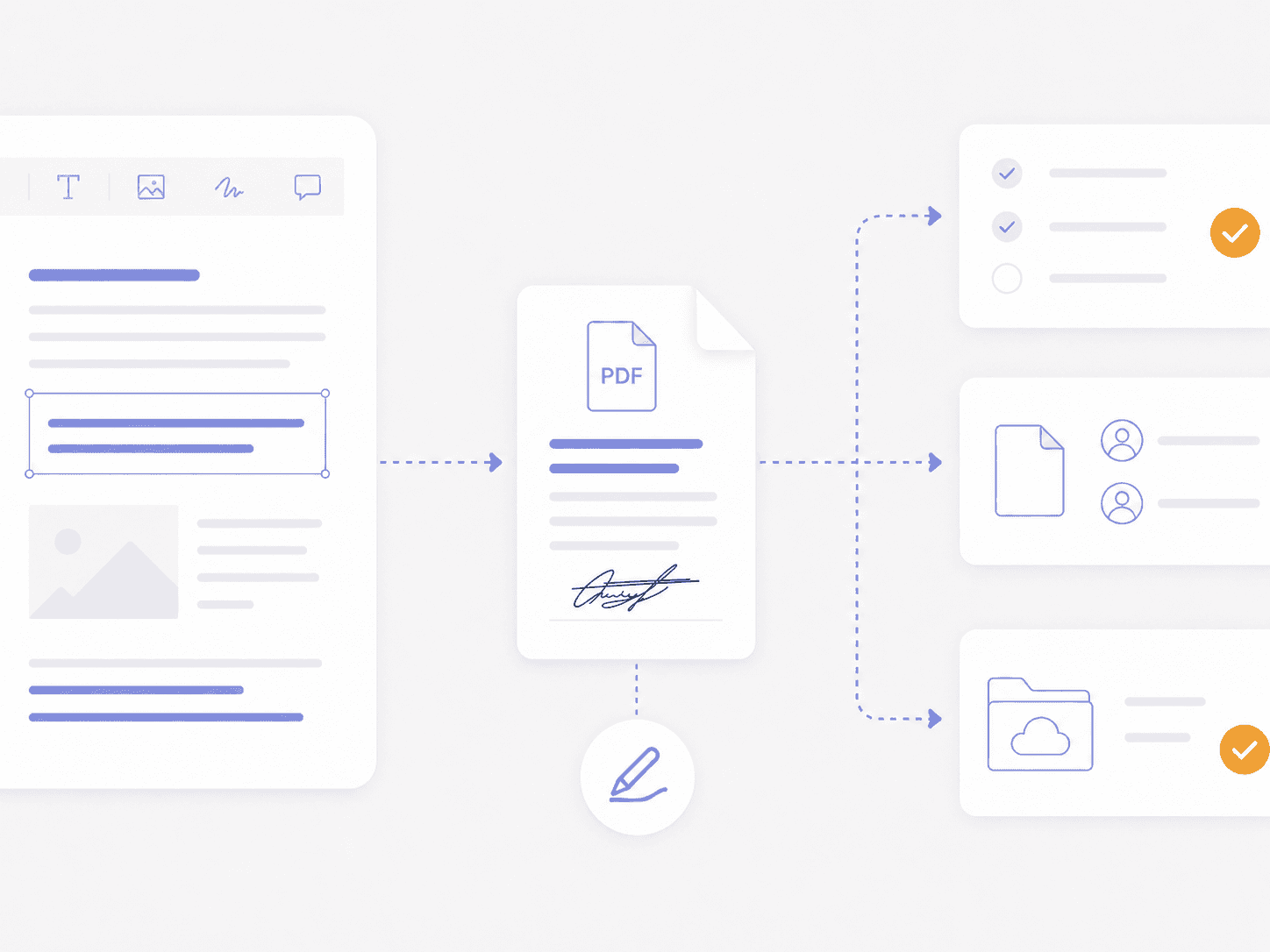
Move Edited PDFs Through Review, Sharing, Signing, and Storage
- Move edited documents onward
- Maintain document continuity
- Automatic final-file storage
- Reduce document handoff friction
- Faster editing-to-final workflows
- Unified editing, sharing, and storage
Need Team Licenses or Custom Solutions?
Get volume pricing, enterprise security features, dedicated support, and custom deployment options for your organization.

Go Beyond PDF Editing With Built-In Document Management
- Built-in document management with PDF editing
- Unlimited storage, no restrictive cloud limits
- Eliminate reliance on multiple tools
- Centralized visibility for every document
- Stronger governance across edited files
- A differentiated platform beyond traditional editors
PDF Editor Integration FAQ
Yes. Foxit PDF Editor includes access to Foxit Document Management System, also called Foxit DMS, so teams can store, organize, search, and manage documents in a centralized workspace when they need more control than basic cloud storage.
Foxit PDF Editor and Foxit Document Management System work together to connect PDF editing with centralized document management. Teams can open managed files, edit PDFs, organize documents, manage versions, and keep important files easier to find and control.
Yes. Teams can open documents stored in Foxit Document Management System directly in Foxit PDF Editor, helping reduce unnecessary downloads, duplicate copies, and disconnected file handoffs.
Yes. Teams can save edited Foxit PDF Editor files to Foxit Document Management System when they want centralized storage, cleaner organization, shared access, and fewer scattered local copies.
No. Foxit Document Management System gives teams a connected place to store, organize, and manage documents when they want centralized document control. Teams can use it for the files and workflows that benefit from shared access, version history, and better organization.
Yes. Foxit Document Management System supports version history and check-in/check-out controls that help teams manage revisions, reduce overwrite risk, and keep collaborators aligned on the latest file.
Yes. Edited documents can move from Foxit PDF Editor into Foxit eSign workflows for signature. Foxit PDF Editor+ includes Foxit eSign Essentials, giving teams a connected way to edit, sign, and manage documents across Foxit.
Foxit Document Management System storage is shared across the account, so teams can use one pooled workspace instead of managing separate storage limits for each user. Paid Foxit subscriptions include unlimited Foxit DMS storage, with storage provided as a shared pool across the account.
Adobe Acrobat is widely used for PDF editing, but Foxit PDF Editor with Foxit Document Management System gives teams a more connected way to edit, store, organize, version, and manage documents in one Foxit workflow. Instead of relying on separate tools for document control, teams can pair PDF editing with centralized storage, searchable organization, and built-in governance.