

Foxit PDF Reader
Fast, lightweight, and free
Read, Review, and Sign PDFs for Free
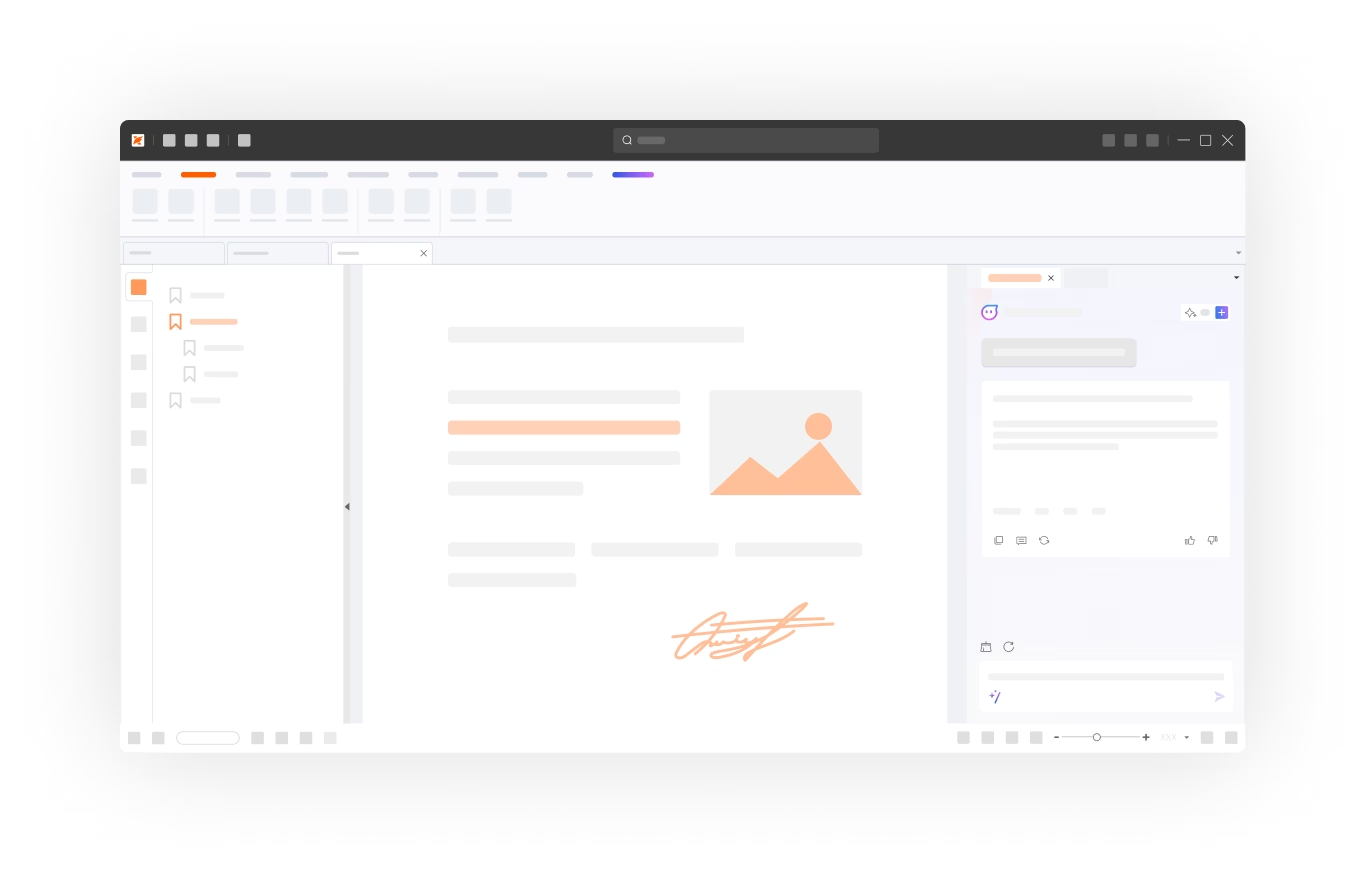
Open and read PDFs, add comments, fill forms, and sign documents with Foxit's free PDF reader and viewer for Windows and Mac, now with AI document intelligence.
By clicking “Download,” you agree to the Foxit Terms of Service.





Everyday PDF work
Finish Everyday PDF Tasks for Free
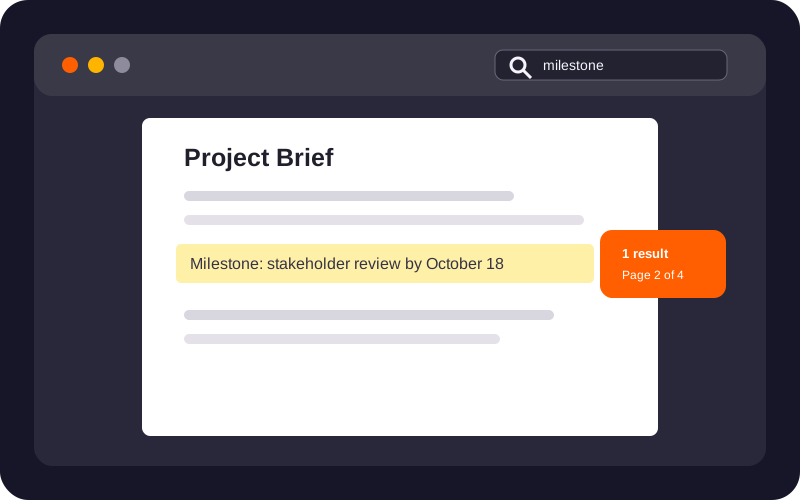
Find the Information You Need
Read, search, navigate, and print PDFs to get to the details that matter.
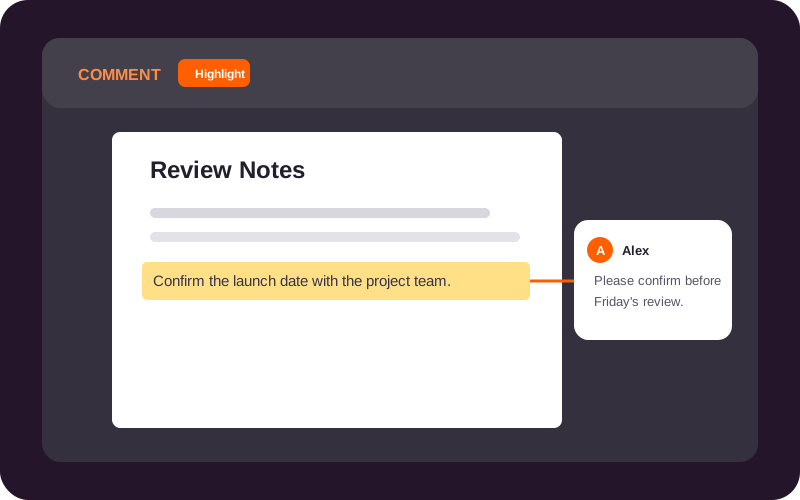
Give Clear Feedback
Highlight important passages, add notes, and mark up PDFs so others can act on your comments.
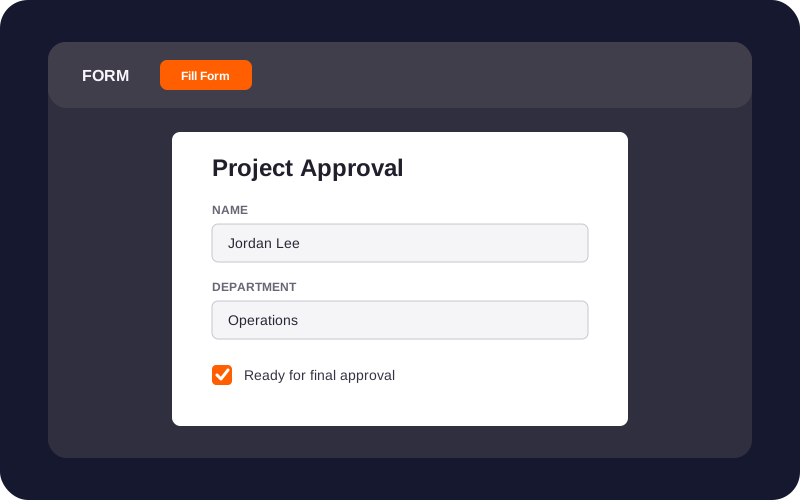
Complete Forms Without Printing
Fill existing PDF form fields and save your completed document.
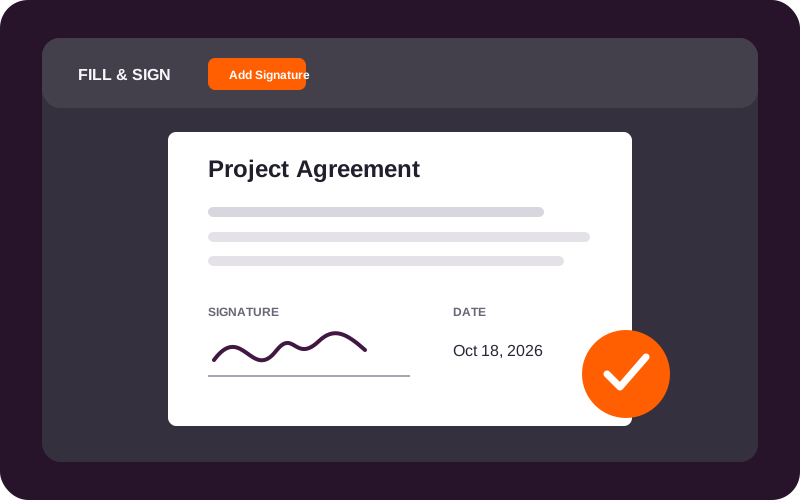
Sign and Return Documents
Add your signature to a PDF and return the completed file.
Free Foxit AI tools
Find Answers and Create Reports with Free AI Tools
Create a free Foxit account to use AI Assistant and Workspace with 300 shared AI credits every month with your Foxit PDF Reader.
Create a Free Foxit AccountAI Assistant
Understand the PDF in Front of You
Ask questions about your PDF, summarize a long document, or translate text while you read. AI Assistant works inside Foxit PDF Reader.
- Find an answer
- Get the key points
- Read across languages

Workspace
Turn Multiple Documents into One Clear Report
Bring documents and links into Workspace, ask questions across your sources, and create a report, comparison table, or presentation from what you find.
- Bring files together
- Ask across documents
- Create new content

Workspace is a separate web and desktop experience available through the same Foxit account.
Your 300 monthly credits work across AI Assistant and Workspace. Usage varies by task and document. Paid options provide more credits.
Keep Supported AI Tasks on Your Device
Run supported text tasks locally on compatible Windows devices and Apple silicon Macs. Download a model first, then use Local AI offline without cloud credits.
Cloud AI in Foxit AI Assistant and Foxit Workspace processes document content in the cloud. Foxit Local AI processes supported tasks on your device after a model download. Review Foxit's privacy policy and Local AI details for your chosen workflow.
Desktop, mobile, and beyond
Read PDFs Wherever You Are
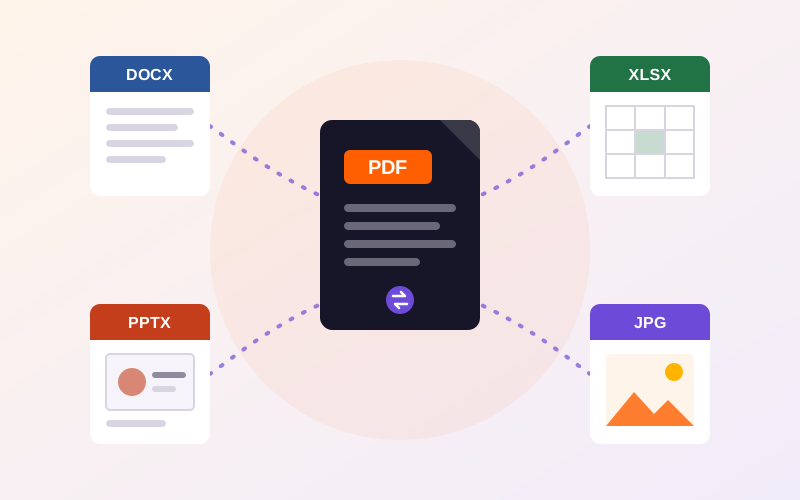
Start with the Reader that fits the device in front of you, then reach for free conversion tools when a PDF needs to become something else.
See current platform details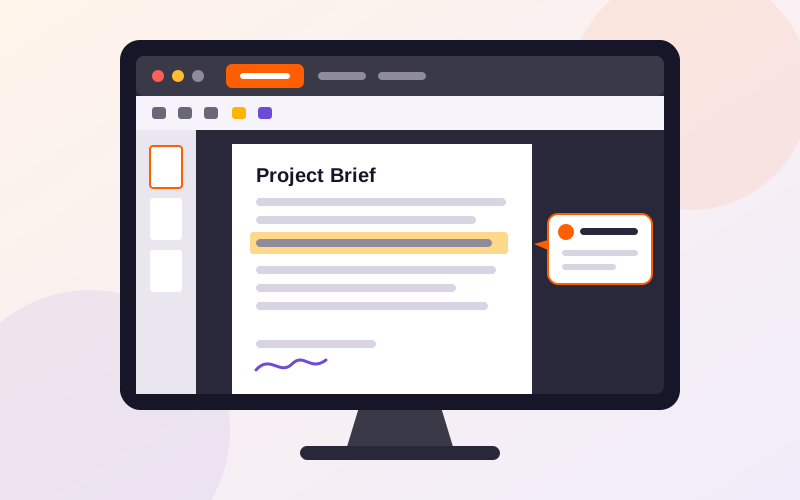
Foxit PDF Reader for Desktop
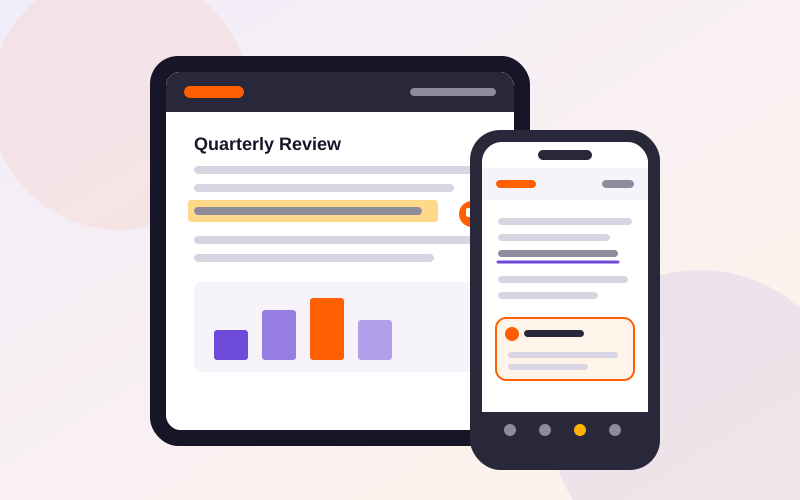
Read, review, fill forms, and sign PDFs on Windows or Mac, with the right version detected for your computer.
Reader or Editor
Choose the PDF Tools Your Work Requires
Use Reader for reading, reviewing, filling forms, and signing. Choose Editor when your work calls for editing, conversion, OCR, or permanent redaction.

AI access requires a free Foxit account. Your 300 monthly credits are shared between AI Assistant and Workspace. Create a Free Foxit Account
PDF Reader FAQ
Get Answers Before You Download
Foxit PDF Reader is free for reading, reviewing, filling existing PDF forms, and adding your signature. Read and annotate PDFs without a Foxit account. A free Foxit account adds access to Foxit AI Assistant and Foxit Workspace, with 300 shared AI credits each month. Create a Free Foxit Account.
Foxit PDF Reader lets you open, search, print, highlight, and comment on PDFs, fill supported form fields, and add your signature. Use Foxit PDF Reader to open local PDFs offline. Cloud features, including Foxit AI Assistant in cloud mode and Foxit Workspace, require an internet connection.
Foxit PDF Reader supports Windows and macOS desktop computers. Choose the download for your operating system. Compare Windows and Mac features for platform-specific capabilities. For reading and reviewing PDFs on iPhone, iPad, or Android, use the separate Foxit PDF Editor Mobile app.
Foxit PDF Reader supports reading, annotation, form filling, and signing; editing existing PDF text and images requires Foxit PDF Editor. Choose Foxit PDF Editor to change page content, convert PDFs, recognize scanned text with OCR, or permanently redact sensitive information. Try PDF Editor free for 14 days.
A free Foxit account includes 300 monthly AI credits shared across Foxit AI Assistant and Foxit Workspace. Use Foxit AI Assistant to understand PDFs in Foxit PDF Reader, and Foxit Workspace to analyze multiple sources and create reports in a separate web or desktop experience. Credit use varies by task and document. See credit usage. Create a Free Foxit Account.
Get Started
Three Steps to Reading and Using AI
Download first. Add a free account only when you want AI.
Step 1: Download Foxit PDF Reader
Install the free reader for Windows or Mac. Reading, commenting, filling forms, and signing work right away, with no account needed.
Step 2: Sign in with a free Foxit account
Signing in is optional. It turns on AI Assistant inside Reader and gives you access to Workspace.
Create a Free Foxit AccountStep 3: Use your 300 free monthly credits
Your credits are shared across AI Assistant and Workspace and renew every month.
See credit usage
Foxit PDF Reader
Start Reading, Reviewing, and Signing for Free
Download Foxit PDF Reader for Windows or Mac and handle everyday PDF work without an account.