Merge, Split, and Reorder PDFs Fast
Combine multiple files, extract specific pages, and reorganize documents with simplicity, giving you complete control over document assembly without the complexity.
Build the Perfect Document Every Time
Stop copying pages manually or sending multiple attachments. Foxit's organization tools let you assemble exactly the document you need in seconds.
One File, Complete Story
Combine contracts, appendices, and supporting documents into a single professional PDF. Share one file instead of a confusing folder of attachments.
Share Only What's Needed
Split large documents or extract specific pages to share relevant sections without exposing confidential content or overwhelming recipients.
Reorganize in Seconds
Drag and drop page thumbnails to reorder, rotate, or delete pages instantly. Fix pagination mistakes or restructure reports without starting over.
Organize Documents in 3 Easy Steps
Whether you're merging, splitting, or reordering, Foxit makes document assembly fast and intuitive.
Combine or split files
Open Foxit PDF Editor and go to Organize to merge multiple PDFs into one, or split a large document into smaller files by page count, file size, or bookmarks. Build exactly the document structure you need—no workarounds required.
Extract only the pages that matter
Select Organize > Extract to pull specific pages into a new PDF, or remove unnecessary sections entirely. Share focused, relevant content without exposing extra pages or sensitive information.
Reorder and refine instantly
Use page thumbnails to drag and drop pages into the correct order. Rotate, delete, replace, or rearrange pages in seconds—perfect for fixing pagination errors or restructuring reports without starting over.
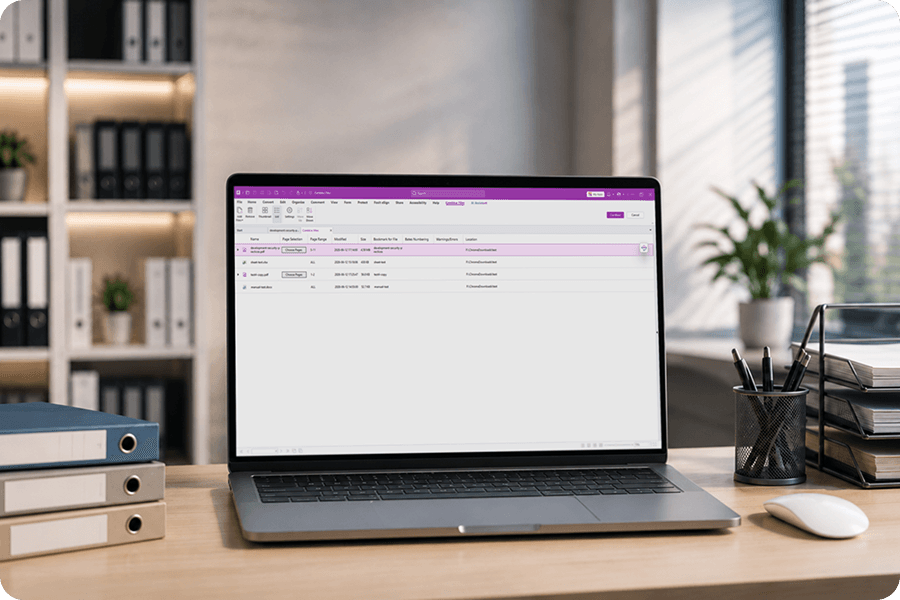
Merge Multiple PDFs
Combine any number of PDF files into a single document. Perfect for assembling proposals, consolidating reports, or creating comprehensive packages from separate sources.
- Drag and drop files to set merge order
- Combine entire documents or select specific pages
- Preserve bookmarks, links, and form fields
Split & Extract Pages
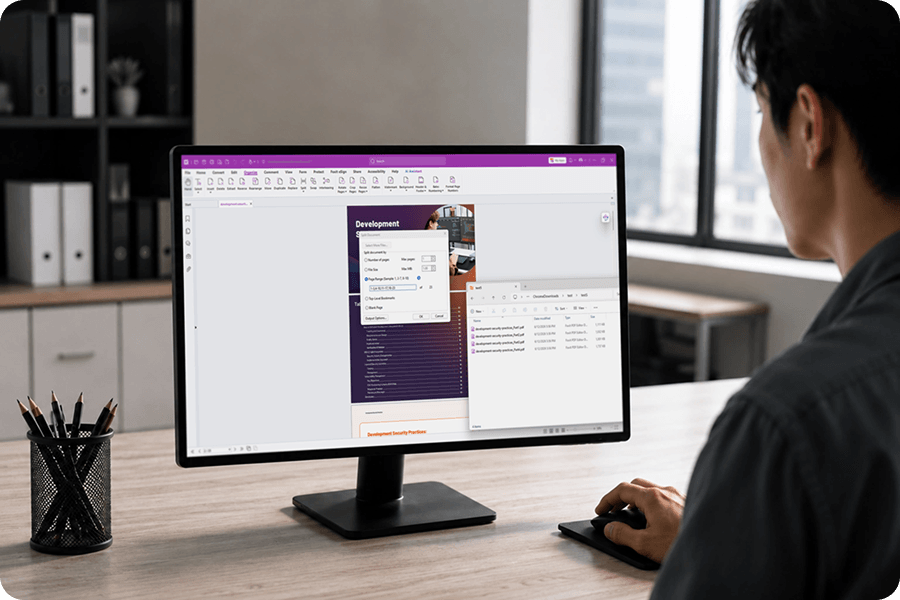
Break large PDFs into smaller, manageable files or extract specific pages to create new documents. Share only what's relevant while keeping the original intact.
- Split by page count, file size, or bookmarks
- Extract selected pages to a new PDF
- Batch split multiple documents at once
Compare Documents
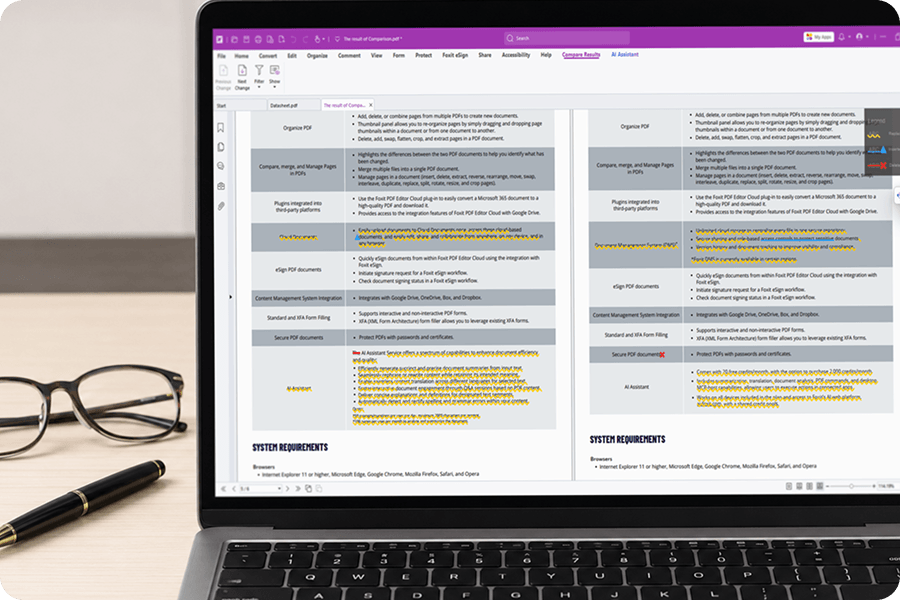
Identify every change between two versions of a document. Color-coded highlighting shows additions, deletions, and modifications at a glance—essential for contract review and version control.
- Side-by-side visual comparison
- Color-coded change highlighting
- Summary report of all differences
Bates Numbering
Add sequential identification numbers to pages for legal discovery, medical records, or any process requiring unique page identification and tracking.
- Customizable number format and placement
- Add prefixes and suffixes for case identification
- Apply across multiple documents in batch

Dynamic Watermarks
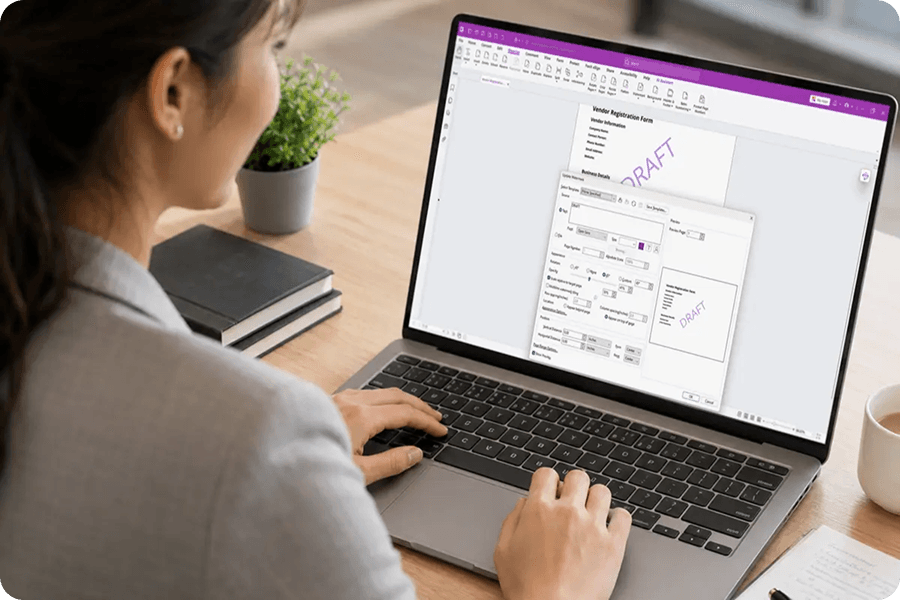
Add watermarks that automatically include the current date and time. Perfect for document certification, draft marking, or tracking when documents were processed.
- Auto-insert current date and time
- Customizable text, position, and opacity
- Apply to all pages or selected range
More Powerful PDF Features
Discover other tools in Foxit PDF Editor that help you work smarter with documents.