Translate PDFs Fluently
Use AI-powered translation to convert documents into 25+ languages while preserving layout and ensuring accuracy for global teams.
Global Communication Made Simple
Empower your international workflows with intelligent document translation that understands context and preserves meaning.
Reach a Global Audience
Translate documents into 25+ languages including Spanish, German, French, Chinese, Japanese, and more. Plus, Foxit PDF Editor's interface supports 17 languages for a native experience worldwide.
No Cleanup Required
Maintain your document's original layout, fonts, images, and structure—no reformatting required after translation.
Instant Results
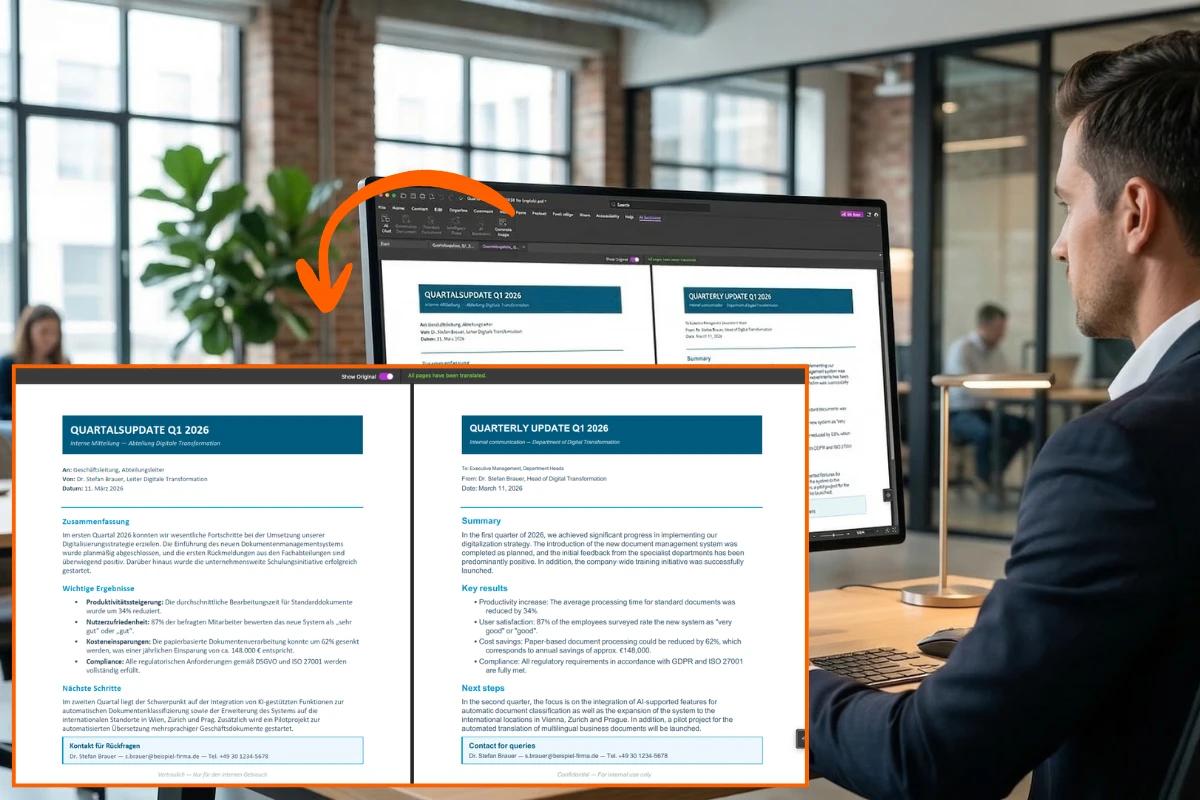
Get full document translations in seconds, not hours. Foxit automatically opens a side-by-side view of the original and translated documents for easy comparison and review.
Translate Any PDF in 3 Easy Steps
Foxit's AI Assistant makes document translation as simple as typing a command.
Open your document and launch AI translation
Open your PDF in Foxit PDF Editor, then click AI Assistant › Translate Document on the ribbon (or open AI Chat and choose Translate Document from the tool list). The AI Assistant automatically prepares the entire document for translation.
Select the target language
Choose from 25+ supported languages, including Spanish, French, German, Chinese, and Japanese. Foxit's AI understands context—not just individual words—so meaning stays intact across technical, legal, and business documents.
Review the translated PDF instantly
Once complete, Foxit automatically opens the translated document in a new tab, preserving the original layout, fonts, images, and structure. Compare side-by-side, then save or share—no formatting cleanup required.
Full Document Translation
Translate entire PDF documents with a single command. Perfect for contracts, manuals, reports, and any multi-page document that needs to reach a global audience.
- One-click full document translation
- Preserves headers, footers, page numbers, and complex layouts
- Side-by-side comparison with original for easy review
Selective Text Translation
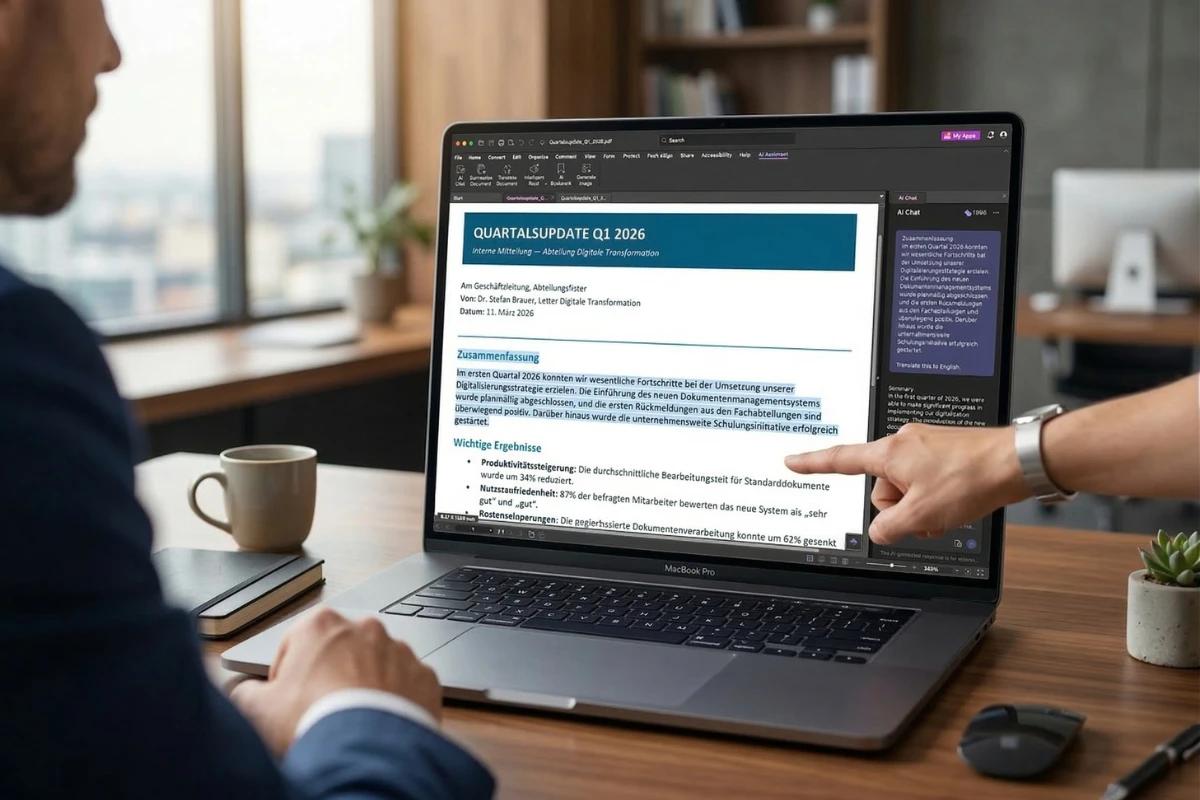
Need a quick translation without creating a new document? Select specific text, then use the AI Assistant Chat to translate it. The translation appears directly in the chat—ideal for quick reference or understanding foreign text on the fly.
- Select text and ask AI Assistant to translate
- Translation appears in chat for quick reference
- Perfect for understanding passages without altering the original
AI-Powered Accuracy
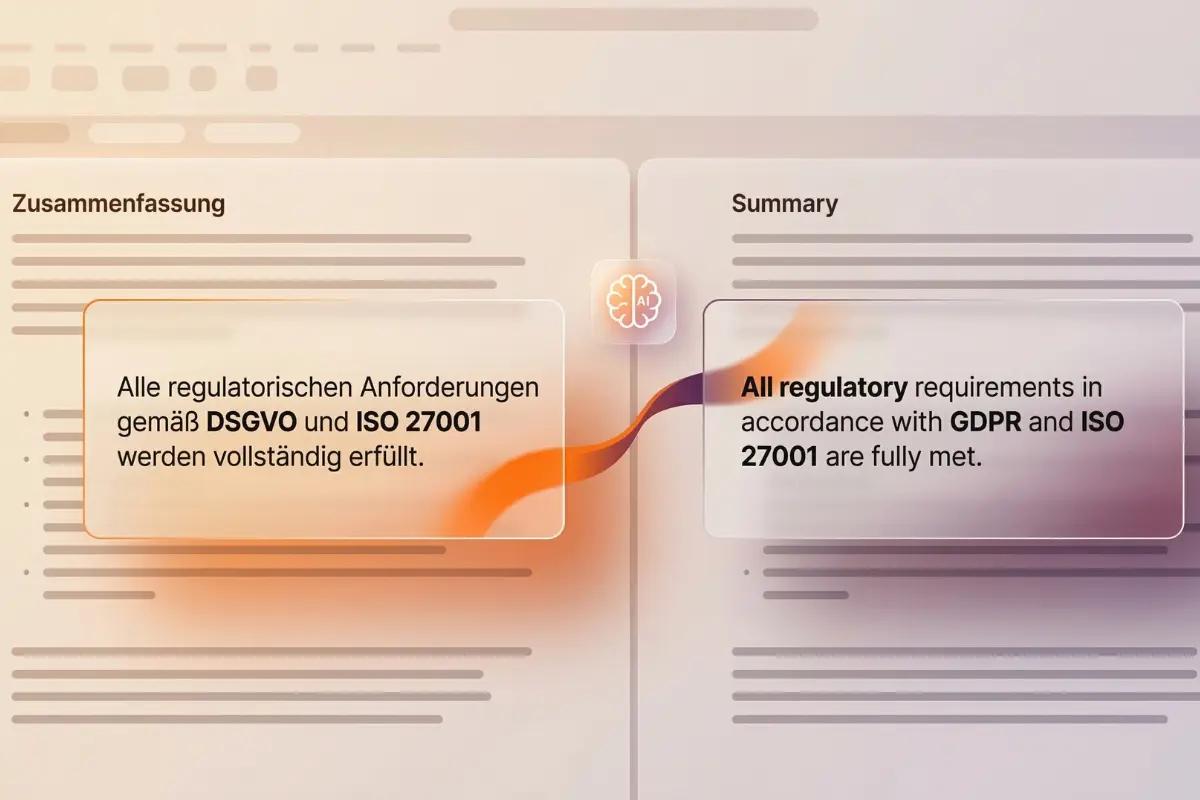
Foxit's AI Assistant uses advanced language models to understand context, idioms, and technical terminology—delivering translations that read naturally in any language.
- Context-aware translation engine
- Technical terminology recognition
- Natural-sounding output in all languages
Enterprise-Ready Localization
Scale your document workflows globally. Translate HR onboarding guides, legal contracts, product documentation, and marketing materials for international teams and clients.
- One credit translates the entire PDF, regardless of size
- Consistent terminology across translations
- Interface available in 17 languages

More Powerful PDF Features
Discover other tools in Foxit PDF Editor that help you work smarter with documents.
Ready to Go Global?
Start translating your PDF documents into 25+ languages today. Download Foxit PDF Editor and unlock AI-powered translation for your entire team.