Scan and OCR with Precision
Turn paper documents and images into searchable, editable PDFs using advanced OCR technology that captures text with reliable accuracy.
Work Smarter with Intelligent Document Recognition
Transform your paper-based workflows into efficient digital processes with enterprise-grade OCR technology.
Lightning-Fast Processing
Process hundreds of pages in minutes with batch OCR capabilities and optimized recognition engines.
Find Answers Faster
Instantly locate any word or phrase across your entire document library with powerful full-text search.
Save Hours of Work
Eliminate manual data entry with accurate text extraction that preserves formatting and layout.
From Paper to Searchable PDF in 3 Steps
Foxit makes document digitization effortless with an intuitive workflow designed for maximum efficiency.
Scan or open your document
Scan paper documents directly into Foxit PDF Editor or open existing scanned PDFs and image files. Foxit automatically detects image-based content and prepares it for text recognition.
Run OCR with precision settings
Choose Convert > Recognize Text to convert image-based content into searchable, editable text. Select recognition languages, page ranges, and enable suspected text detection to ensure accurate text capture—even across large, multi-page documents.
Search, edit, and reuse content
Once OCR is complete, your document becomes fully searchable and editable. Instantly find words or phrases, copy text, export content, or continue editing without retyping a single line.
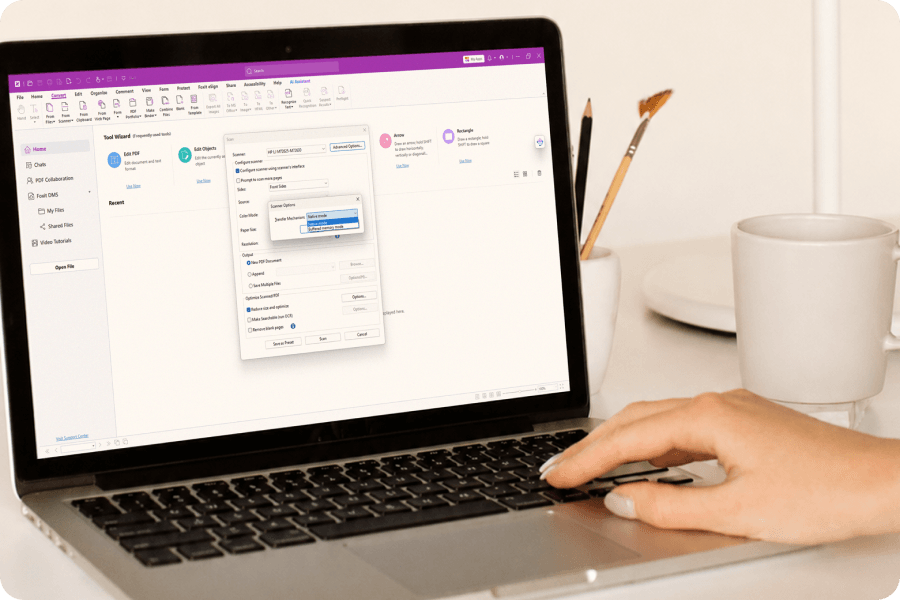
Direct Scanner Integration
Connect your scanner directly to Foxit PDF Editor and convert paper documents to PDF in one seamless step. No intermediate software required.
- TWAIN and WIA scanner support
- Multi-page batch scanning
- Optimize scanned PDFs for smaller file size and searchability
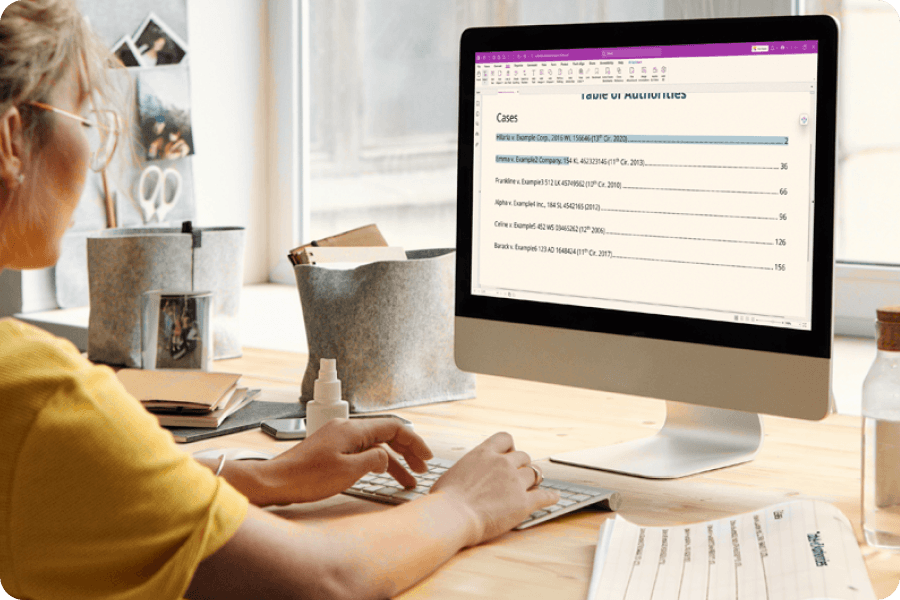
Accurate Text Recognition
Powered by the latest ABBYY OCR engine, Foxit delivers industry-leading character recognition accuracy for your digitized documents, even with complex layouts and multiple languages.
- Latest ABBYY technology for 99%+ accuracy
- Multi-language document support
- Table and column detection
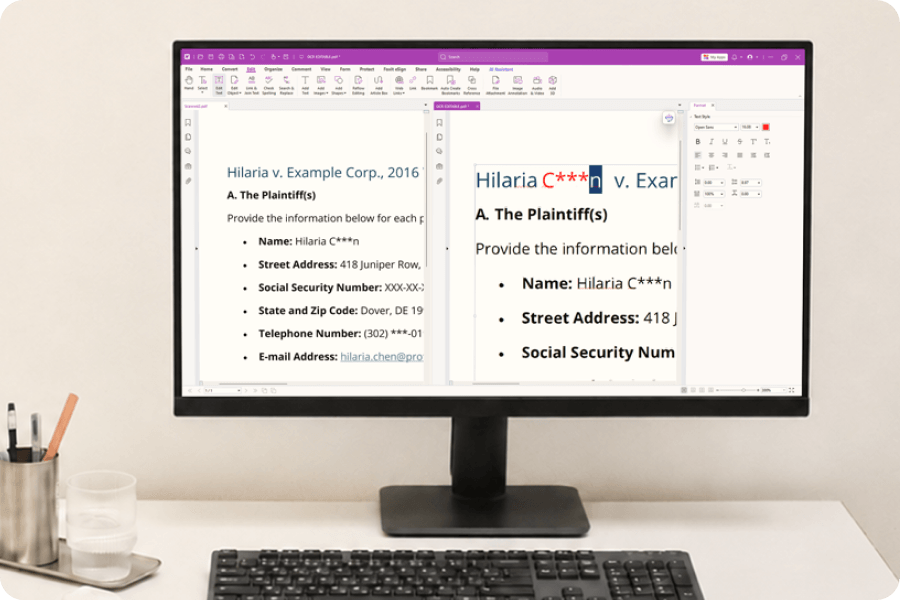
Edit Scanned Documents
After OCR processing, edit text directly within your scanned documents. Make corrections, update information, and maintain living documents without rescanning.
- Paragraph-level text editing
- Font matching and formatting
- Layout preservation during edits
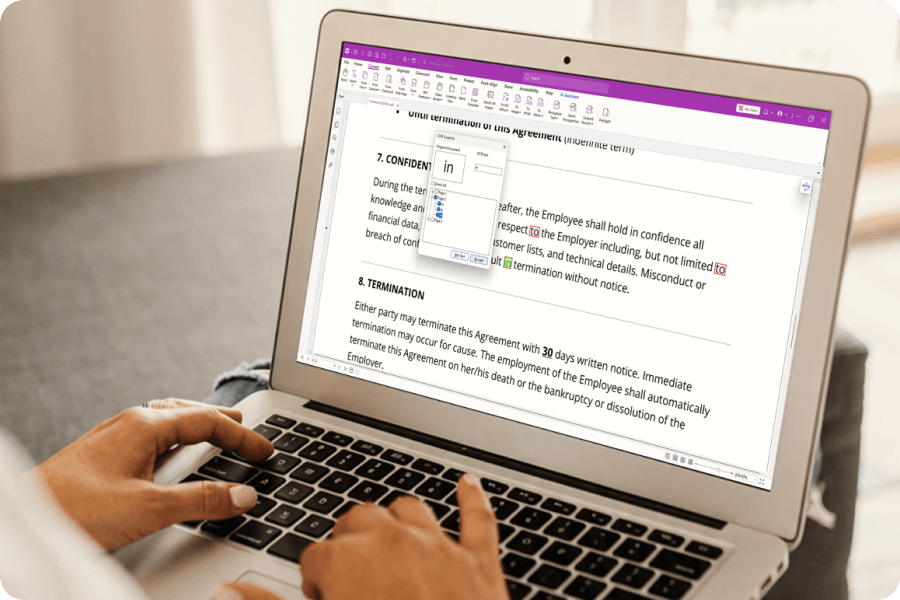
Verify & Correct OCR Results
Foxit's suspect word feature identifies potential OCR errors and lets you quickly verify and correct them, ensuring document accuracy before archival.
- Highlighted suspect words
- Side-by-side original comparison
- Quick correction workflow
More Powerful PDF Features
Discover other tools in Foxit PDF Editor that help you work smarter with documents.