An Arabic PDF Editor Built for Right-to-Left Work
Foxit PDF Editor now includes a fully localized Arabic interface with right-to-left menus and controls, so Arabic-speaking teams can edit, review, and organize PDFs entirely in their own language.
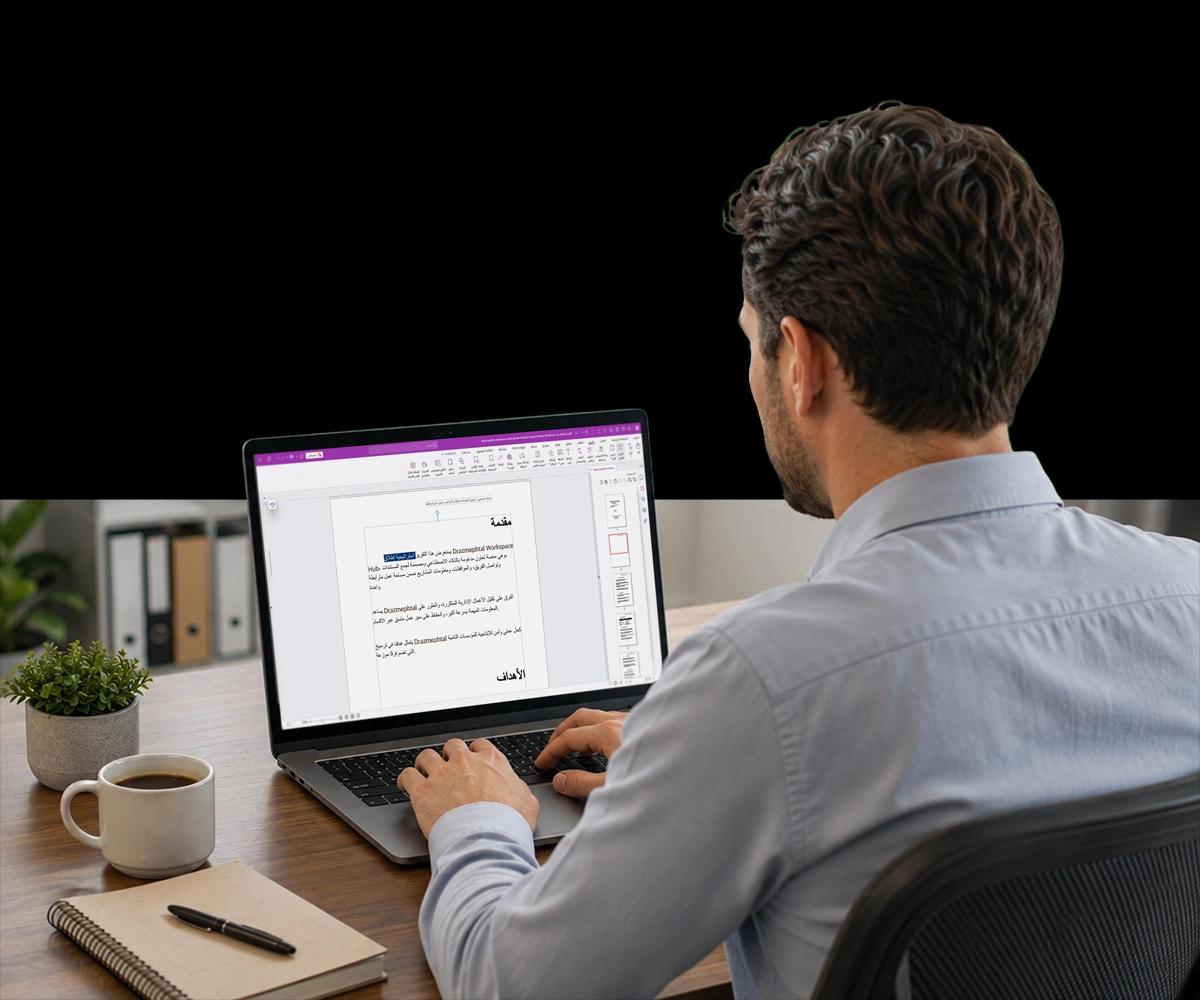
An Interface Built for Arabic-Speaking Teams
Foxit PDF Editor's Arabic UI replaces English-only menus with a right-to-left interface, so document review, editing, and navigation follow the reading direction Arabic-speaking users already expect.
Menus you can read your way
Foxit PDF Editor's menus, toolbars, and dialogs display in Modern Standard Arabic with a right-to-left layout, so Arabic-speaking users navigate the interface the way they read, instead of adapting to an English, left-to-right design.
One less barrier to adoption
Full Arabic localization removes a common obstacle for teams and organizations across the Middle East and Africa evaluating PDF software, so language is no longer a reason to choose a different editor.
The same Foxit PDF Editor, in Arabic
Arabic UI is built into Foxit PDF Editor v2026.2, so Arabic-speaking users get the same editing, review, and organization tools as every other user, in an interface that matches their language.
Start Working in Arabic in Three Steps
Switching to an Arabic interface takes only a few clicks, and the change applies across Foxit PDF Editor's menus and tools right away.

Open display language settings
From Foxit PDF Editor's preferences, open the display language setting, where available interface languages are listed. Modern Standard Arabic appears alongside the application's other supported languages, ready to select without installing separate software.

Switch to the Arabic interface
Select Arabic from the language list and confirm the change. Foxit PDF Editor's menus, ribbon commands, and dialogs switch to Modern Standard Arabic with a right-to-left layout, so navigation matches the new interface language.

Continue working in your PDFs
Open, edit, review, and organize PDFs as usual, now within a right-to-left Arabic interface. Every other Foxit PDF Editor tool works the same way, presented in the reading order Arabic-speaking users expect.

Modern Standard Arabic across the interface
Foxit PDF Editor's menus, toolbars, ribbon commands, and dialog boxes are localized into Modern Standard Arabic on Windows. Instead of navigating an English-only application, Arabic-speaking users work in an interface that reflects their language throughout the editing experience.
- Modern Standard Arabic localization across menus, toolbars, and dialogs
- Removes a common language barrier for Arabic-speaking users
- Unifies Arabic language support across Foxit's product lineup
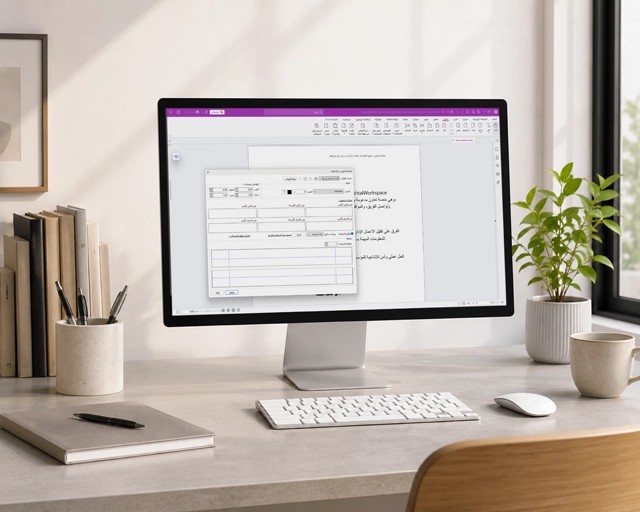

A right-to-left layout, not just translated text
Rather than only translating labels, Foxit PDF Editor's Arabic UI mirrors the interface layout to a right-to-left orientation, so menus, panels, and navigation flow the way Arabic readers expect, instead of retrofitting Arabic text onto a left-to-right design.
- Right-to-left (RTL) UI translation across menus and panels, not only translated labels
- Interface navigation follows right-to-left reading order
- Built to serve Arabic-speaking users across Middle Eastern and African markets
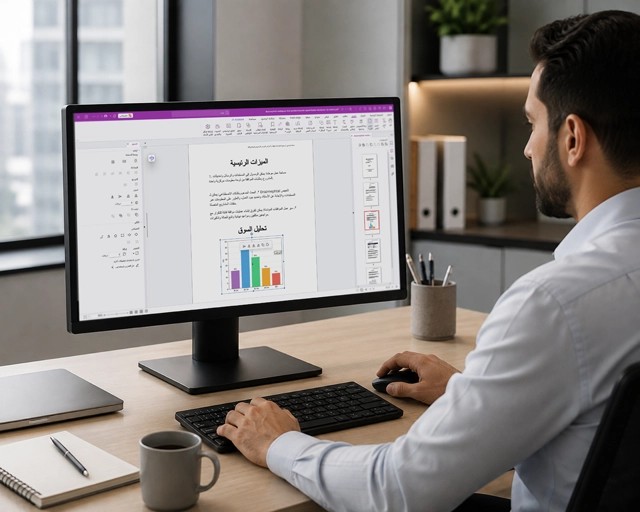

Existing right-to-left support for document text
Separate from the new Arabic interface, Foxit PDF Editor already lets users set a right-to-left writing direction on individual text boxes when adding or editing typed content, a baseline capability available before v2026.2.
- Per-text-box writing direction setting: left-to-right or right-to-left
- Available in the baseline product, independent of the new Arabic UI
- Useful when typing Arabic or other right-to-left script content directly into a PDF
More Powerful PDF Features
Discover other new Foxit PDF Editor v2026.2 capabilities built for teams with specific regional, industry, or workflow needs.


Foxit Workspace
An AI-powered workspace inside Foxit PDF Editor that gathers source documents and turns AI analysis into finished, editable output, available as part of the v2026.2 release.
Explore MoreAzure GCC High Integration
Security and compliance capabilities aligned with Microsoft Purview standards, including Azure Government Cloud (GCC High) support for regulated and public-sector organizations.
Explore MoreBluebeam Alternative
Custom symbol management, automatic page labeling, and measurement tools built to match Bluebeam's workflows, for AEC teams evaluating a switch.
Explore MoreBring Arabic-Speaking Teams Into Foxit PDF Editor
See how a fully localized, right-to-left Arabic interface makes Foxit PDF Editor easier to adopt for Arabic-speaking users across the Middle East and Africa.