 Document Translator
 PDF Summarizer
 Chat with PDF
 Risk Analysis
 Fraud Detection
 Analyze Document
 Contract Review
 Extract Information
Free Online PDF Converter
Convert PDF files online for free with Foxit's PDF converter. Turn Word, Excel, PowerPoint, and image files into PDF, or convert a PDF back into the format you need, all in one place.

PDF to Word

JPG to PDF

Word to PDF

PDF to JPG

PDF to Excel

Excel to PDF

PNG to PDF

PPT to PDF

PDF to PNG

PDF to PPT

HTML to PDF

Text to PDF

TIFF to PDF

PDF to Text

OCR PDF

RTF to PDF

PDF to TIFF

PDF to HTML

BMP to PDF

GIF to PDF

PDF to BMP

Merge PDF

Compress PDF

Split PDF

Delete Pages from PDF

Crop PDF

Rotate PDF

Extract PDF Pages

Add Pages to PDF

Rearrange PDF

Add Page Numbers to PDF

Unlock PDF

Password Protect PDF

Request Signature

Chat with PDF

Translate PDF

German to English

English to Arabic

French to English

Multi-languages to English

Multi-languages to Spanish
Convert PDF for Free on Your Desktop for 14 Days.
High-Quality Converter + MORE


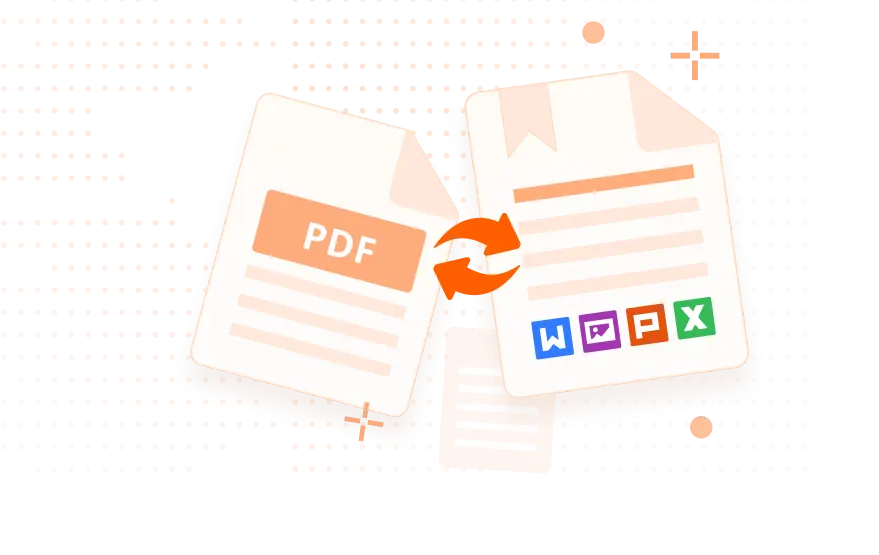
How to Convert Files to and From PDF for Free
1
Click the tool you want to use to go to its page.
2
Upload a file from your computer, or drag and drop it into the converter.
3
Click "Start Conversion". Foxit's online PDF converter will convert your file automatically.
4
Click "Download Your File" to save your converted file.
Top Use Cases for our PDF Converter
Keeping sensitive information safe matters for every business. Converting a document to PDF with Foxit gives you more control over who can see it and what they can do with it. Once you convert to PDF, you can:
- Password protect your files: restrict access so only authorized people can open them.
- Restrict editing and printing: limit how a document can be used once it leaves your hands.
- Add digital signatures: confirm authenticity and help prevent unauthorized changes.
Foxit's PDF converter helps you convert files to PDFs that can apply these security settings, making it easy to protect your documents and stay compliant.
First impressions matter. When you present proposals, contracts, or reports to clients or executives, converting them to PDF with Foxit's PDF converter keeps the presentation polished and consistent, however the recipient opens it.
- Maintain consistent formatting: a PDF looks the same on any device, regardless of the viewer's operating system or software.
- Create high-quality, shareable files: share PDFs by email or cloud platform without formatting breaking on the other end.
- Improve accessibility: PDFs open easily across desktops, laptops, tablets, and smartphones.
Convert to PDF with Foxit before you send it, and your document looks as polished as the work behind it.
Foxit's PDF converter makes your existing business workflow easier by providing dedicated and easy-to-use tools for document conversion, free of charge. Foxit offers an advanced PDF solution, Foxit PDF Editor, which integrates with your existing business systems and allows you to:
- Automate conversions: seamlessly convert documents to PDF within your existing workflows.
- Improve document management: store, share, and retrieve PDF documents within the system your team already uses.
- Enhance collaboration: convert files to the universal PDF format so colleagues and clients can open them without extra software.
Integrating Foxit's PDF conversion service into your existing tech stack removes steps instead of adding a new tool to learn.
Scanned documents and complex files slow teams down. Foxit's PDF converter helps you turn them into something usable:
- Convert scanned documents to editable PDFs: Optical Character Recognition (OCR) turns scanned pages into searchable, editable PDFs.
- Make complex files more usable: convert images or presentations into PDFs that are easy to navigate and search.
Creating shareable, editable PDFs with Foxit's PDF converter helps your whole team collaborate, and makes sure your information reaches everyone who needs it.
Frequently Asked Questions on our PDF Converter
Foxit's PDF converter is a free online tool that converts files to and from PDF. Click the tool you want to use to go to its page, upload a Word, Excel, PowerPoint, image, or PDF file, and Foxit converts it while keeping the original layout and quality. No installation or account required.
Yes. Files are processed temporarily and deleted automatically after conversion. Foxit does not store your content, train AI models on it, or share your data, and every conversion runs over an encrypted connection. See Foxit's Trust Center for details on how your data is handled.
The online converter does not add passwords during conversion. Once your file converts to PDF, use Foxit's Password Protect PDF tool to restrict who can open, edit, or print it, adding a layer of security on top of the encrypted, auto-deleted handling used during conversion.
The online converter is built for format conversion, not editing. Once your file converts to PDF, open it in Foxit PDF Editor to add text, images, or signatures, or to make other changes before you share it.
Yes. Foxit's HTML to PDF tool converts a webpage or HTML file into a PDF, keeping the layout, images, and formatting intact so you can save, share, or archive the page.
You can upload and convert multiple files in a single session. To combine several files into one PDF, use Foxit's Merge PDF tool after conversion. To break a large PDF into smaller files, use Foxit's Split PDF tool. For true batch processing and automation, Foxit PDF Editor's desktop version adds high-volume batch conversion, OCR, and advanced tools.
Yes, there's no cost and no account needed for the online converter. If you outgrow it, unlimited conversions, batch processing, editing, and OCR are all available through the 14-day free trial of Foxit PDF Editor.
Foxit holds its own against Adobe Acrobat, freepdfconvert.com, and freeconvert.com on the basics: free, browser-based conversion with no account needed. Where it pulls ahead is what happens next, files are encrypted and auto-deleted rather than stored, and upgrading to Foxit PDF Editor unlocks batch conversion, OCR, and full editing without the price tag of legacy PDF software. For the full comparison, visit our Adobe Acrobat alternative page.
Yes. Foxit's converter runs entirely in the browser, so it works on Windows, Mac, Linux, ChromeOS, iOS, and Android without installing anything.