Foxit PDF Editor for Windows

User Guide

  • Introduction
  • Get Started
  • Read
  • Create
  • Edit
    • Undo and Redo
    • Links
    • Bookmarks
    • Page thumbnails
    • Destinations
    • File Attachments
    • Images
      • Add an image
      • Apply an image to other pages
      • Move and resize an image
      • Set properties of an image
      • Delete an image
      • Arrange images
        • Select multiple images
        • Align images
        • Center images
        • Distribute images
      • Resize multiple images
      • Setting properties of multiple images
    • PDF Optimizer
    • Action Wizard (Pro Only)
    • Work with Video & Audio
    • Search and Replace Text
    • Paragraph Editing
    • Objects
    • Articles
    • Spelling Check
    • Working with Layers
    • PDF properties and metadata
  • Organize
  • Comment
  • Share PDFs
  • Forms
  • Security
  • Signature
  • Accessibility
  • Foxit Admin Console
  • Print
  • Foxit AI Assistant (Available in Subscription Releases and Certain Regions)
  • Appendices

Center images

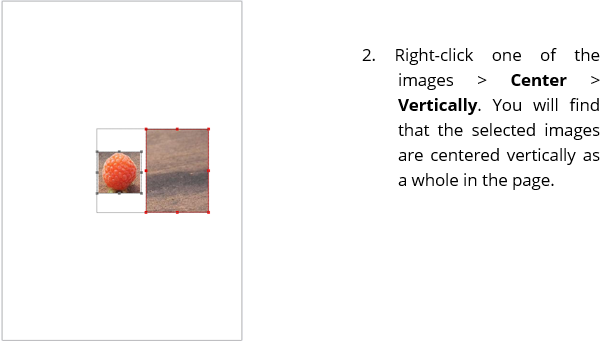
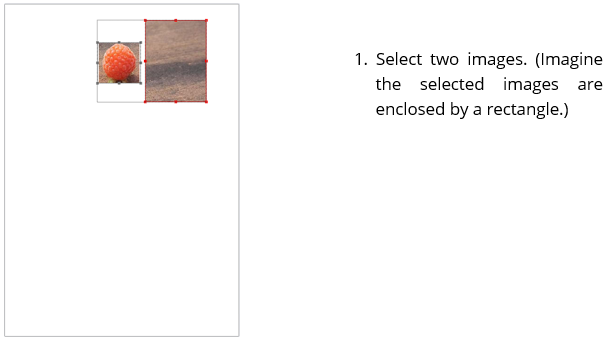
This function enables you to center the selected images as a whole vertically, horizontally, or both. To center the selected images, select a type of centering from the Format tab in the right panel, or right-click the anchor image > Center > choose a type of centering.

Below is an example:
Center Images