Create Custom Images Without Leaving Your PDF
Generate professional visuals from text prompts, style presets, or reference images, directly inside Foxit PDF Editor. No external tools. No reformatting. No extra licenses.
Add Visuals to Documents Without Adding Tools
Generate on-brand images inside your existing PDF workflow. No design software. No stock photo subscriptions. No IT tickets.
Reduce Software Sprawl
Built-in AI image generation means one less application to procure, deploy, and support. With one less tool to license, content stays inside a platform your team already uses.
Professional Results, Zero Design Skills
Six built-in style presets turn plain text prompts into polished visuals. Teams create consistent, professional imagery for reports, proposals, and presentations without graphic design training.
Faster Documents, Fewer Bottlenecks
Generate, edit, and place images in the same workspace where documents are built. No app switching, no export/import cycles, no waiting on creative teams for simple visual assets.
Generate an Image in 3 Steps
From prompt to professional image in under a minute.
Describe what you need
Open the AI Assistant and select Generate Image. Type a natural language description of the image you want. Optionally upload a reference image and choose from six style presets—Photorealistic, Illustration, Minimalist, Pixel Art, Watercolor, or Black & White—plus your preferred aspect ratio.
Pick your image
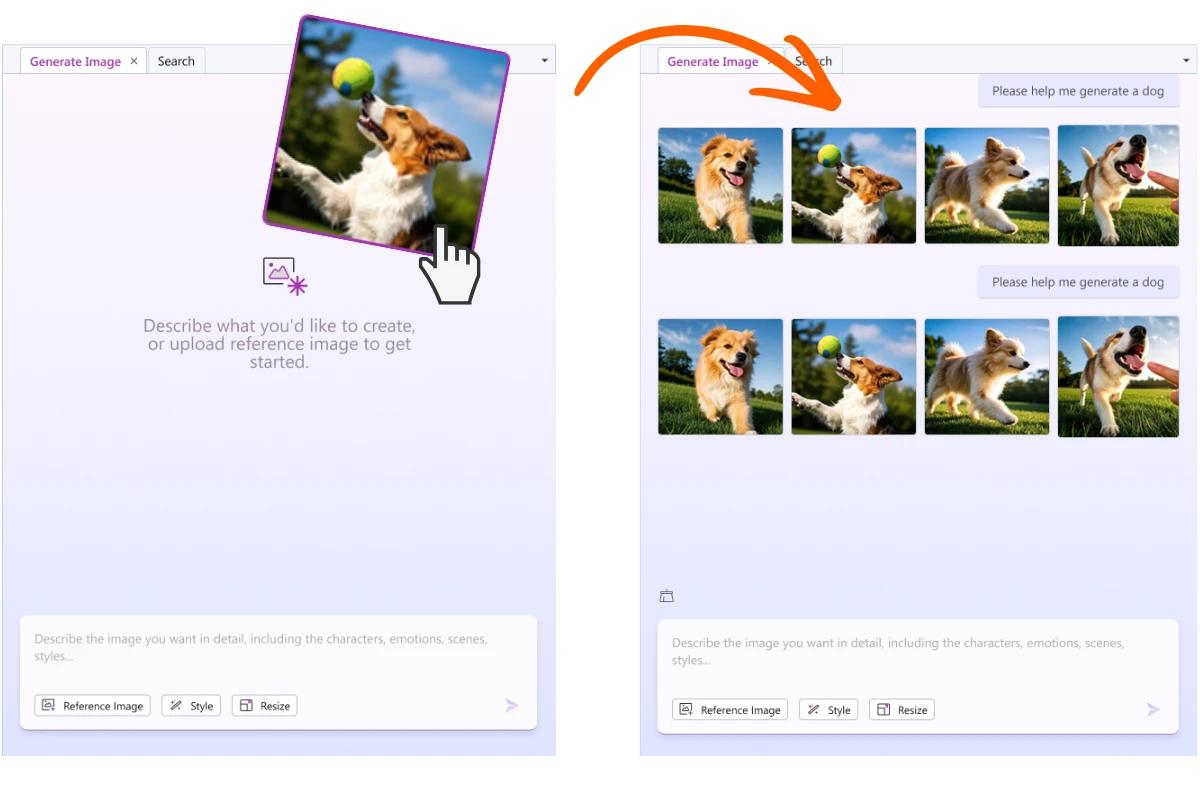
Review four AI-generated options. Select the one that fits your document best. Each generation gives you real choices, not a single take-it-or-leave-it result.
Place it and refine
Click Add to Document to insert it directly onto your page. Edit Object mode activates automatically so you can move and resize immediately. Need a final touch? Use Edit Image to crop, remove backgrounds, adjust colors, or apply filters.
AI-Powered Image Generation
Describe what you need in plain language and get four image options in seconds. Use style presets and aspect ratio controls to match your document's look and feel without any design experience.
- Four image options per prompt for real creative choice
- Six style presets: Photorealistic, Illustration, Minimalist, Pixel Art, Watercolor, Black & White
- Aspect ratio presets (1:1, 3:2, 2:3) for square, landscape, or portrait layouts
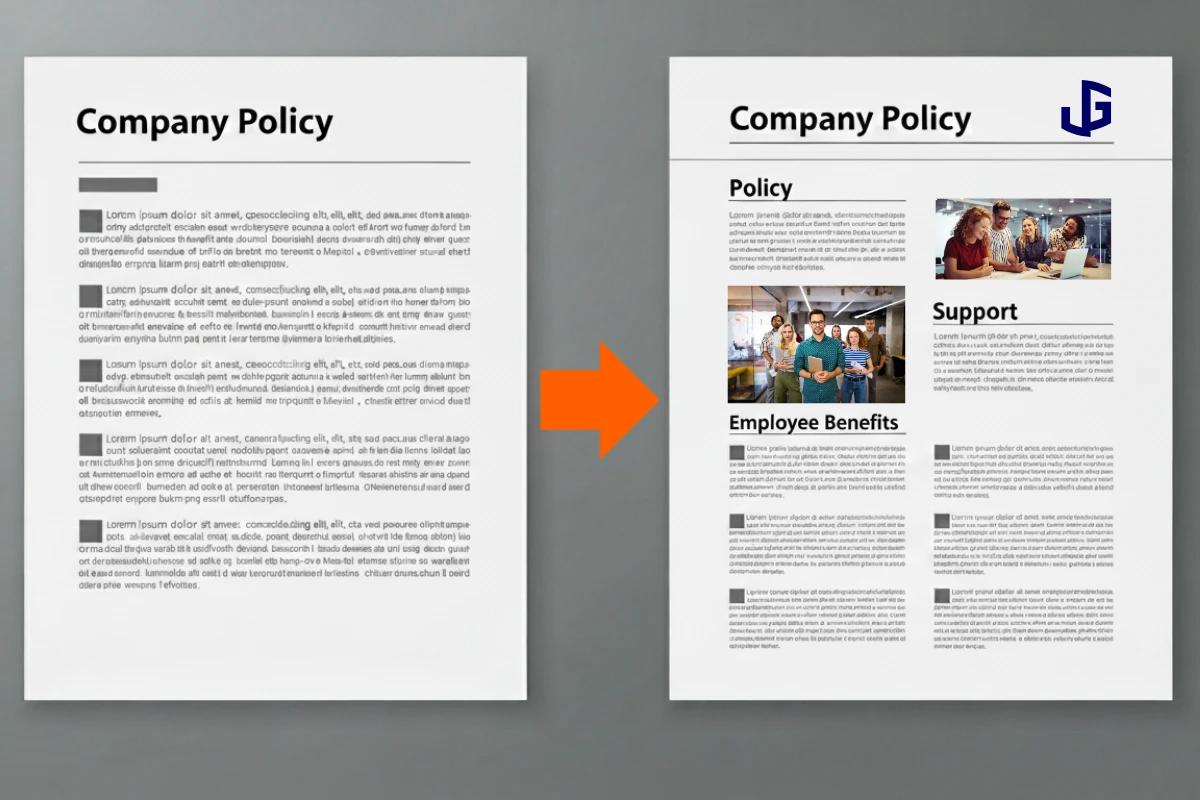
Reference Image Guidance
Upload an existing image as a reference to guide the AI output. Match brand aesthetics, replicate visual styles from previous documents, or align new visuals with established design systems—all within the editor.
- Upload a reference image to guide the AI's visual output
- Maintain brand consistency across documents and teams
- Combine reference images with style presets for precise visual control
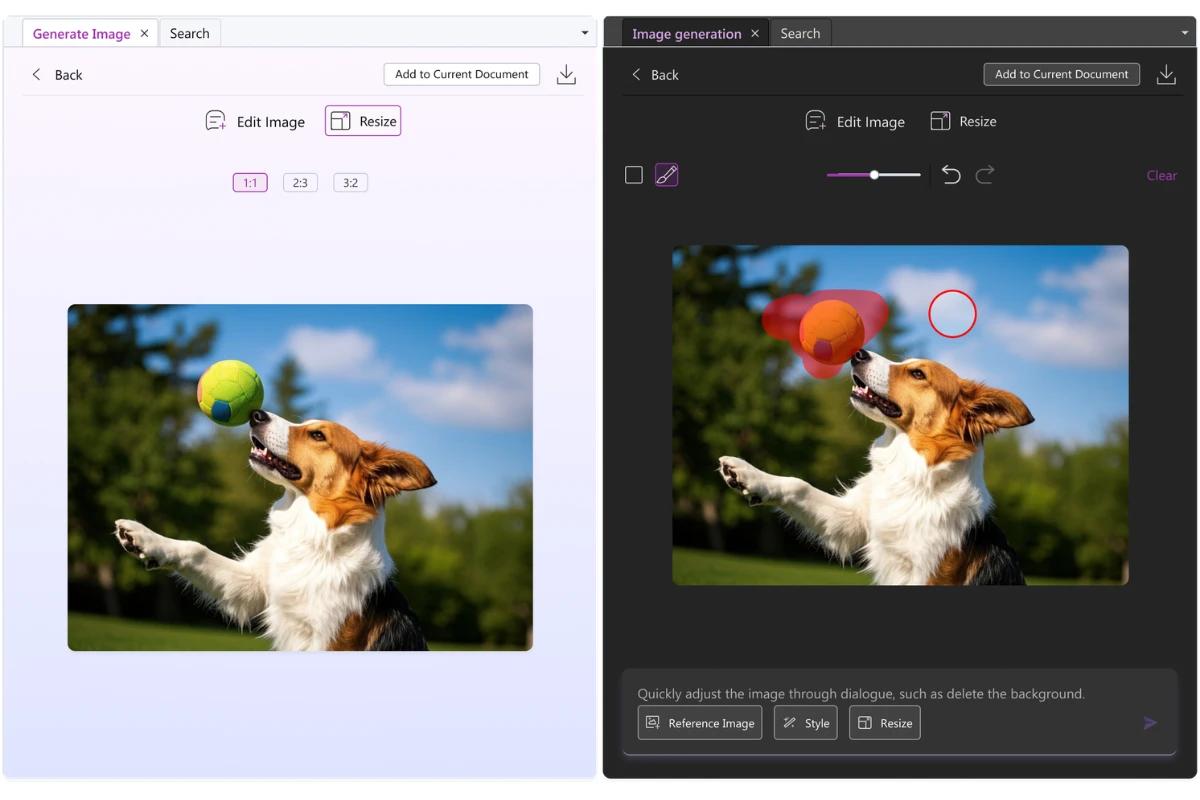
Built-In Image Editing
Refine AI-generated images before they hit the page. Remove backgrounds, crop to fit, adjust colors, and apply filters—all without leaving Foxit PDF Editor. The editing tools work on any selected image, giving you final-polish control in the same workspace.
- Background removal, cropping, and color adjustment
- Apply filters for a finished, professional look
- Edit immediately after generation or return to any image later
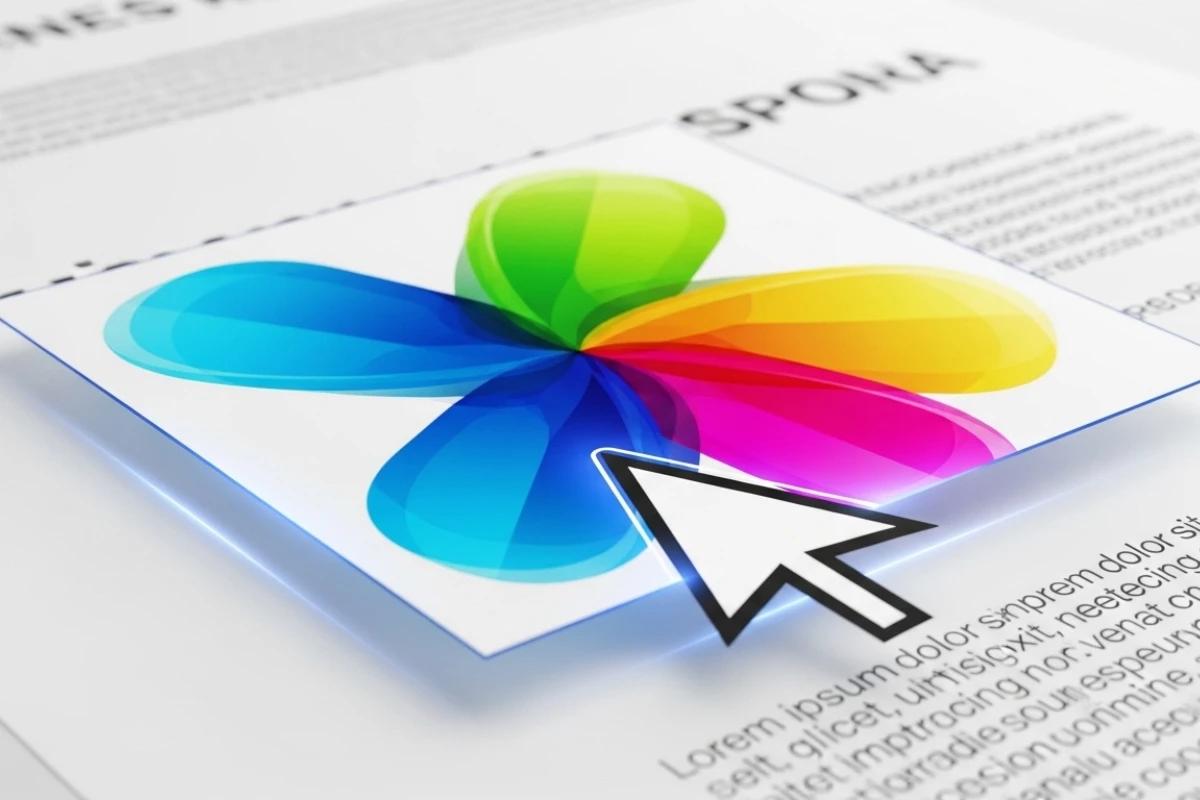
Instant Document Placement
One click places your selected image directly onto the page. Edit Object mode activates automatically, so you can reposition and resize without extra steps. The image lands centered and ready to work with—no copy-paste from external tools, no layout disruptions.
- One-click Add to Document insertion
- Auto-enabled Edit Object mode for immediate repositioning
- No export/import cycle—generate, place, and finalize in one workflow
Works Across Desktop, Cloud, and Mobile
AI Generate Image is available on desktop (Windows and Mac), cloud, and mobile. Whether your teams work from the office, from home, or from a client site, they have the same image creation capabilities in every environment.
- Available on desktop, cloud, and mobile platforms
- Consistent experience across all work environments
- One feature set, no platform-specific limitations

More Powerful PDF Features
Discover other tools in Foxit PDF Editor that help you work smarter with documents.
Start Creating Images Within Your PDFs Today
Generate professional visuals directly inside Foxit PDF Editor. No design skills required.